
Managing Existing Routes
This is where you can view the existing set of routes and edit them.
To do that,
- Click Manage Routes under the Routes pull-down menu.
Figure 1. Manage Routes 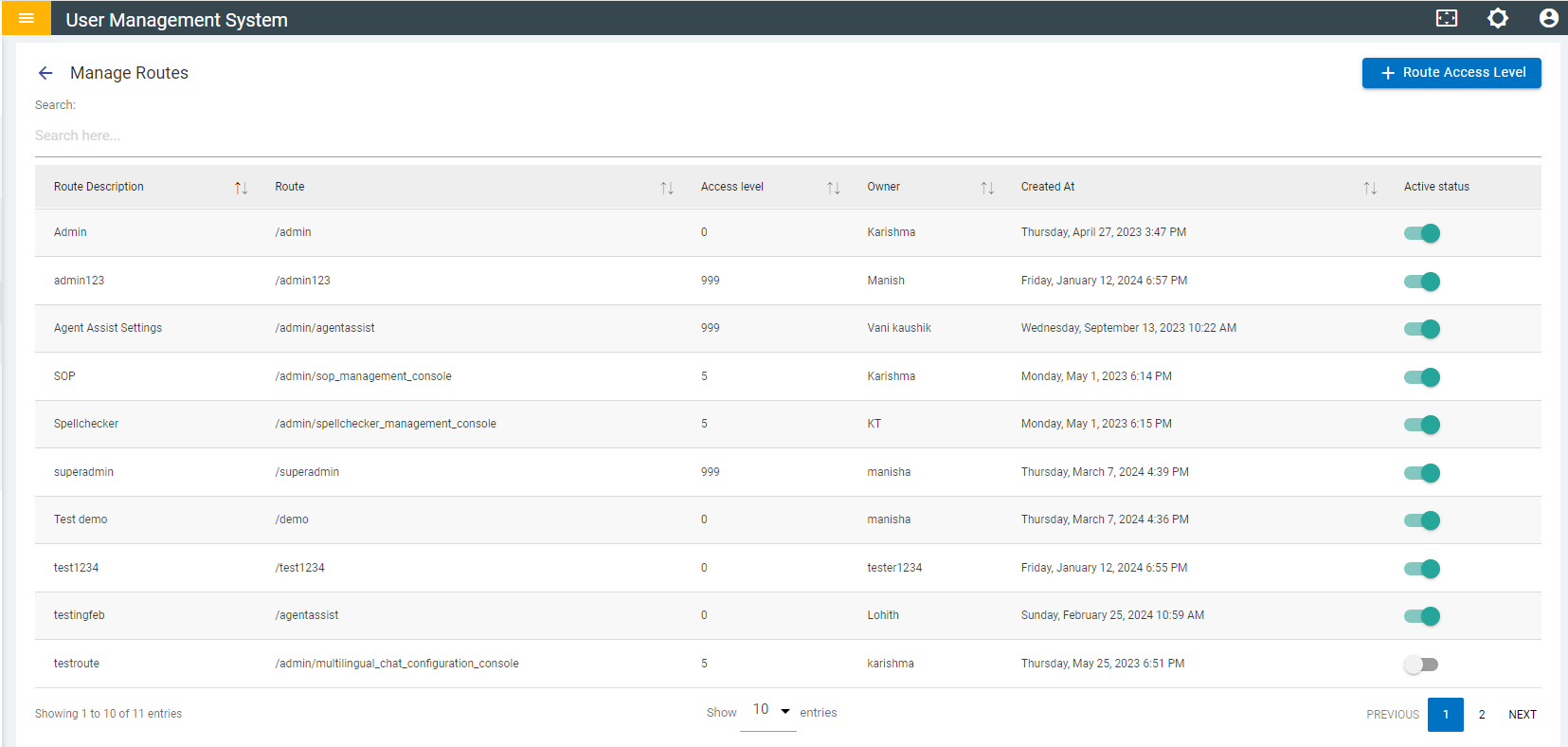
- On this page, you can:
- Search for a route.
- Change the Active Status for a route. Once deactivated, a route and the respective page becomes inaccessible.
- Add/Create a new route access level.