Delete Topology
If the relationship data are wrongly mapped or created or need to be removed, provision of bulk delete is available on the page.
- Click on the check boxes next to the topology data to select the rows or
relationship that needs to be deleted.
Figure 1. Delete Topology 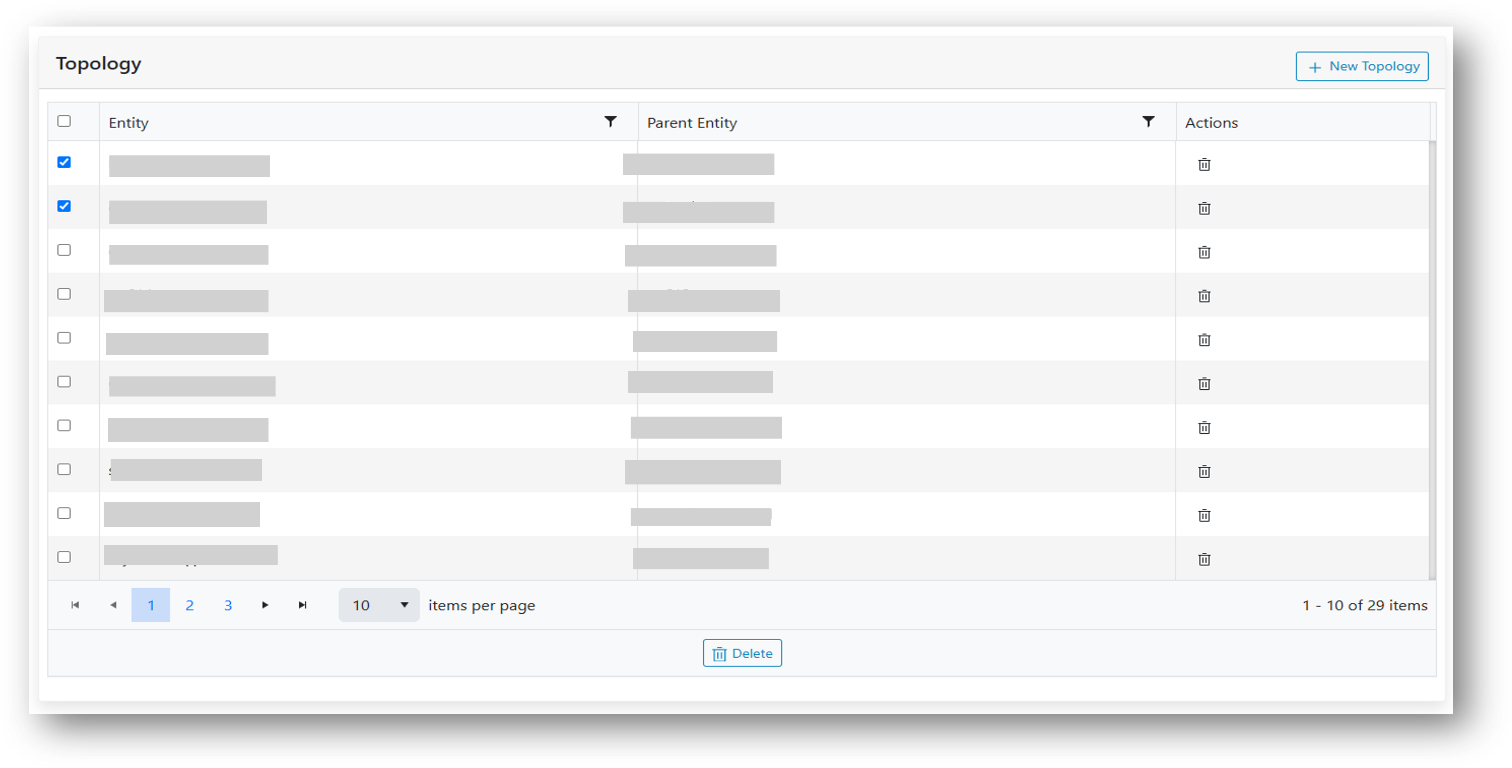
- Like with the entities page as the rows are selected, the icons on the footer of the grid
are enabled and selection count is displayed as well.Note:
Like entities, if all data is to be selected on the page, click on the checkbox in the header, it will select all the rows displayed on the page.
- Click on the Delete icon.
Figure 2. Bulk Delete Topology 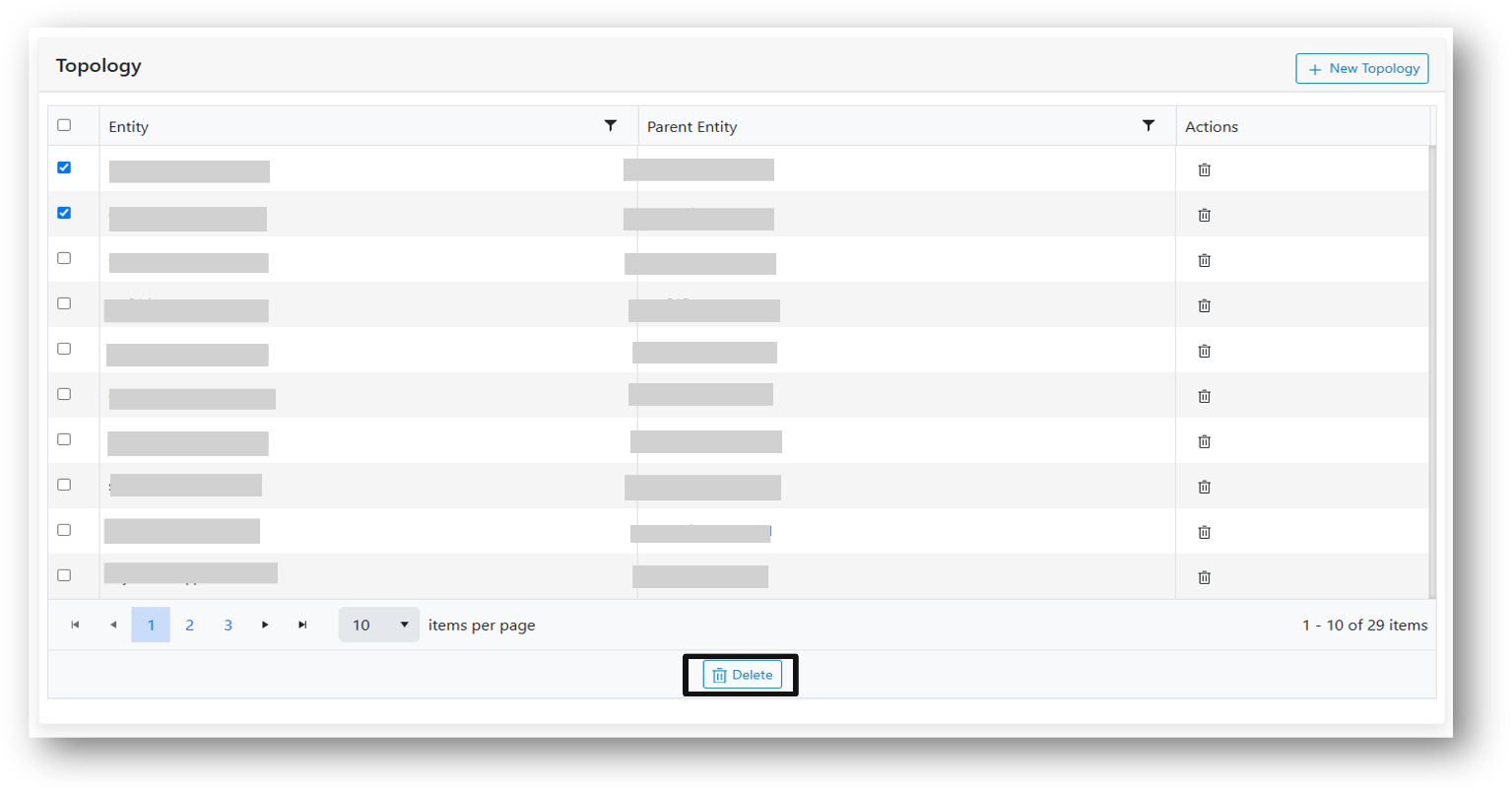
- A confirmation box will be prompted.
Figure 3. Confirmation pop-up. 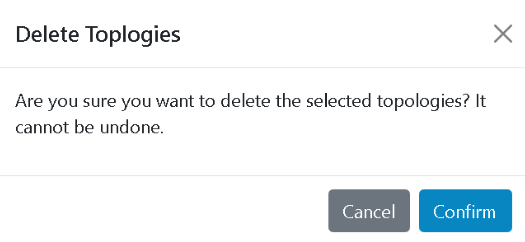
- Clicking Ok, deletes the selected relationship data.
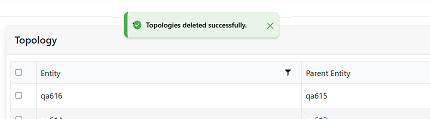
- On successful deletion rows are removed from the grid and a confirmation box is
displayed.
Figure 4. Alert Message