
User Dashboard
Let us start by explaining the Users section.
- Click Users (
 ) and you are redirected to the
Manage User page as shown in Manage Users.
) and you are redirected to the
Manage User page as shown in Manage Users. - Use the navigation bar below Manage Users to navigate back to the module
home.
Figure 1. Manage Users 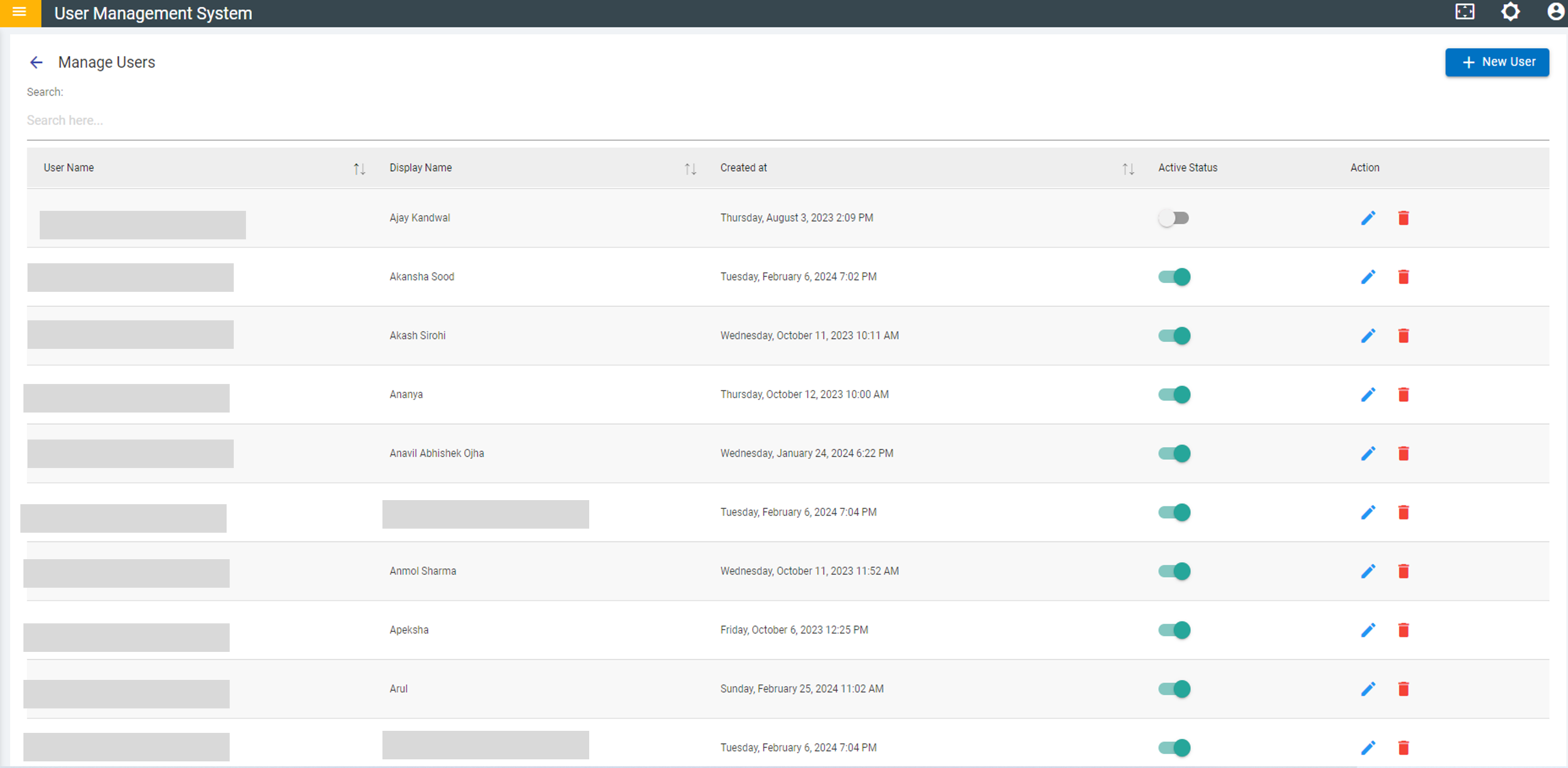
- On this page, you can perform the following actions:
- Add New User
- Manage Existing Users.