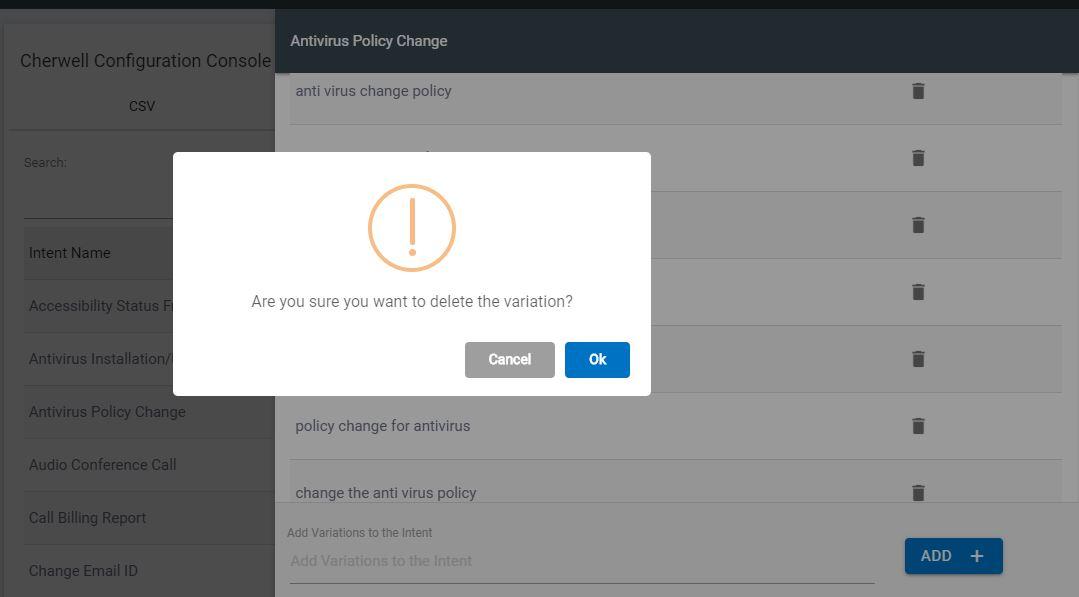
To Remove Variations
- Navigate to Cherwell Configuration Console and go to Intent tab on the window.
- Here, you can search for the Intent which you want to remove Variation for on the search bar. Then, clicking the name of the intent should open a side navigation bar listing the currently trained Variations on this intent. You may remove or add a new Variation on the same window.
- To remove a Variation, click the Delete icon next to the respective entry of
the Variation. Note:
You cannot delete all Variation as there needs to be at least one Variation on the list.
- You can check if the variation is deleted on the mapping table and on the Variation table. It might take 4-5 seconds to reflect on the table.