
To Add Synonyms
- Navigate to the Cherwell Configuration Console and go to the Entity
tab on the window.
Figure 1. Cherwell Configuration Console (cont.) 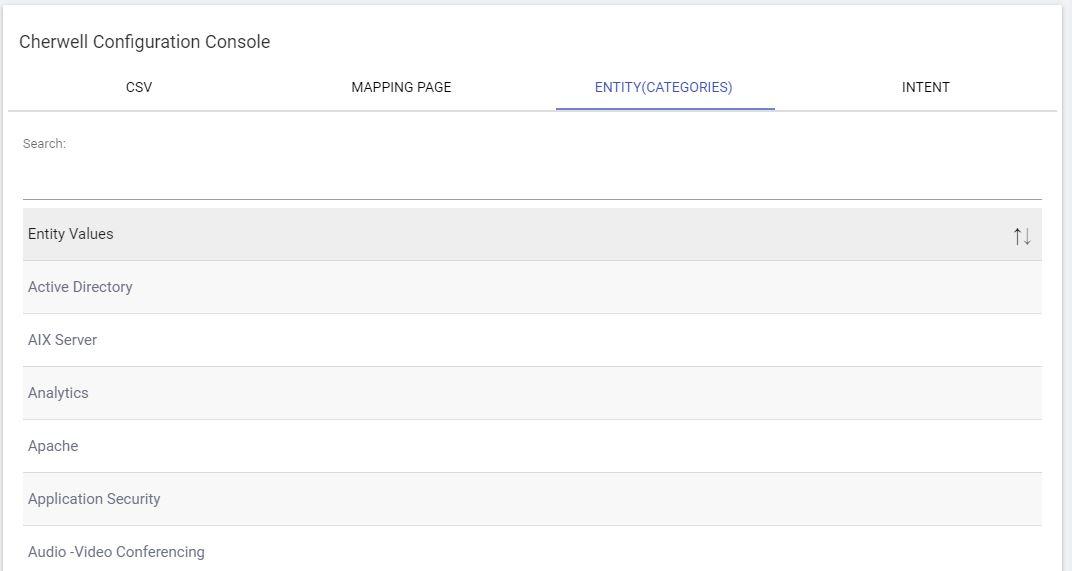
- Here, you can search for the Entity value which you want to add synonym for on the search bar. Then, clicking the name of the Entity value should open a side navigation bar listing the currently trained synonyms for this Entity. You may remove or add a new synonym on the same window.
- To add a new synonym, provide your Synonym in the Add Synonyms to the Entity Value text box.
- Click the Add button and wait for the confirmation message.
Figure 2. Cherwell Configuration Console (cont.) 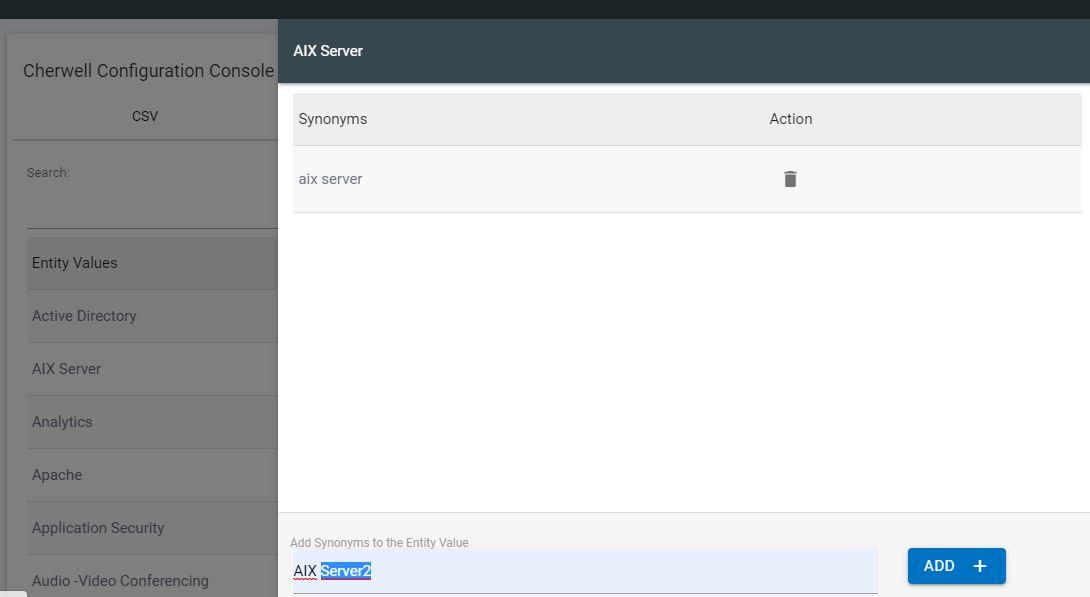
- While adding synonyms, take care of the following points:
- No duplicate values are allowed.
- No space at the beginning or end of the synonym.
- Synonym name shouldn’t contain $, # or comma (,).
You can check the synonym added on the mapping table and on the Synonym table. It might take 4-5 seconds to reflect on the table.