
Sign Up Setting
To manage sign up setting,
- Click Settings under the User Management pull-down menu.
- Go to the SIGNUP SETTINGS tab.
- Select the answers for the following questionnaires:
- *Allowing users to sign up
- *Allowing user to manage their accounts - A user can change the password and view the list of groups that he/she is a part of.
- *Enable password recovery
Note:* Applicable when BigFix AEX is not integrated with an organizations Active Directory.
Figure 1. Sign Up Settings 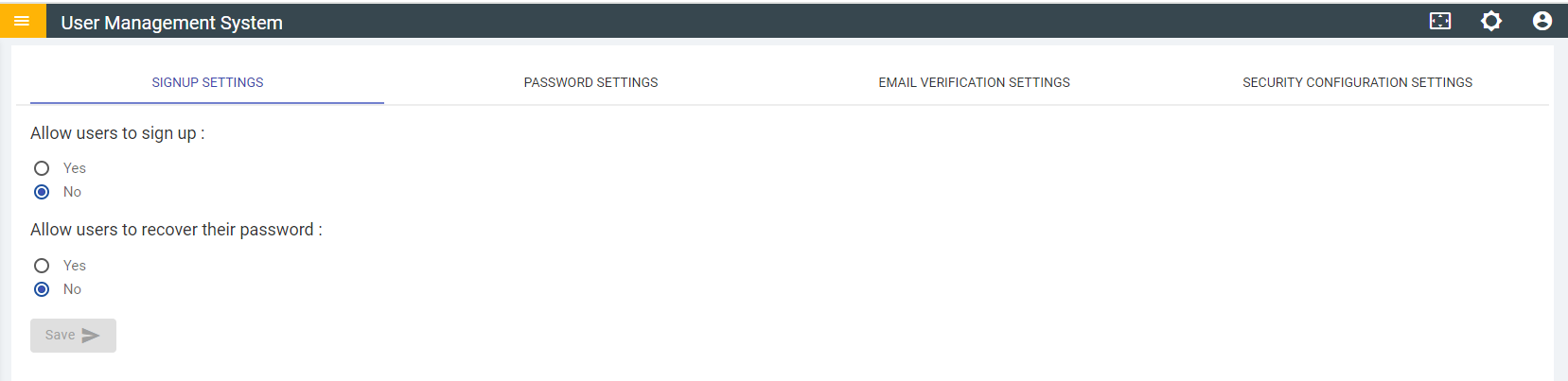
- Click Save to implement the sign-up settings.