
Managing Analysis Activation
You can activate or deactivate an Analysis to manage when BigFix evaluates relevance. Deactivate analyses to optimize endpoint performance when the data is not actively required.
About this task
Procedure
- From the Analyses dashboard, locate the target Analysis in the data grid.
- Select the checkbox next to the Analysis name to select it.
-
Depending on your requirement, choose one of the following:
-
If the analysis is currently Not Activated, click the
Activate button to begin evaluating the
properties.
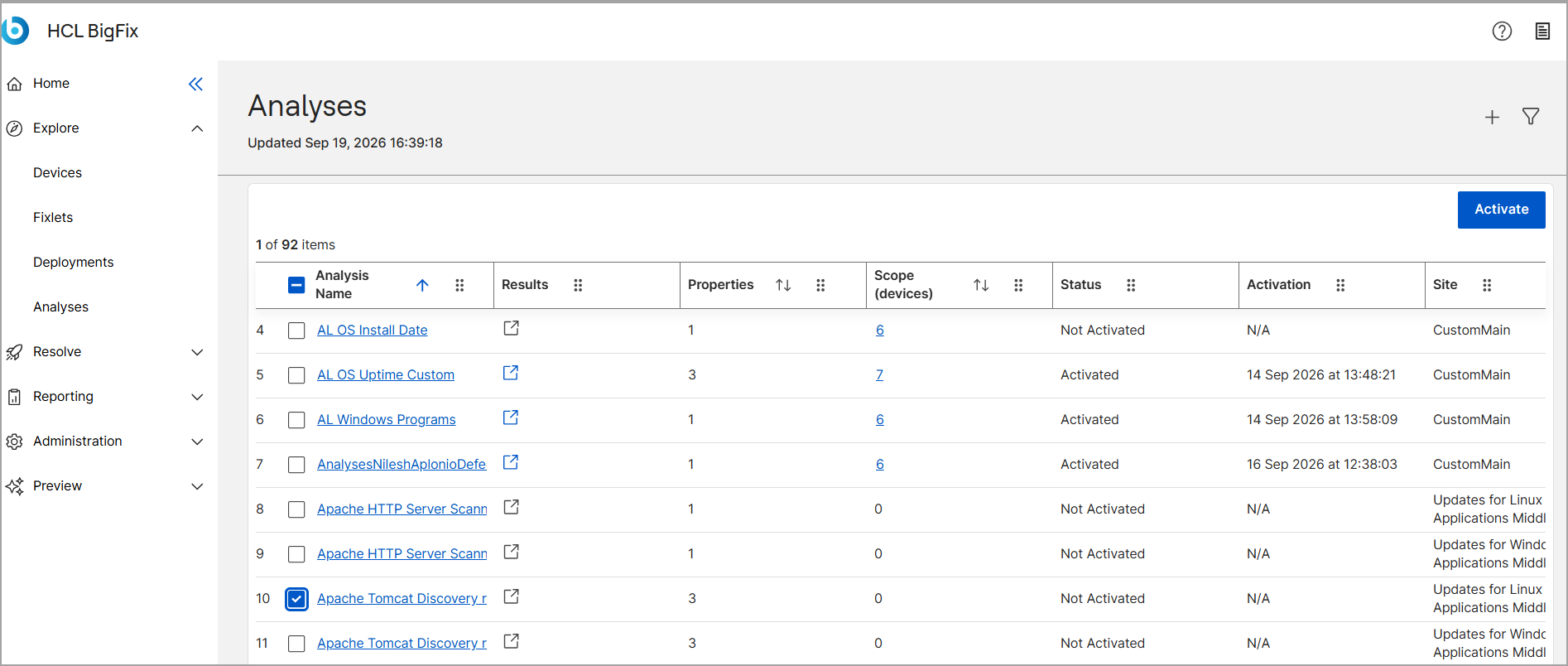
-
If the analysis is currently Activated, click the Deactivate
button to pause the evaluation.
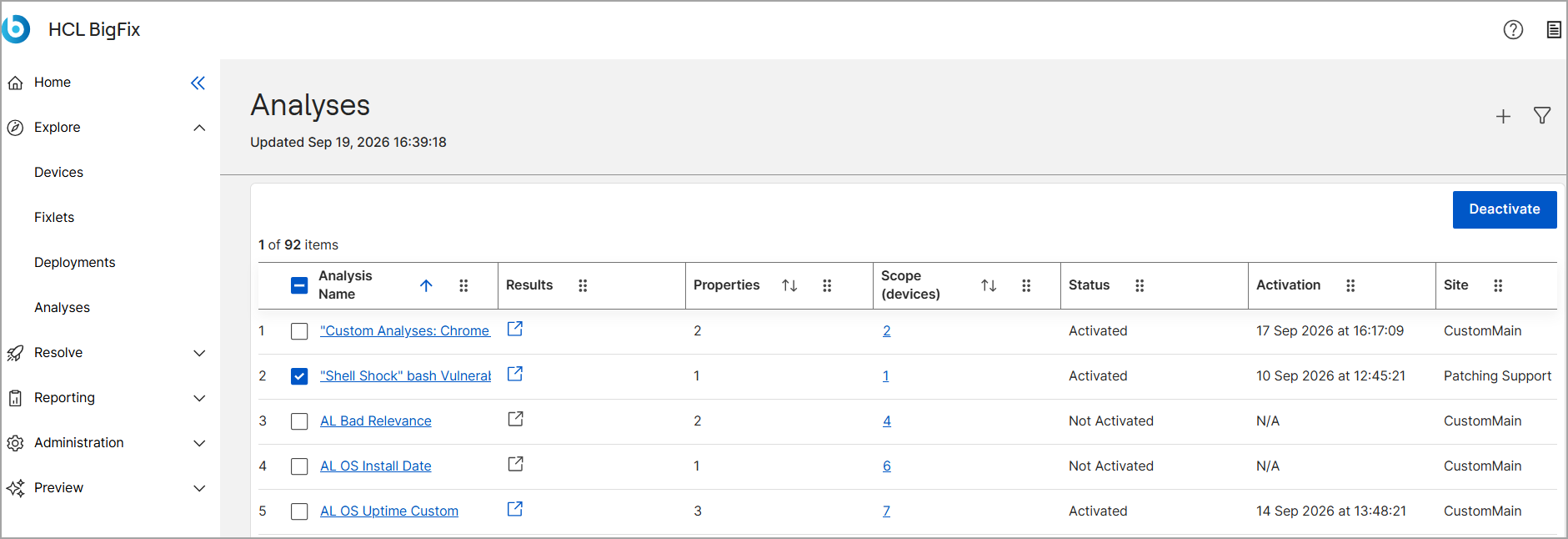
-
If the analysis is currently Not Activated, click the
Activate button to begin evaluating the
properties.