Editing a Custom Property
You can modify an existing custom property to update its relevance clause or change its evaluation frequency.
About this task
Procedure
-
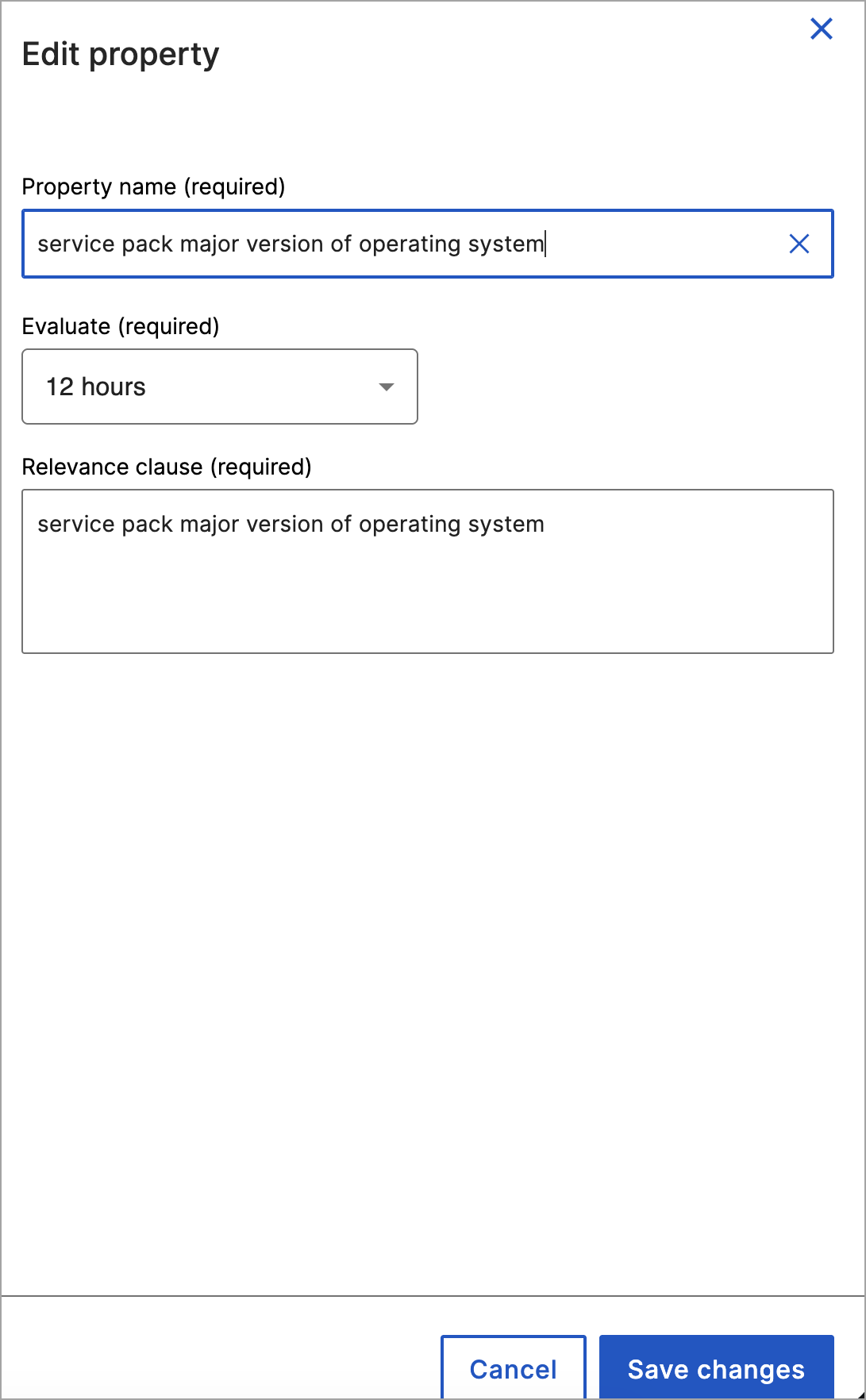
Modify the property attributes as needed:
- Property name (required): Enter a new display name.
- Evaluate drop-down menu (required): Select a new evaluation frequency interval (for example, 12 hours).
- Relevance clause (required): Update the Relevance expression.