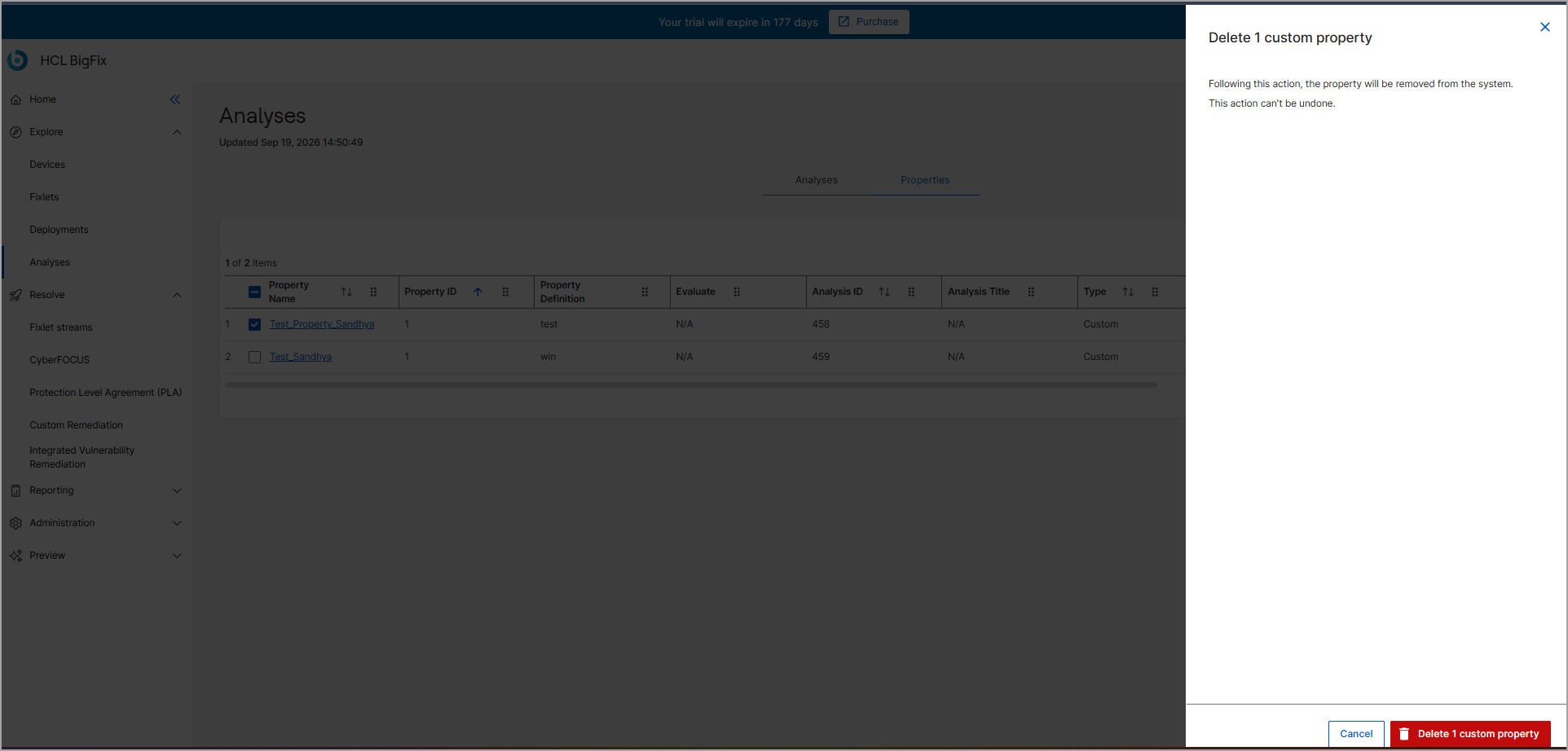
Deleting a Custom Property
You can delete custom properties that are no longer needed. Built-in properties (supplied via external Fixlets) cannot be deleted.
About this task
Procedure
- From the Analyses dashboard, select the Properties tab.
- On the Properties tab, locate the custom property using search or filters.
- Select the checkbox next to one or more custom properties.
- Click Delete.
-
In the confirmation dialog box, click Delete to
permanently remove the property.