Survey management
Survey management in BigFix DEX provides IT administrators to create surveys designed to engage employees, capturing perceptions of their digital environment as a core objective of the initiative. Star Rating surveys are specifically integrated into the sentiment scoring model, other survey formats may be utilized to collect qualitative data for a better understanding of user sentiment.
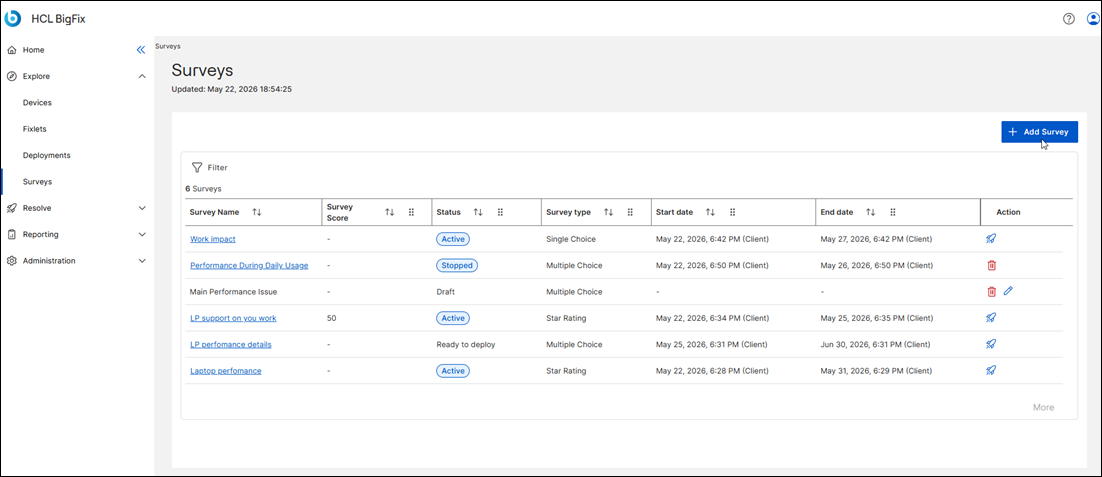
The DEX Admin accesses the Survey interface to initiate the creation of a new survey.
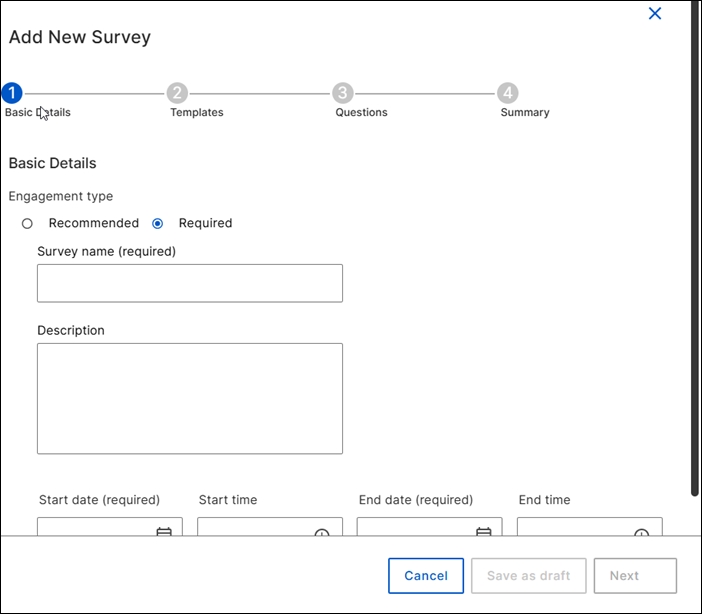
During this process, the administrator specifies the survey name and description, while also defining the relevant start and end dates. The admin then selects the survey type, choosing among multiple choice, single choice, or star rating; the star rating is a scorable survey type and it is integrated with the sentiment scoring model.
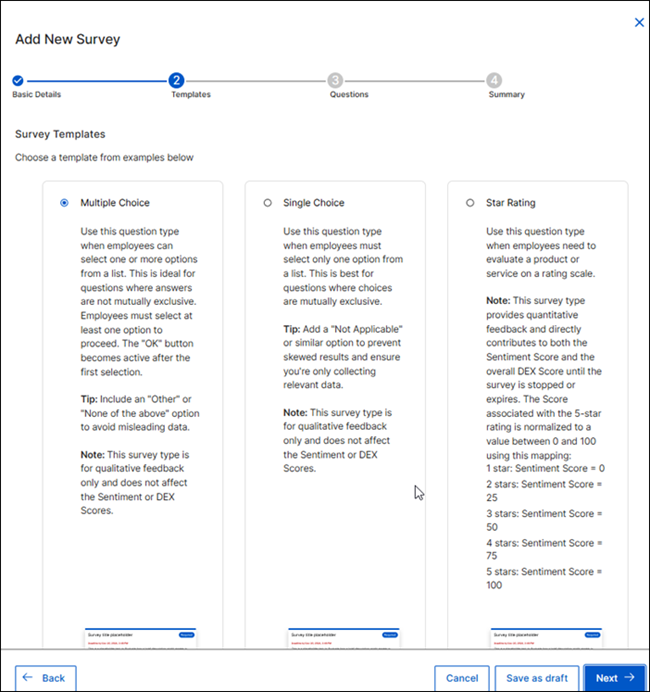
The survey creation process allows administrators to save their progress as a draft at any point. Once all required fields are completed, the administrator can save the survey. At this stage, the survey is updated from “Draft” to “Ready to deploy”.
The DEX Admin can select and modify an existing survey only if it is in the Draft state.
Surveys become active when the specified start date is reached. The DEX Admin can deploy the survey on endpoints, refine the endpoint selection, and provide a deployment name.
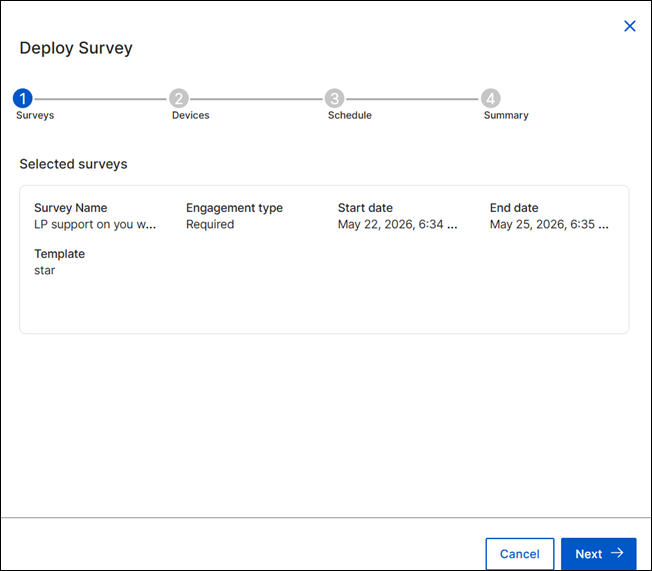
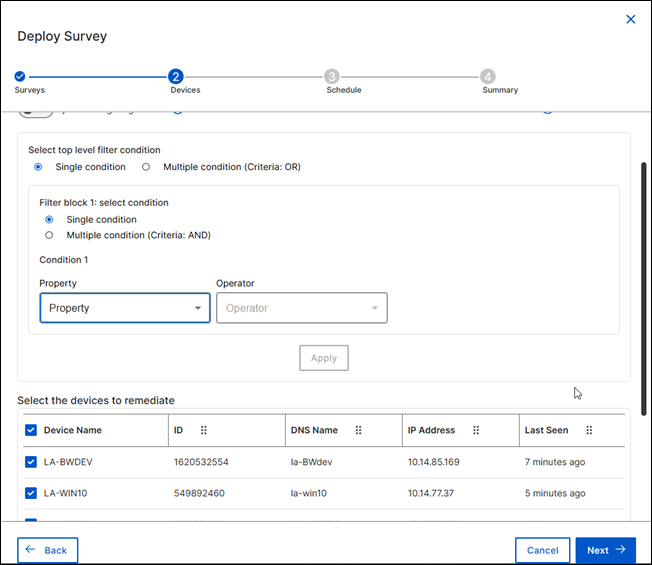
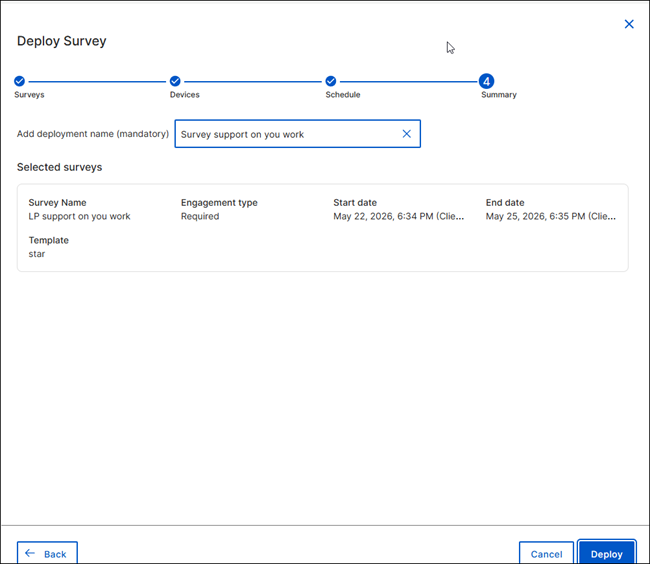
After the deployment is launched, you can track its status through the deployment application. Alternatively, you can view this information by clicking on the survey name from the list and navigating to the deployments tab on the survey details page.
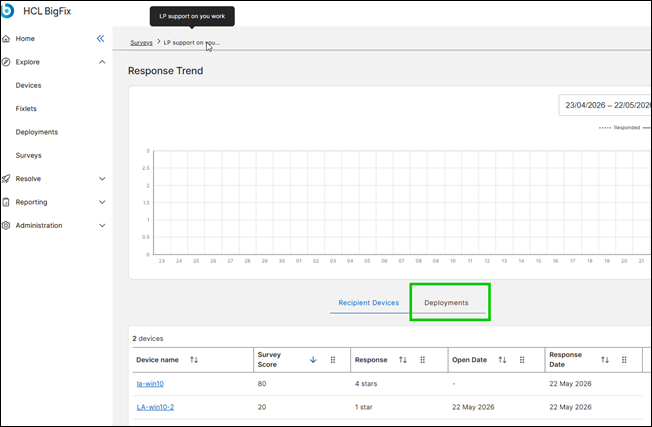
Managed devices are capable of submitting survey responses if BigFix Self Service Application is present and the dedicated Survey tab has been activated. For comprehensive guidance on deploying SSA and SSA hot fix, please consult the BigFix Self-Service Application.
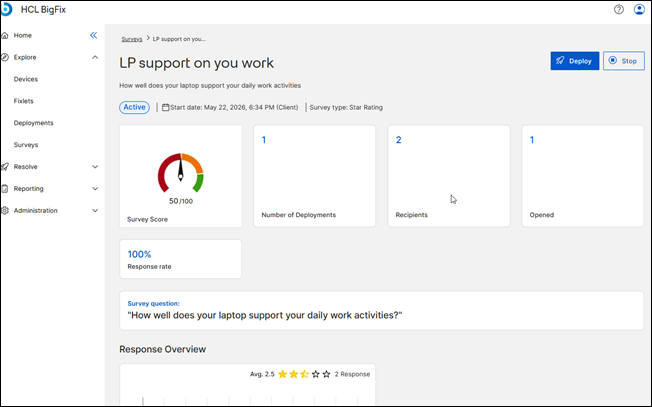
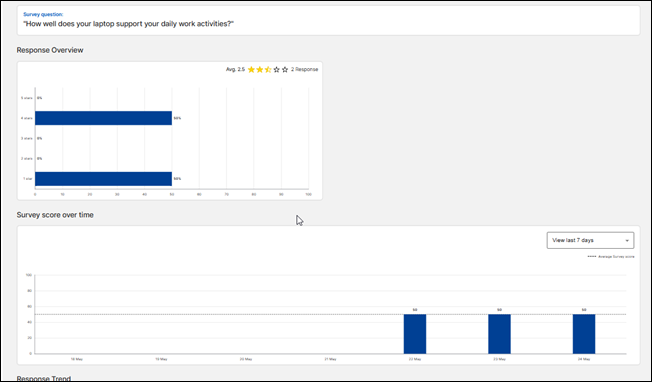
The Survey Details page provides monitoring for the response trend and answers for single and multiple-choice surveys.
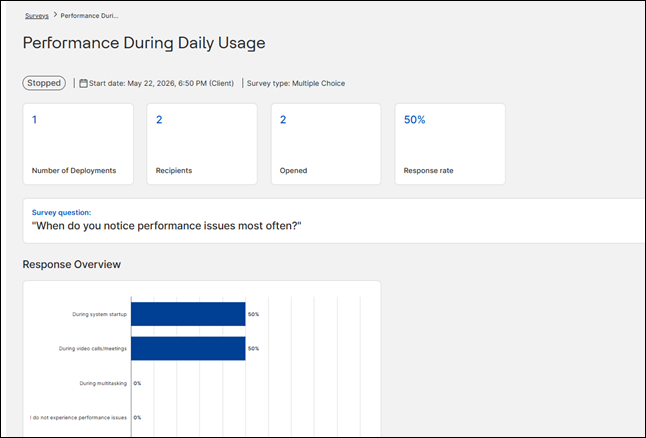
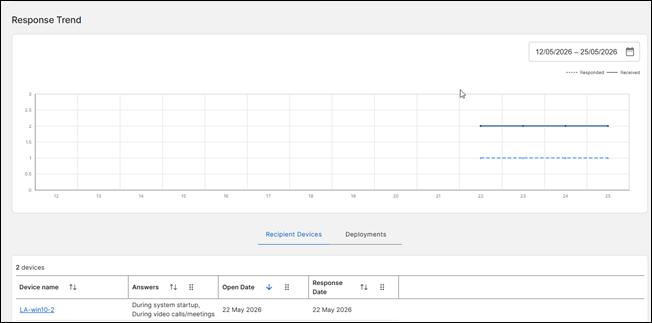
For the star rating type, the page also includes the survey score, which is the average of the responses received and contributes to the sentiment score calculation.