Logout
Through this module, users can Logout from application through below-mentioned steps:
- On the Main Menu bar, click Username at the top right corner.
- Drill down drop-down appears on the screen.
- Then click Logout.
Figure 1. Logout 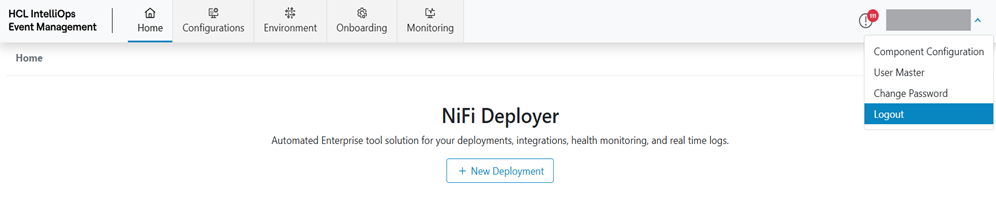
- Click on Logout. Users will be Logged out from the application and will be redirected to
the Login screen.
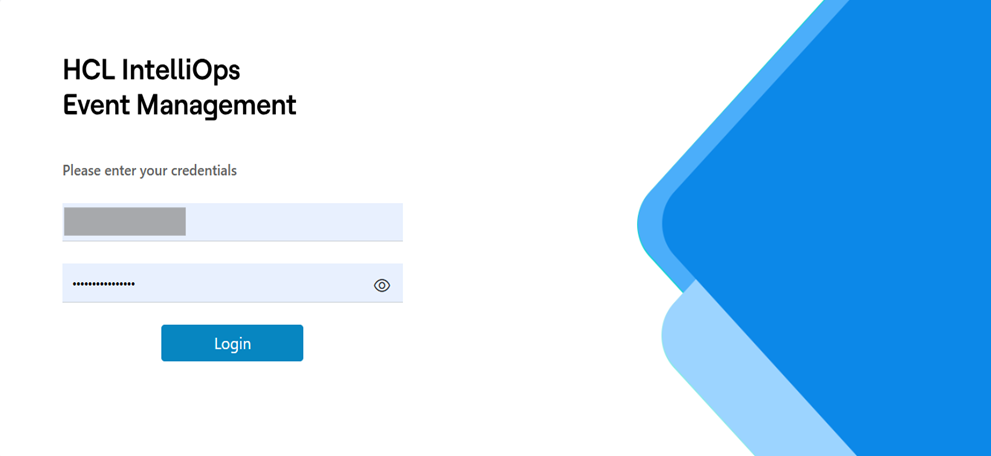
Figure 2. Login