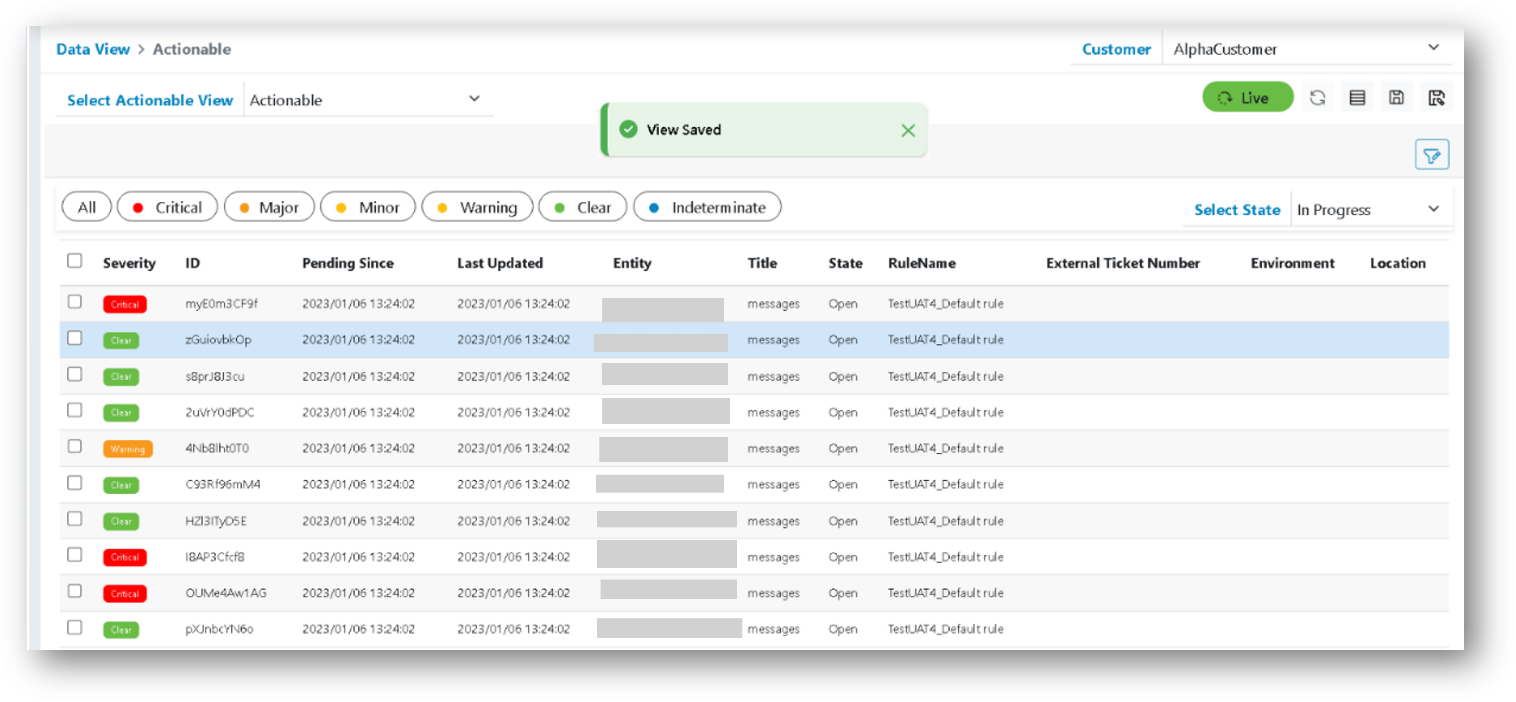
Save Actionable
The steps explain how to save actionable data.
- In the top navigation bar, click on Data View and click on Actionable.
- Click on Save icon to save Actionable.
Figure 1. Save Actionable 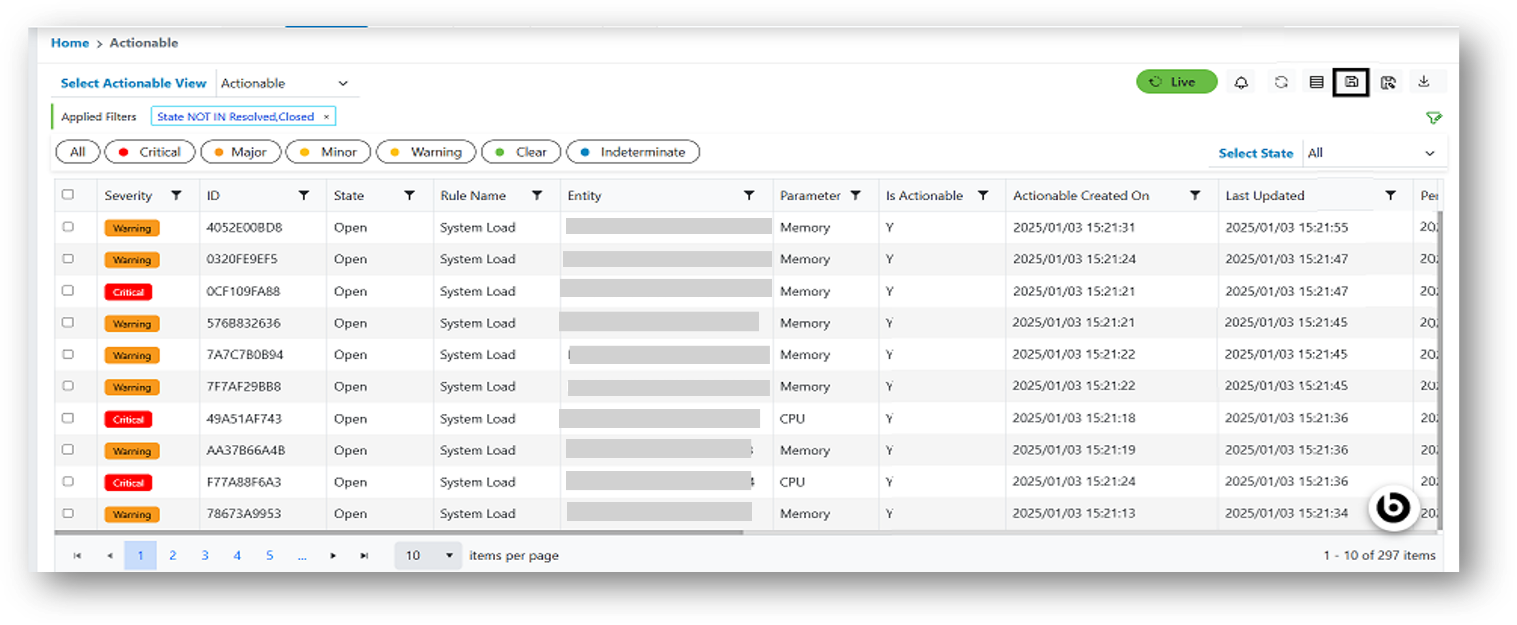
- The following confirmation popup appears:
Figure 2. Save Actionable .png)
- Click Confirm. A successful pop will appear, and the grid will be updated accordingly,
and the saved Actionable data starts appearing in the grid.
Figure 3. Alert Message