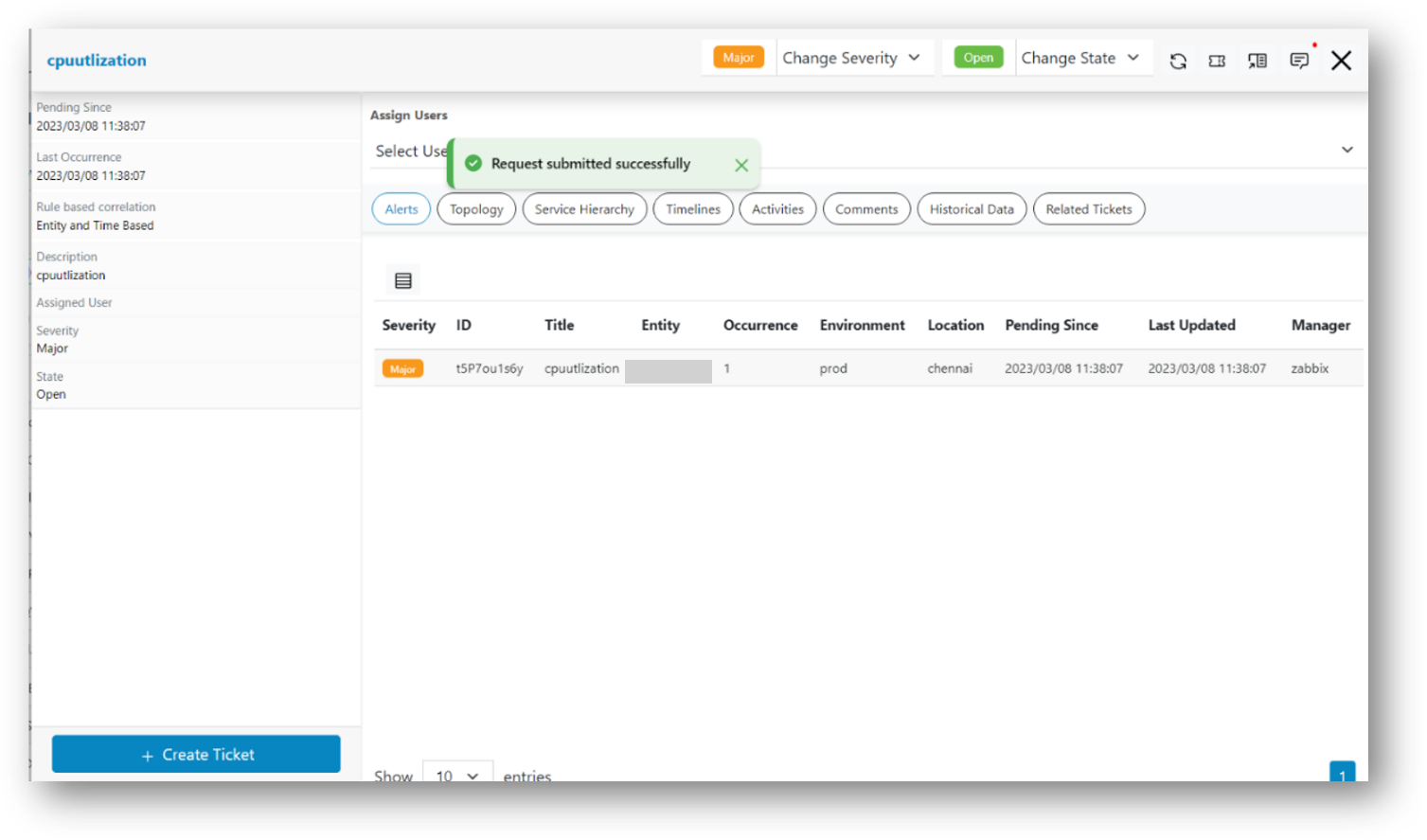
Create Ticket
The steps explain how to Create Ticket for actionable data.
- Click on an actionable on Data View-Actionable screen, then go to pop up open for the actionable.
- Click on the + Create Ticket icon presents in the actionable popup.
Figure 1. Update Work Notes for Actionable 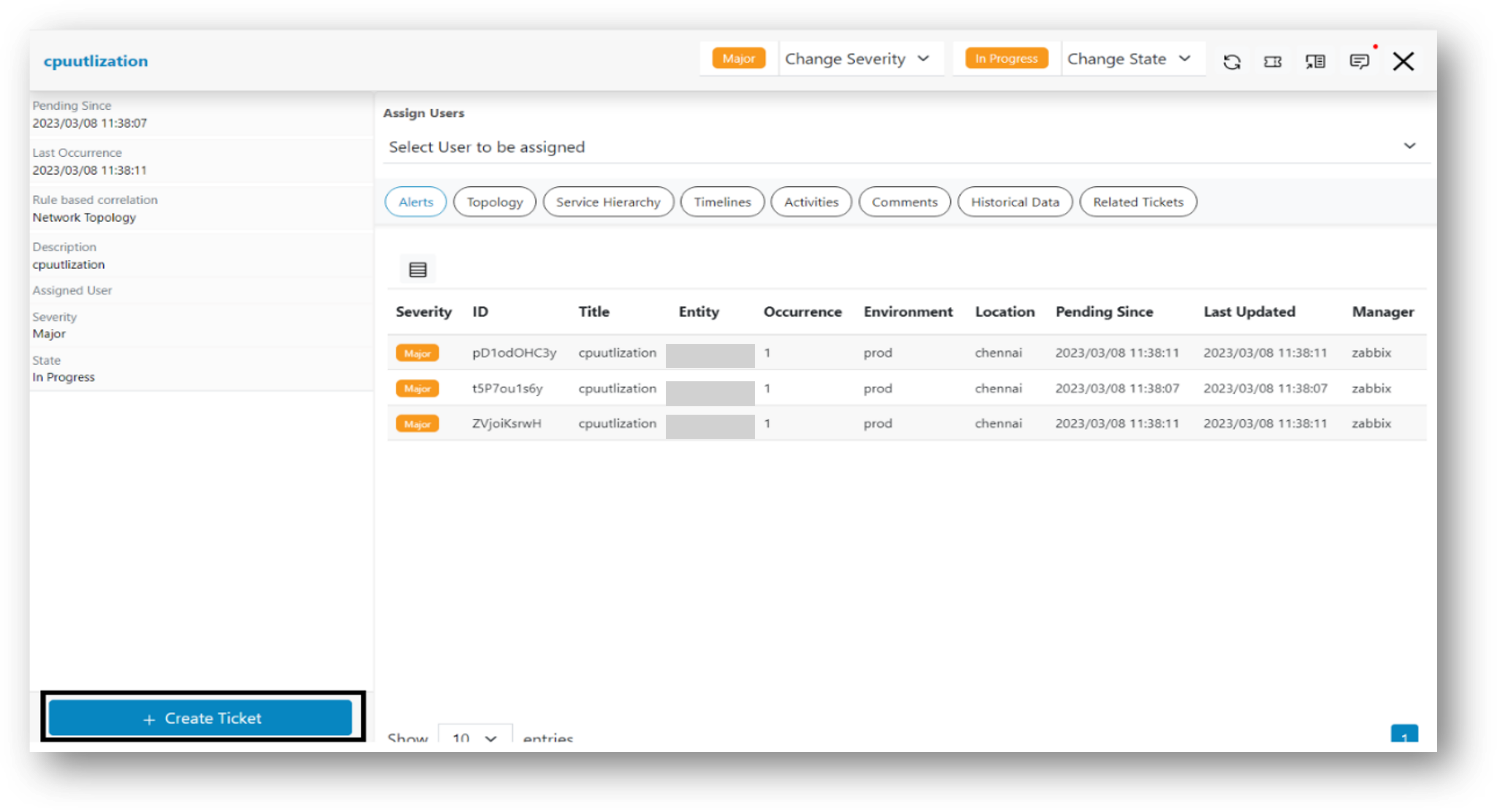
- A confirmation pop-up message will appear.
Figure 2. Update Work Notes for Actionable 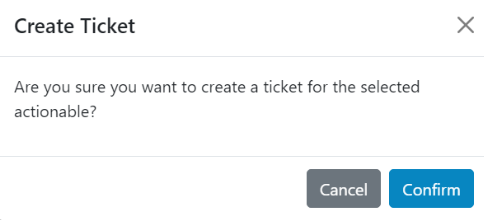
- Click on the Confirm button. A successful message will appear.
Figure 3. Alert Message