
Cognitive Analytics
Follow the steps below to access Cognitive Analytics.
- To access Cognitive Analytics: https://<TENANT_URL>/admin
- Click on Cognitive Analytics Console
Figure 1. Cognitive Analytics Console 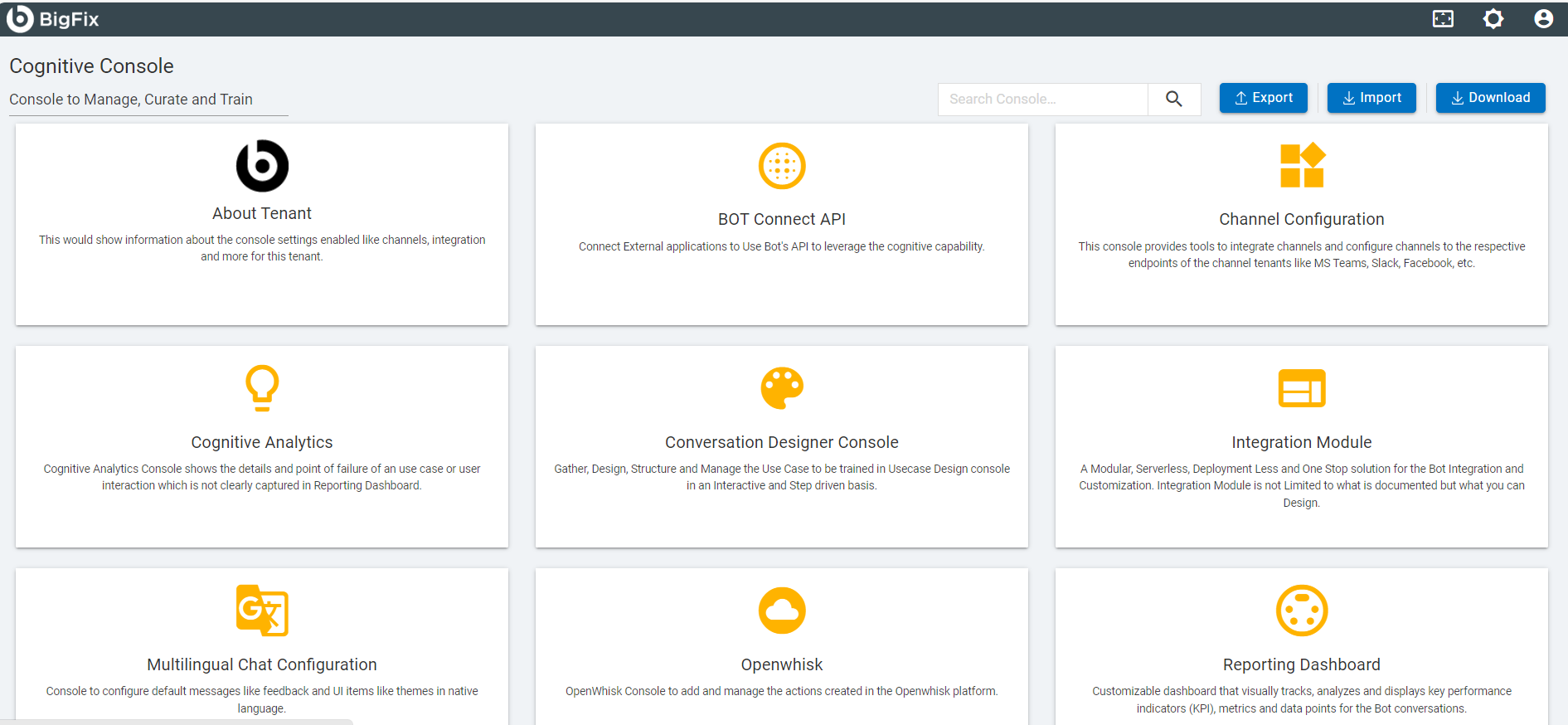
- After clicking on Cognitive Analytics console, the user will land up on Overview page.
Figure 2. Overview Page 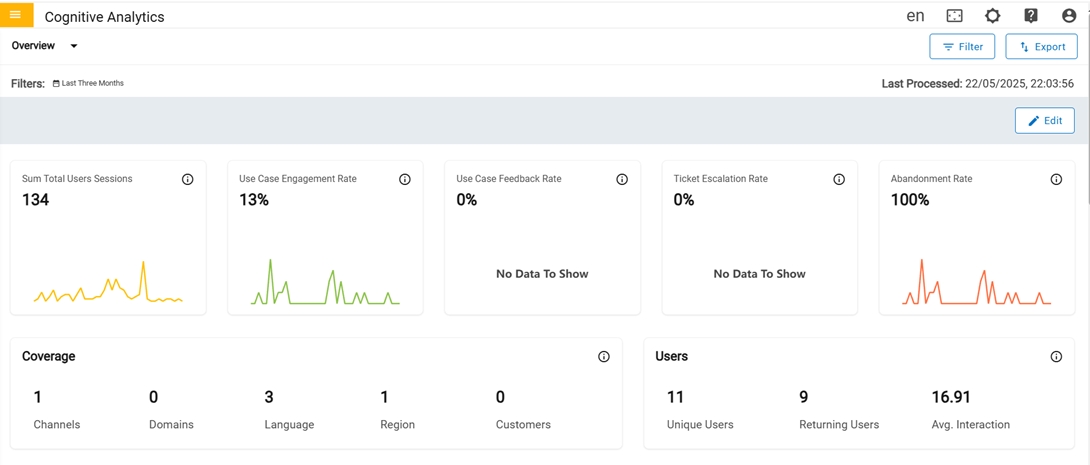
- There are 7 different dashboards in cognitive Analytics:
- Overview
- Users
- CSAT
- Conversations
- Performance
- Unresolved
- Reporting Dashboard
- Utility Tool