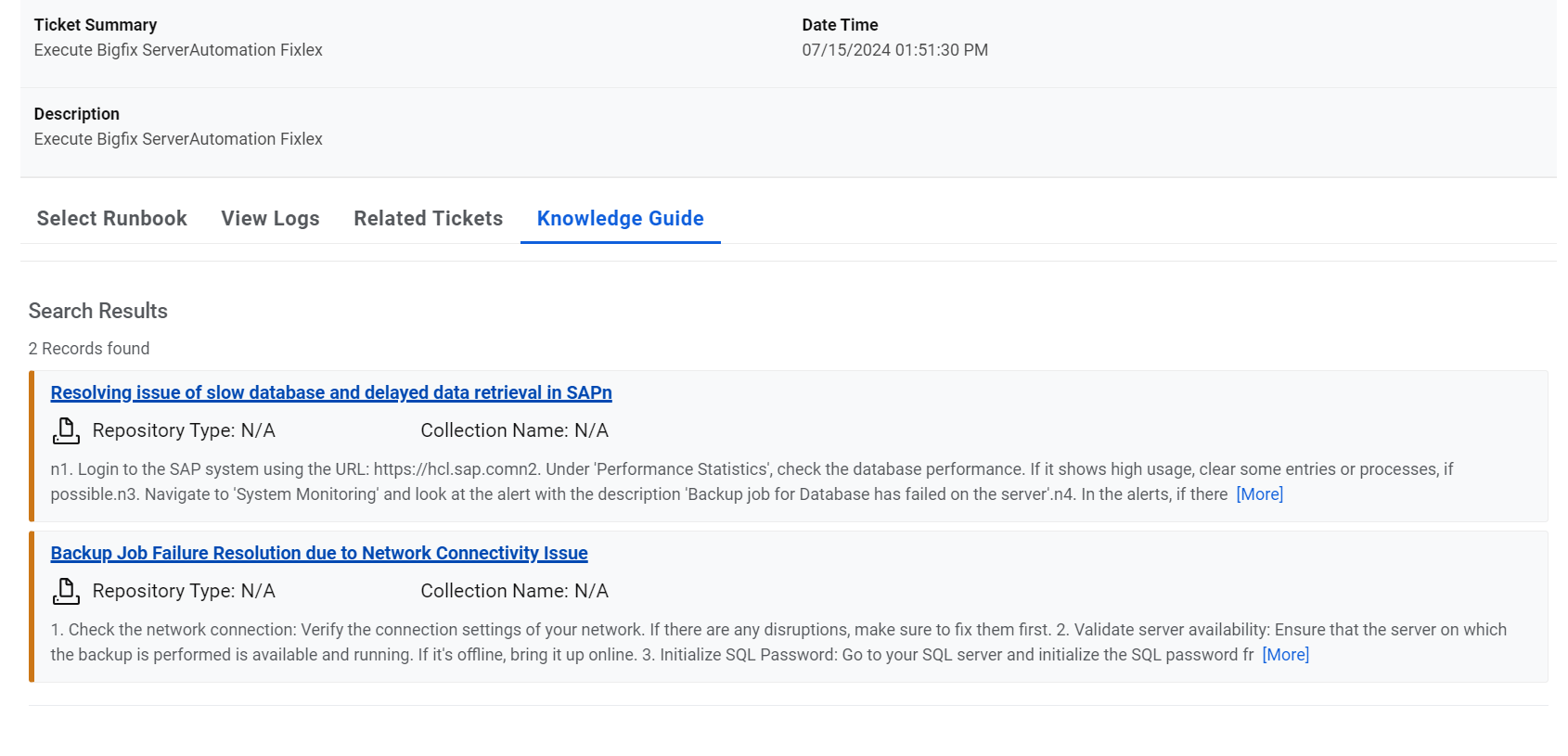
Knowledge Guide
This section describes how to retrieve the relevant knowledge for a ticket, from different sources, for a user in a single view. The sources of where this information will be retrieved depend on the configuration in your environment.
To use the Knowledge Guide , perform the following steps:
- Click Knowledge
Guide for the ticket for which you want to view the information.
Figure 1. Knowledge Guide 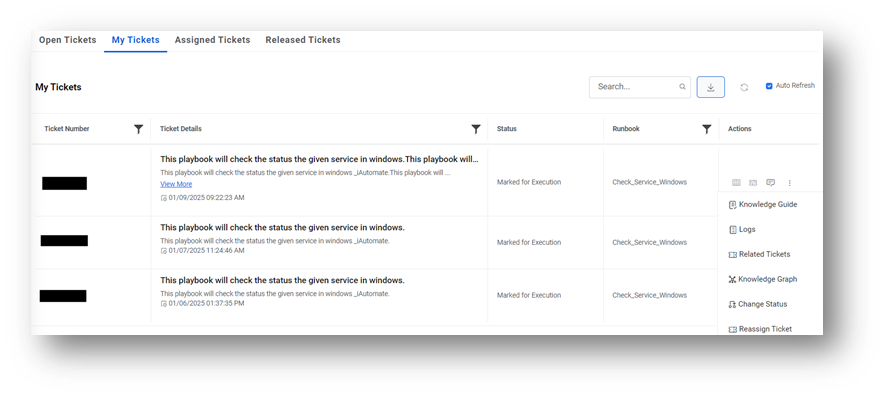
- The Knowledge Repositories screen appears with the most relevant information
specific to the ticket from across the configured sources.Remember:If Related Knowledge Articles option is enabled under the GenAI Studio Details menu, then the guide data populated from GenAI Studio else it populated data from product’s internal APIs.
Figure 2. Knowledge Guide response from Internal API 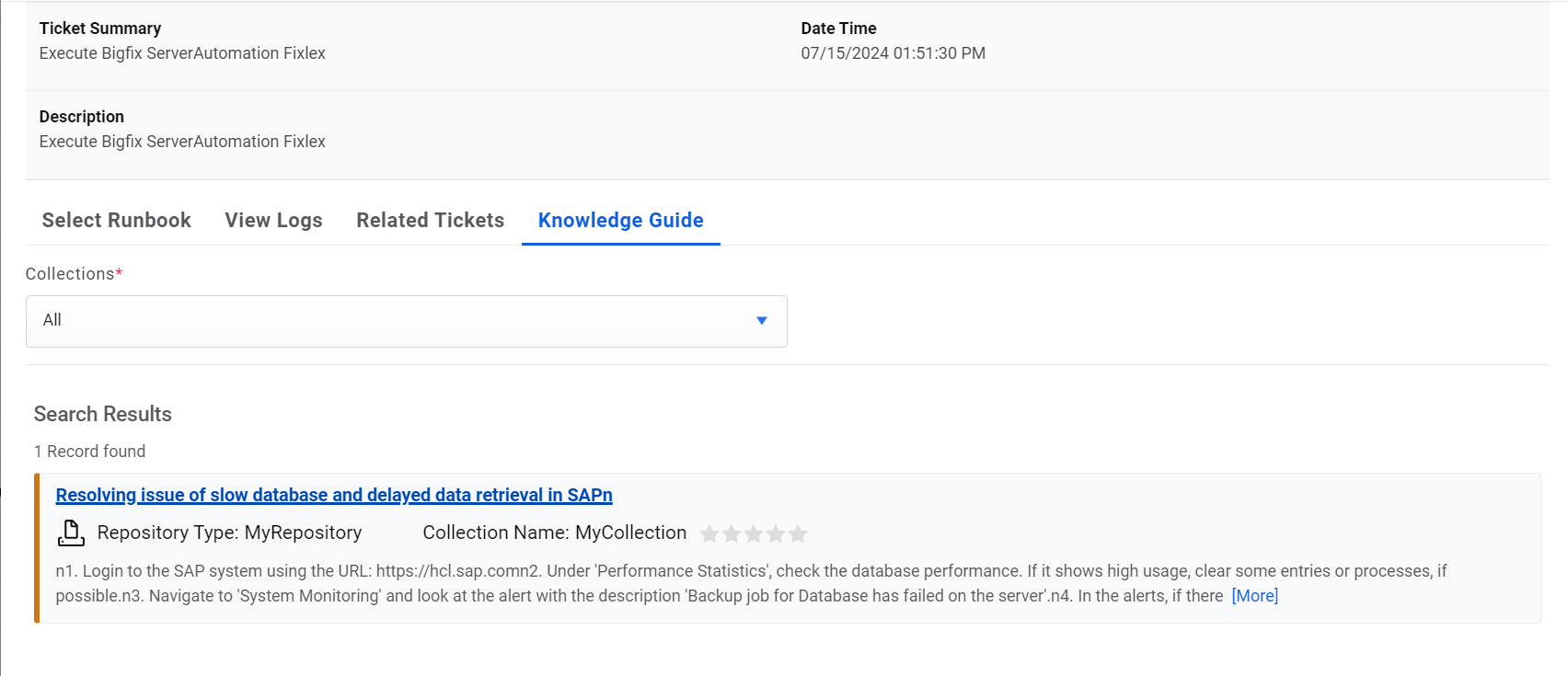
Figure 3. Knowledge Guide response from AEX