Logs
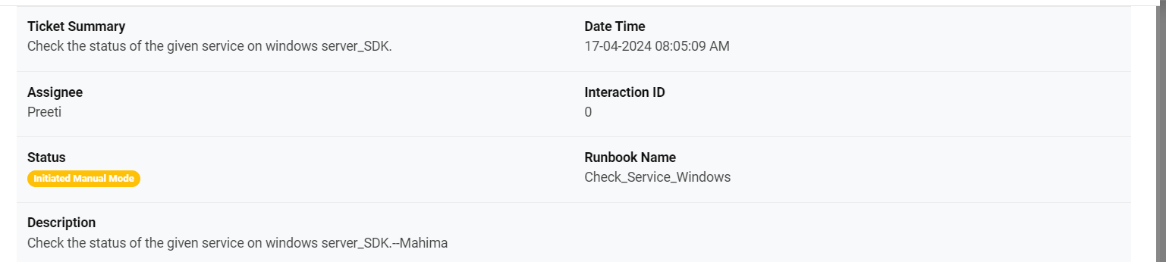
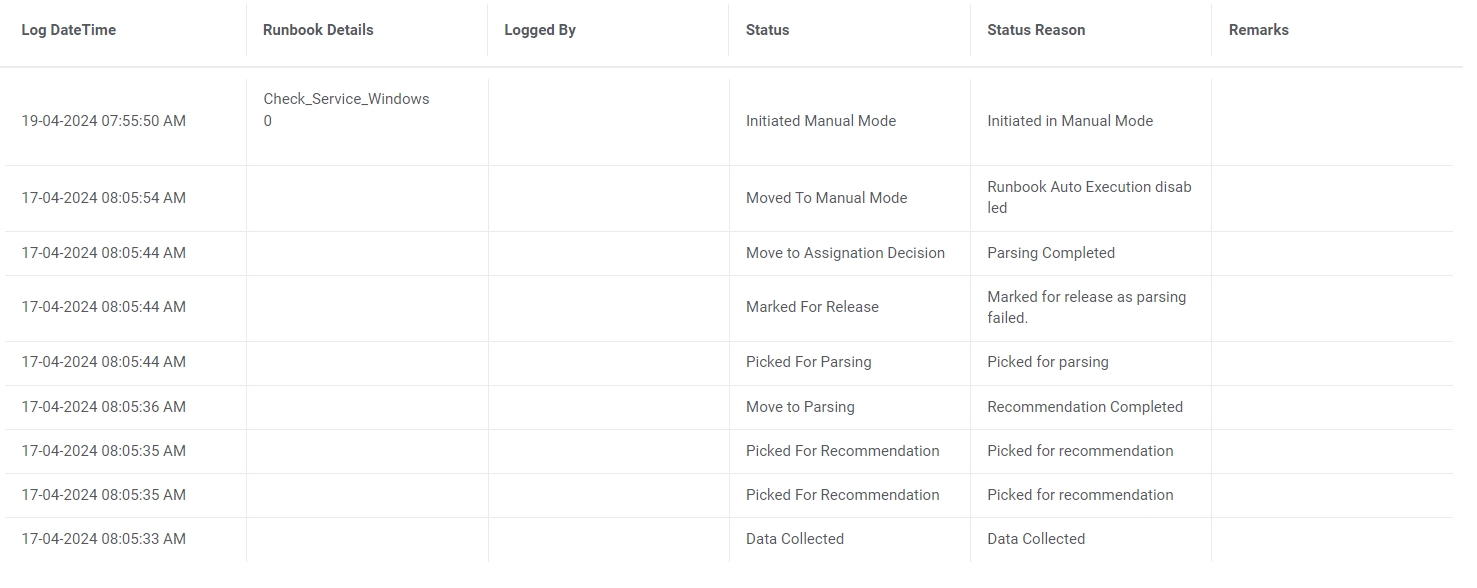
This section describes near real-time status updates of ticket execution initiated by the user.
To view a ticket log, navigate to the Log tab appearing below the Open Tickets and My Tickets tabs. This displays the activity log for all tickets being executed with the following details:
Log Fields
| Name of the log values | Description of the log values |
| Incident Number | This is a unique, auto-generated number for the incident ticket. It is preceded with an INC prefix (e.g.INC0000001) of the logged ticket. |
| Interaction ID | Unique ID generated by the underlying RBA tool. |
| Runbook Name | Name of the runbook executed for the logged ticket. |
| Log Date Time | Date and time of the logged ticket. |
| Runbook Status | Status of the runbook selected for the ticket. |
| Status Reason | Displays the ticket specific logs including the field values. Value wrapped to multiple lines within the column. To access the related record, click View More. |
The logs displayed are listed by their date and time. The most recent update is available on the top of the grid.