URL Management
URL Management is the HCL BigFix CLM component service endpoint that gets configured during the installation process. Post-installation if a component is running in HA mode, the admin user needs to configure URL of that component by using this Module.
To change the configuration of HCL BigFix CLM components, follow the steps below:
- Under the Platform tab, click URL Management.
Figure 1. URL Management 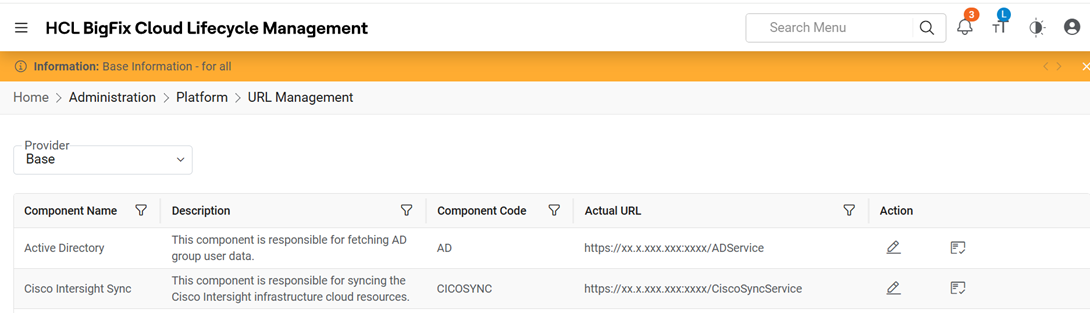
Refer to the table below to understand the fields mentioned in the above figure:
Table 1. URL Management Field Description Component Name Name of HCL BigFix CLM components like Workflow and ITSM and many more Description Description of the component and its function Component Code Every HCL BigFix CLM component do have a code which needs to get mentioned in this field Actual URL URL is composed of IP address of the component, Port and Endpoint Name (IP: Port/ Endpoint) Action This field will help the Provider user to test the URL and highlight the outcome as "Success" or "Failure" - Select the Provider.
- Click on edit and Change the URL under the URL Head column.
- Click theTest URL.
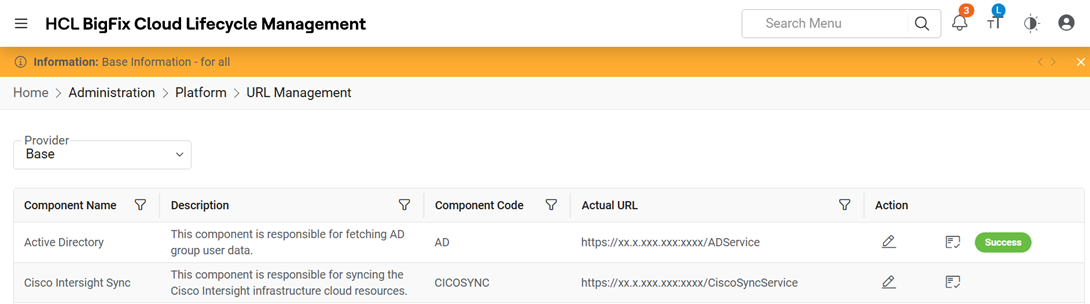
A success message will be shown in the Action Head column on the screen.
Figure 2. URL Management 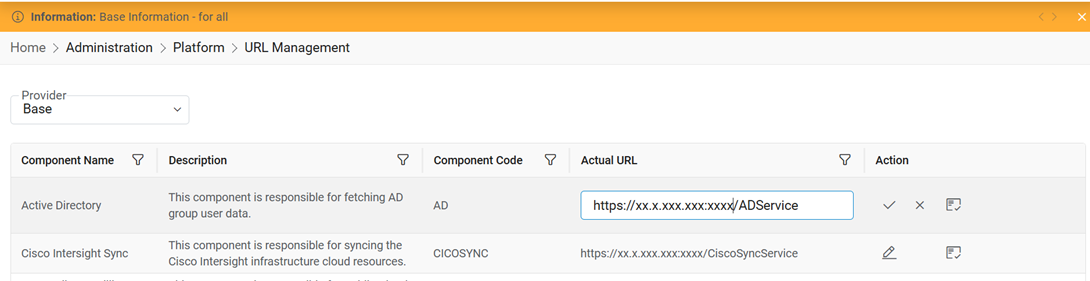
- If the component is up and running, then the Success label appears below the
Test URL button under the Action column.
Figure 3. URL Management