
Components Keys
Through this module, Admin manages the values of component keys as per the Providers in HCL BigFix CLM (e.g., messaging queue). In the case of multi-tenant, different keys (MSMQ/ RabbitMQ) are used by different providers.
To change/ modify the Configuration Key Values of HCL BigFix CLM components against a provider, follow the below steps:
- Select the Provider and Component Name.
Figure 1. Components keys (Cont.) 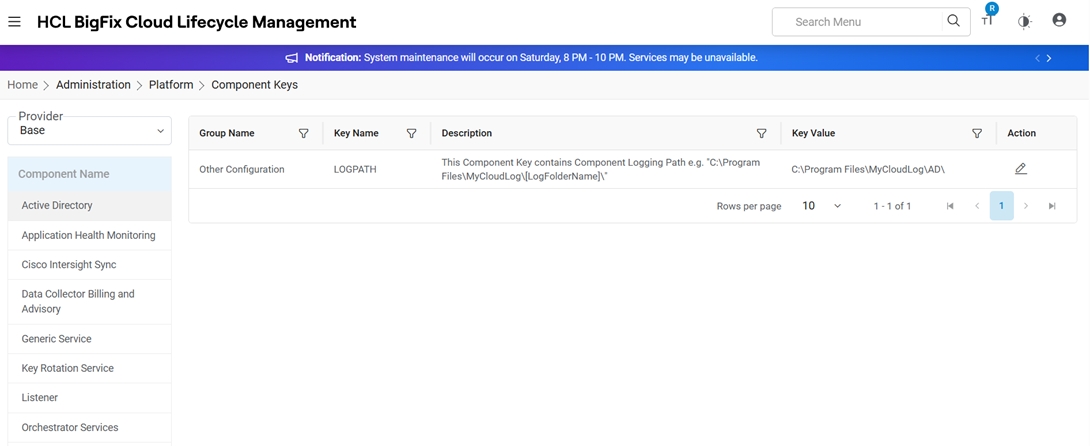
- Under Action column, click Edit (
 ) and change the value as per desired
configuration.
) and change the value as per desired
configuration.Figure 2. Components keys (Cont.) 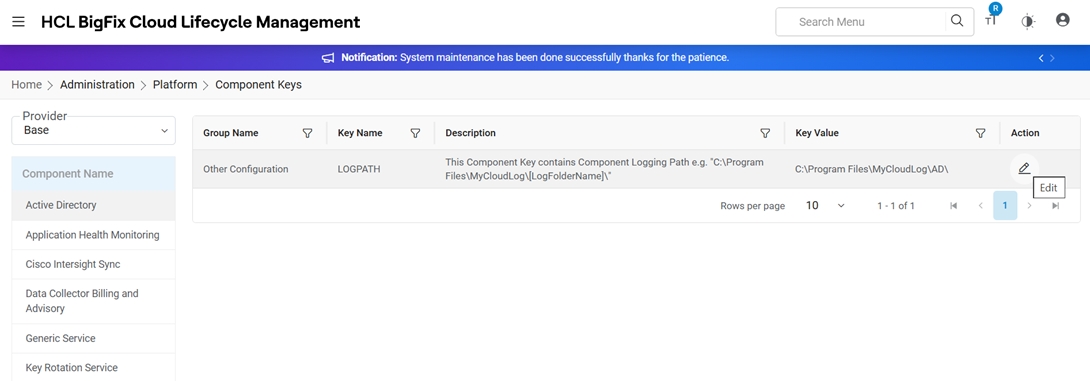
Refer to the table below to understand the fields mentioned in the above figure:
Table 1. Components Keys Field Description Provider Highlights the provider Component Name Name of HCL BigFix CLM components like AD, Orchestrator, and many more Key Name Name of Component key Key Value Default value of component key Action Actions like Edit against the listed component keys Group Name Name of the Configuration Group Description Description of the group - Modify the value against the key and click Save. If a user wishes to discard
changes, click Cancel.
Figure 3. Components keys (Cont.) 
- On clicking Save, a success message appears.
Figure 4. Components keys (Cont.) 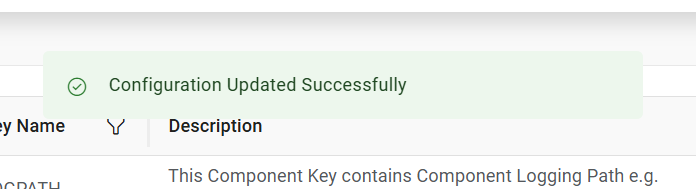
Note:
All fields marked with asterisk (*) are mandatory.