Change Password
In this section, HCL BigFix CLM Admin can change password from the Top of the HCL BigFix
CLM screen.Figure 1. Change Password
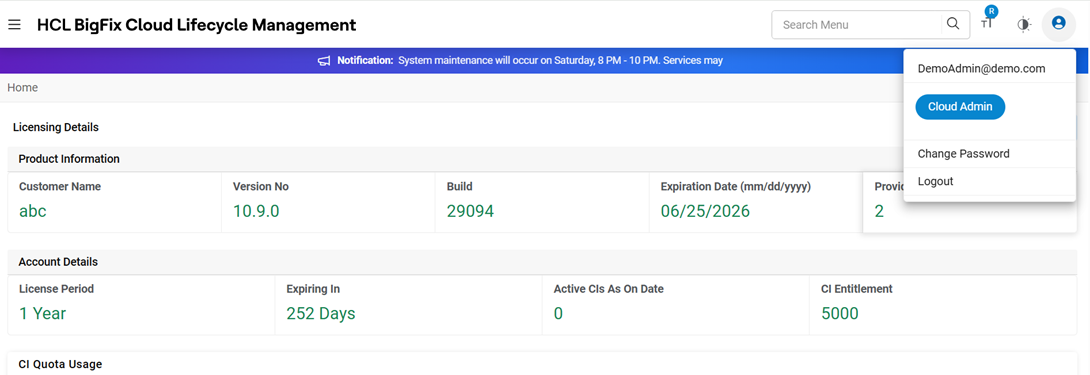
- Click on Change Password.
- User will be redirected to Change password screen.
Figure 2. Change Password 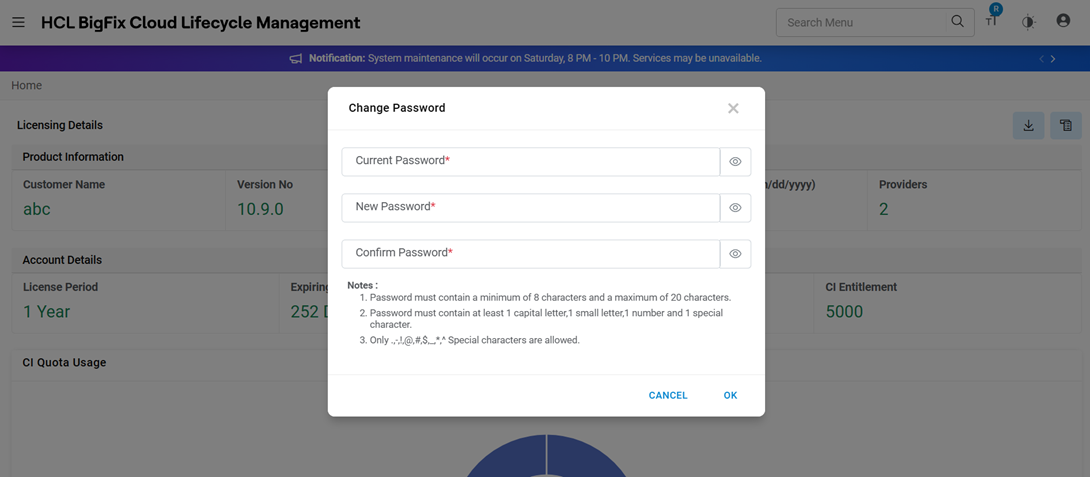
- Enter the Current Password and New Password.
- Enter Confirm Password.
- Click OK.
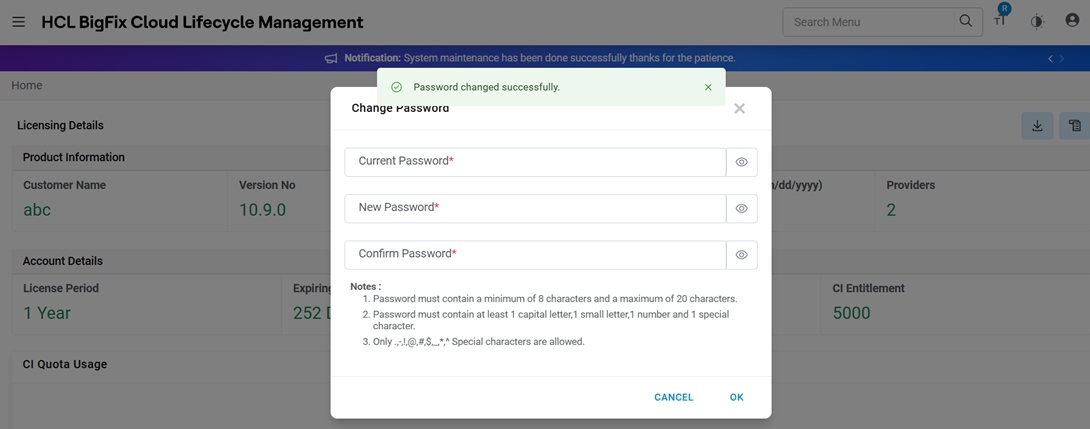
A Success Message appears.
Figure 3. Success Message