Enable & Disable
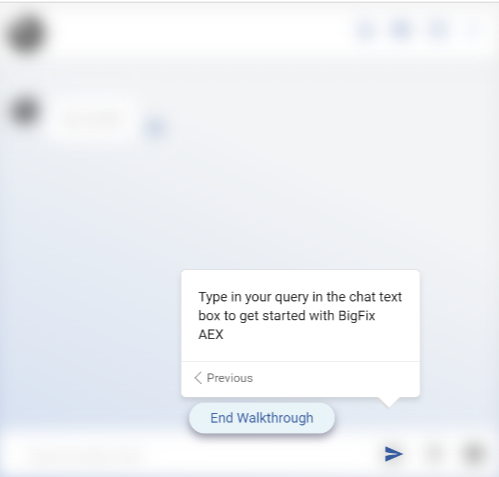
This feature allows users to enable or disable each of the customized indications. This simply means that if an indication is enabled, it will appear in the Web-Tour guide on the chat console as shown below:

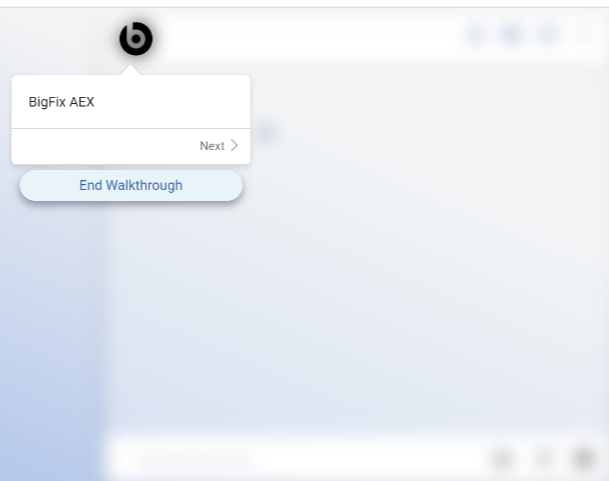
- Disabled indications don’t appear in the Web-Tour guide on the chat console, and the
next enabled indication appears.
Figure 3. Disabled Profile Picture - Navigation Assistant 
Figure 4. Skipped Profile Picture – Chat Console Page