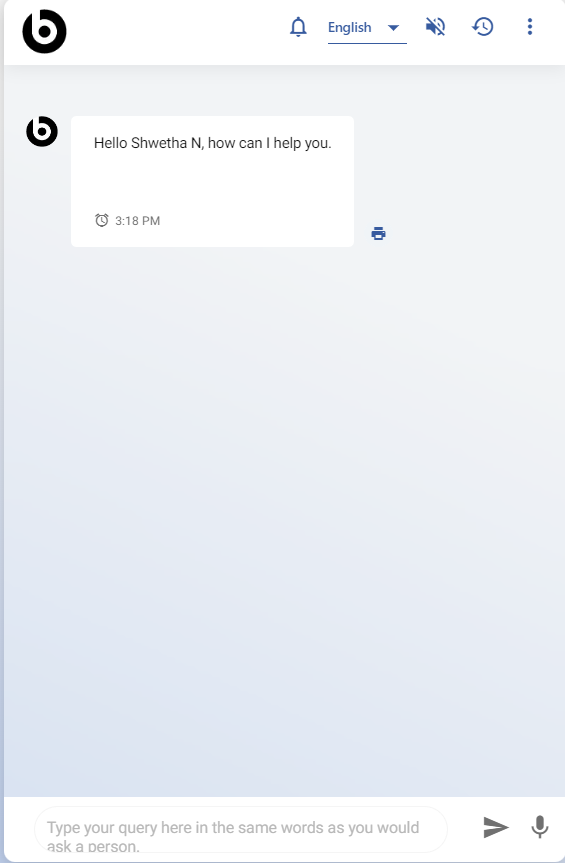
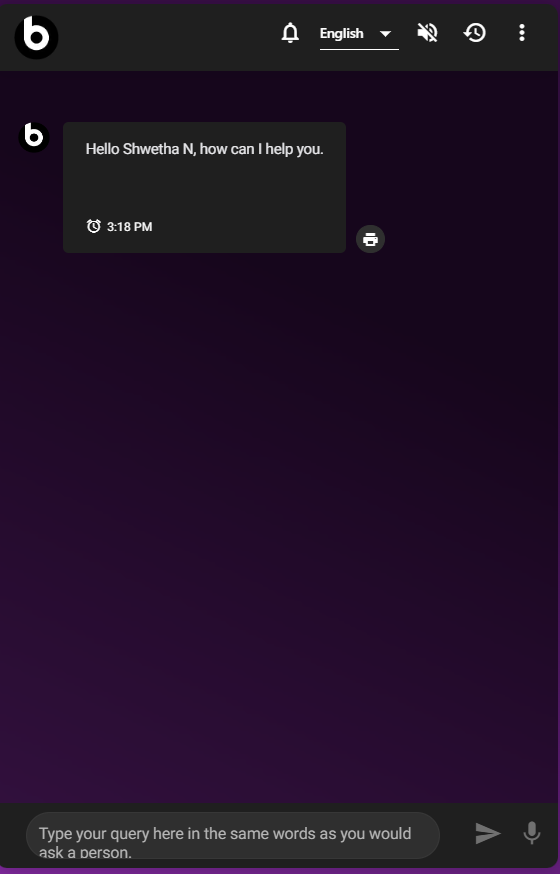
Manage Themes
The themes shown here are for illustrative purposes only.
The actual theme that appears in the application may vary based on user preferences, the selected browser, and the mobile application.
Note:
This functionality is not available in Microsoft Teams
To manage the themes, perform the following steps:
- Click on
.png) and to see the available theme from the
drop-down list.
and to see the available theme from the
drop-down list.Figure 1. Manage Themes 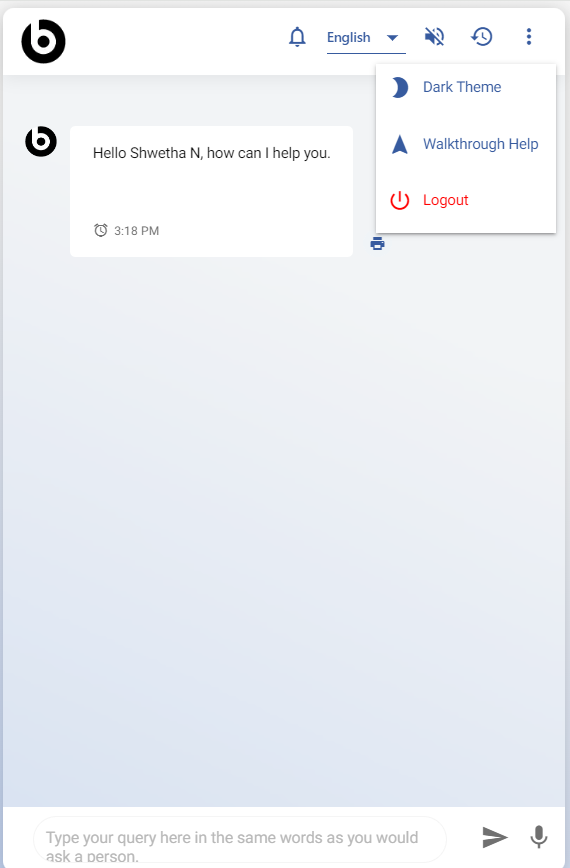
- Click on Dark Theme and it activates the dark theme.
The figure below displays all the available themes.