Customized Indications - Messages
The customized indications-messages in Navigation Assistant allow users to provide the customized indications (relevant text/phrase) to the feature icons that appear on the chat console screen.
- This feature can be seen under the UI Management console as shown in Figure 1 - Navigation Assistant Form. Enabling or
disabling any navigation element using the toggle enables or disables the navigation element
from the walkthrough:
Figure 1. Navigation Assistant Form 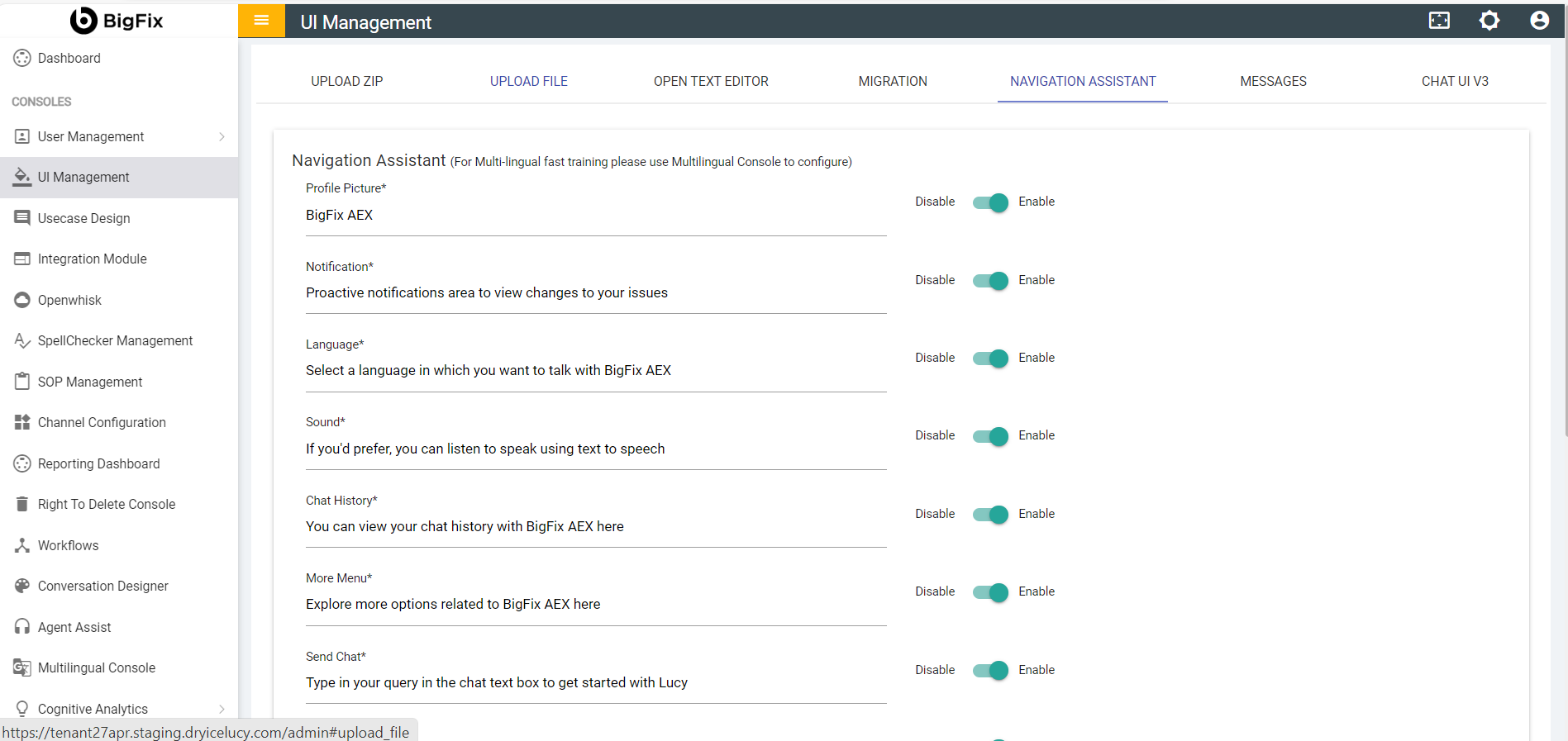
- Once you provide text into the given input fields, you should see a Save button
 at the top-right as shown below. Click on
the Save button if you wish to save.
at the top-right as shown below. Click on
the Save button if you wish to save.Figure 2. Save Navigation Assistant 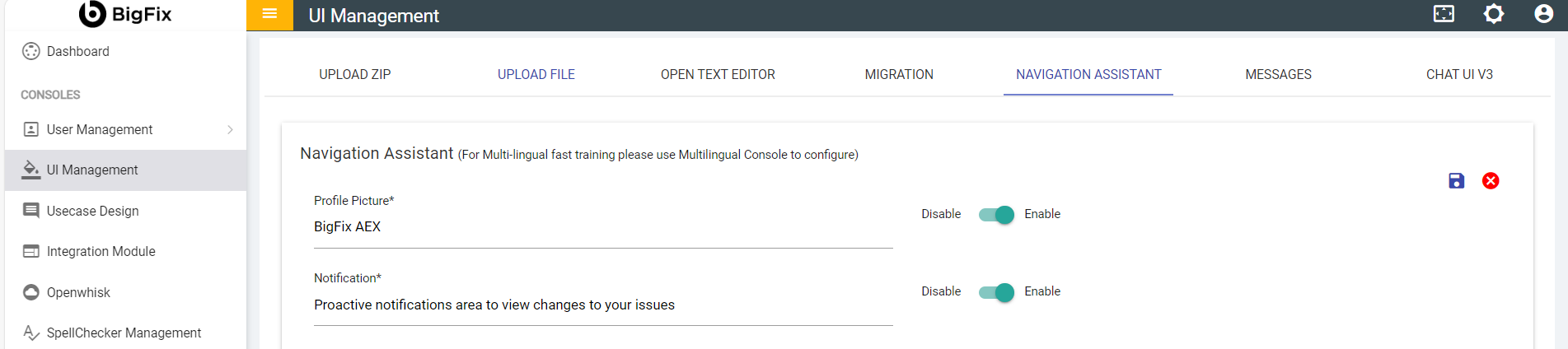
- The following Confirmation Message appears on clicking the save icon:
Figure 3. Confirmation Message 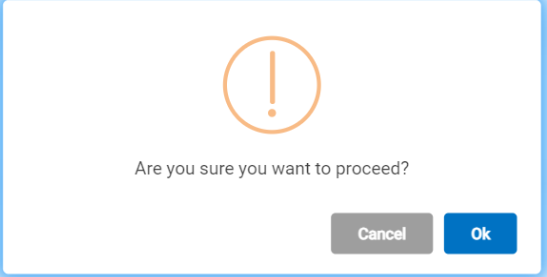
- Clicking OK displays, the updating status.
Figure 4. Status Message 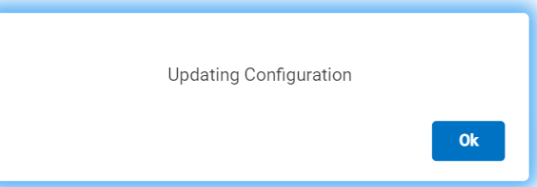
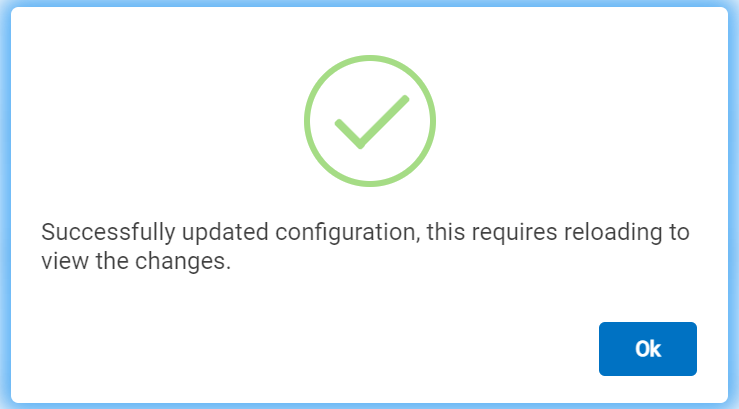
- Clicking OK displays the success message.
Figure 5. Success Message on Saving Navigation Assistant