Edit Notification
- To edit a particular notification or alert, click on the edit
icon
.png) in the
notification page.
in the
notification page. - Once the user clicks on the edit icon, it redirects to the edit notification
page.
Figure 1. Edit Notification 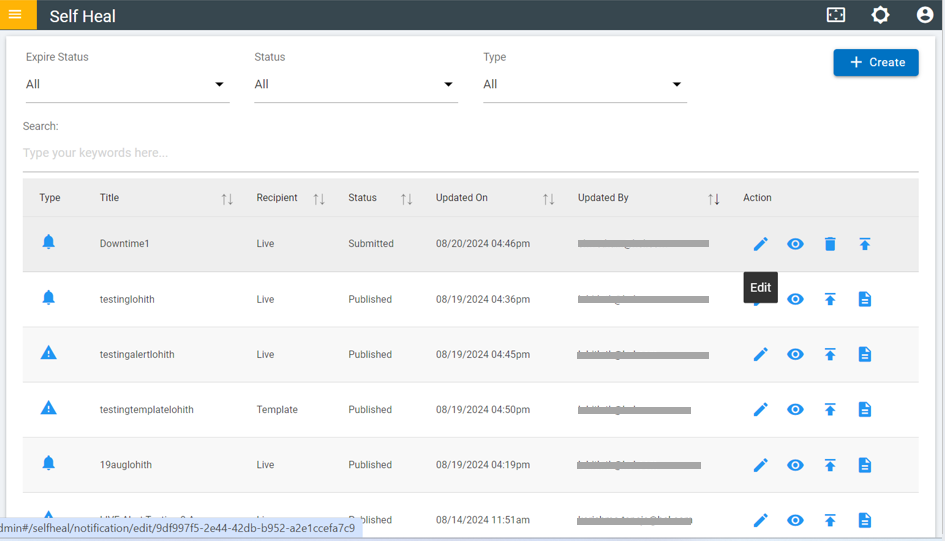
- Make the necessary modifications to the fields and click "Update."
Figure 2. Edit Notification (Cont.) 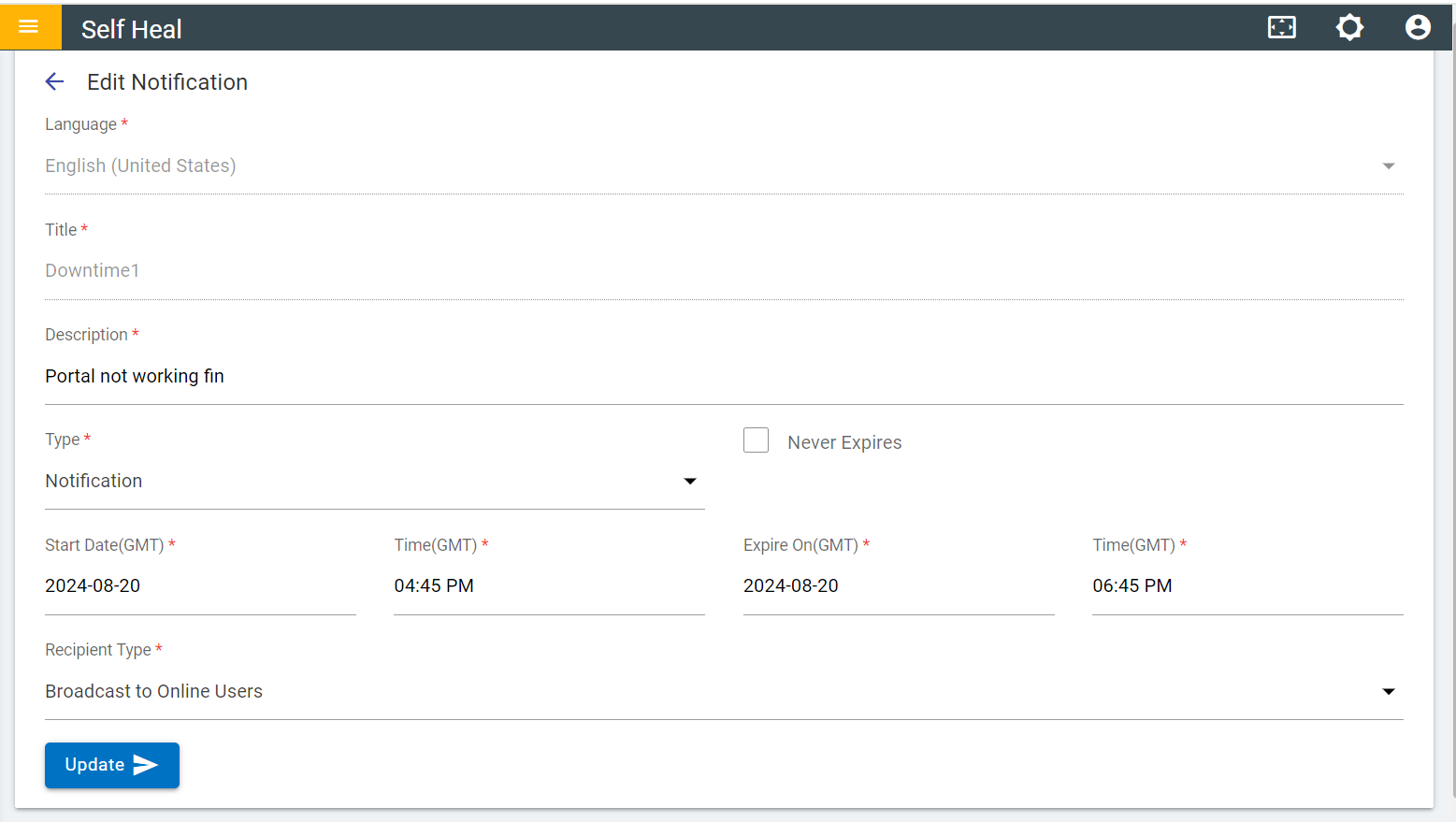
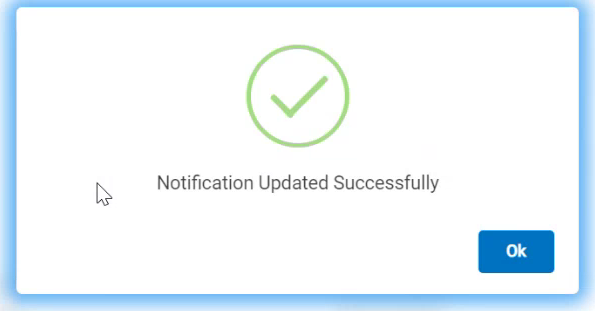
- Modify the details as required and click Update. The following success
message appears:
Figure 3. Success Message