Scheduler
- To create any solution, a solution must be created in the Global Admin with
"Enable Schedule" set to true. Only then can the solution be scheduled by the
tenant.
Figure 1. Create Solution in Global Admin 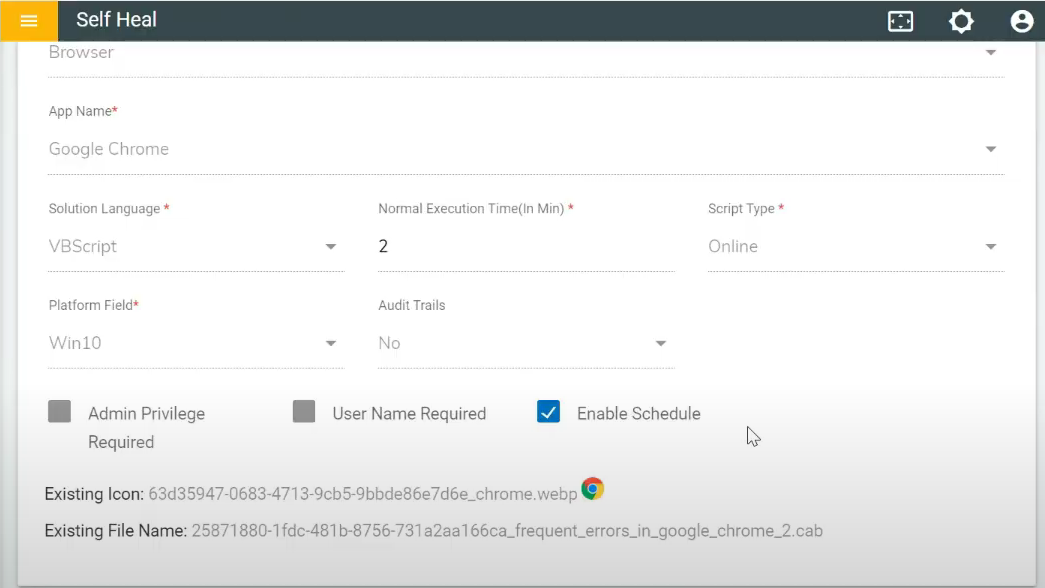
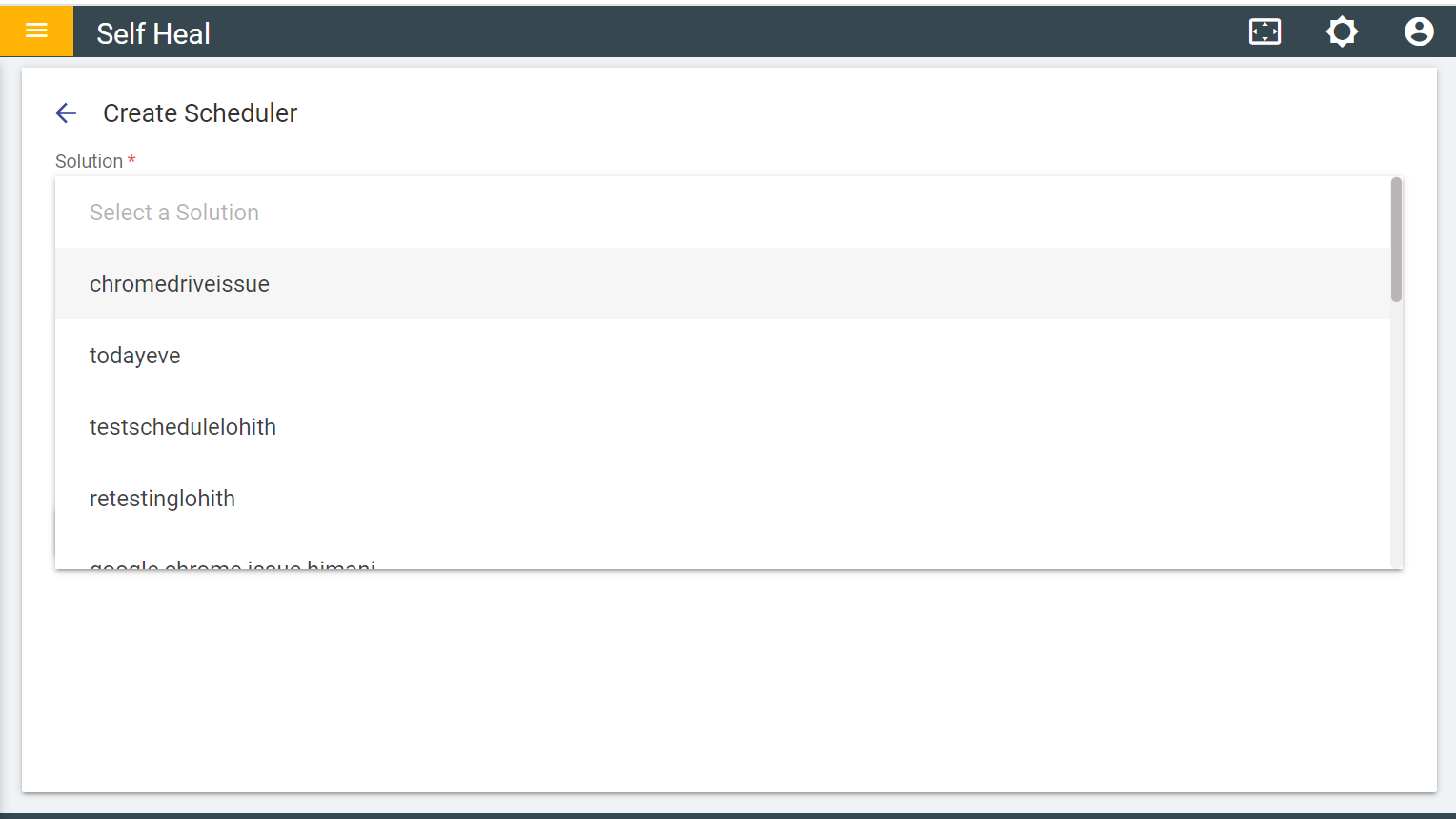
- After publishing this solution, it appears under the global scripts. After
transferring to client bucket, it becomes visible in the drop-down list within the create
section.
Figure 2. List of schedule solution