Delete Notification
- Click the delete icon to remove the notification.
Figure 1. Delete Icon 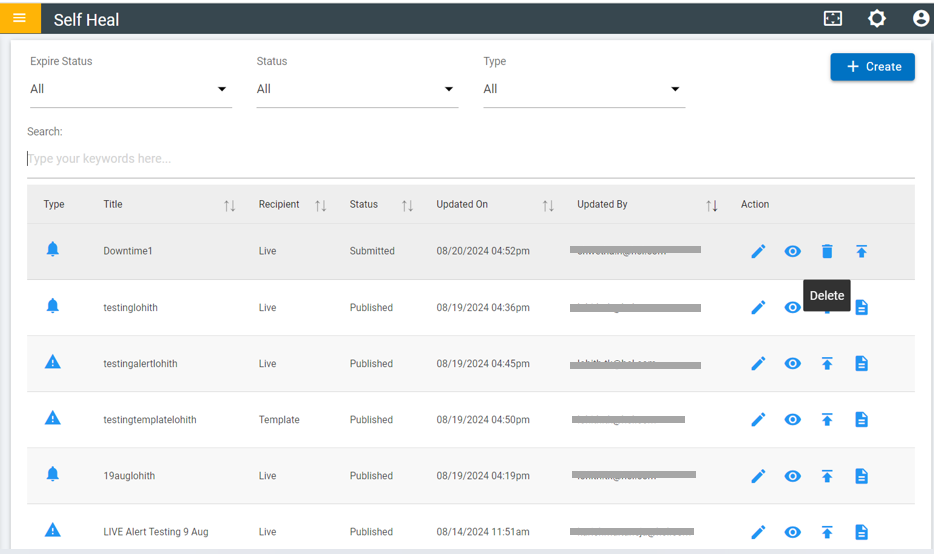
- Click OK to delete or click Cancel to cancel the delete action.
- On clicking on the OK, the selected Notification is deleted from the list.
Figure 2. Confirmation message 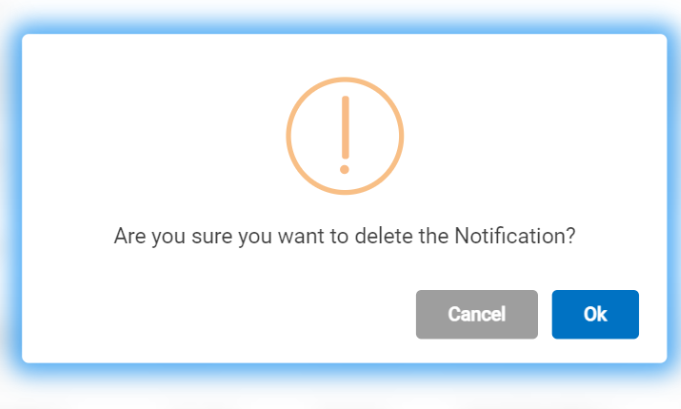
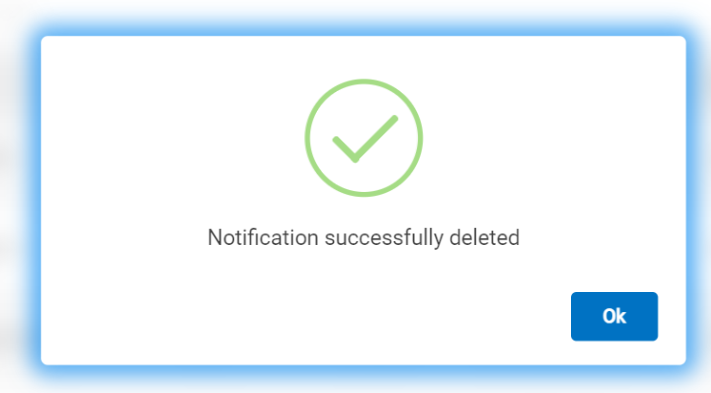
- After clicking "OK," a message will appear confirming that the notification
has been successfully deleted.
Figure 3. Success Message