Create Notification
- Click on the create button at the top right corner of the notification page to create a notification.
- The Create Notification page appears:
Figure 1. Create Notification 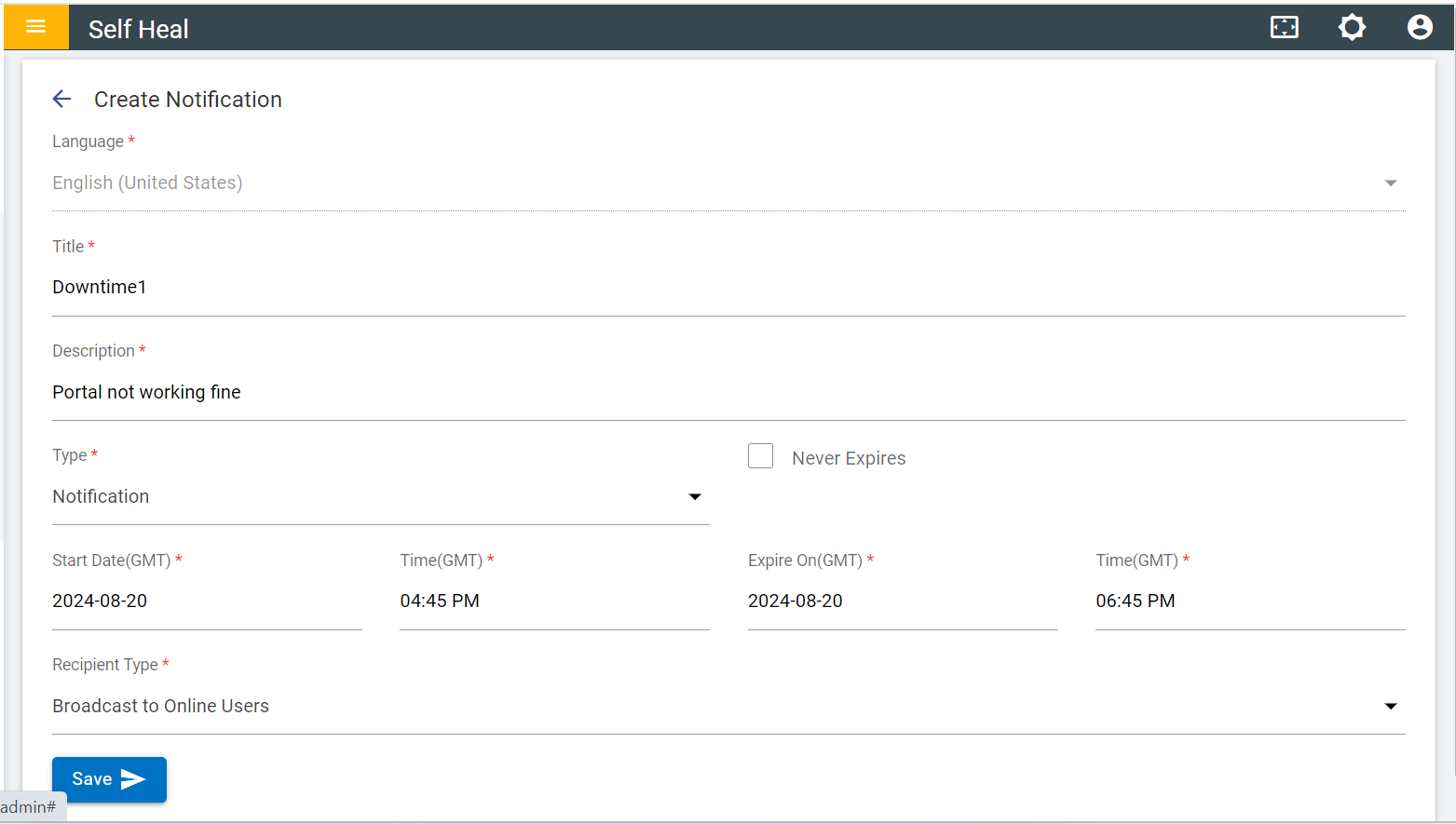
- Fill out the required fields and click Save.
Figure 2. Create Notification .png)
- After clicking on the save the following success message appears:
Figure 3. Success Message 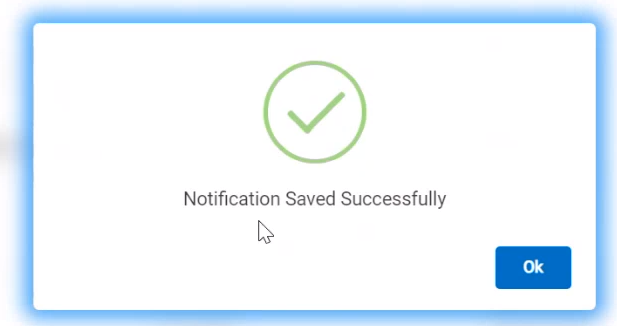
- Once the notification is saved successfully, it will be added to the list of notification
pages.
Figure 4. Notification Added in List 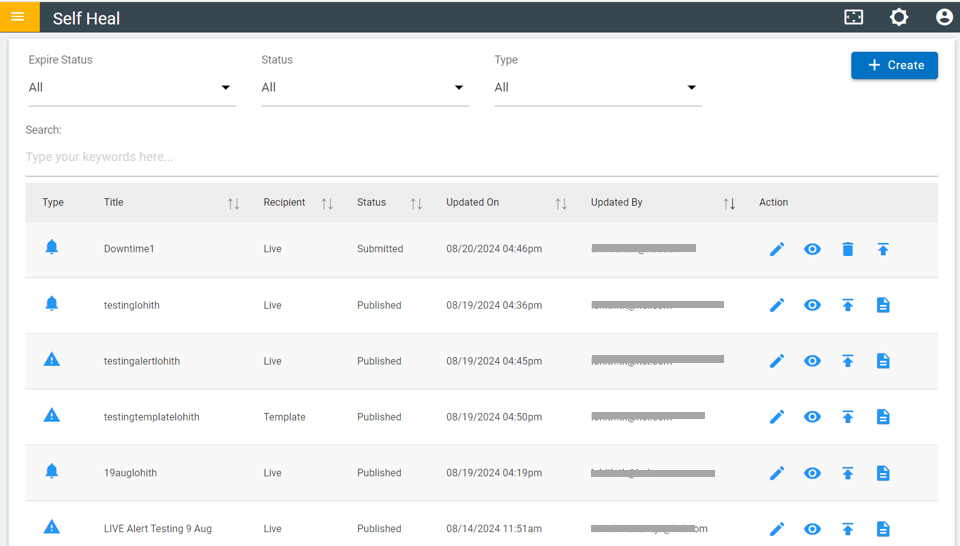
- Click the publishing icon if the user wants to publish the Notification.
Figure 5. Publish Notification 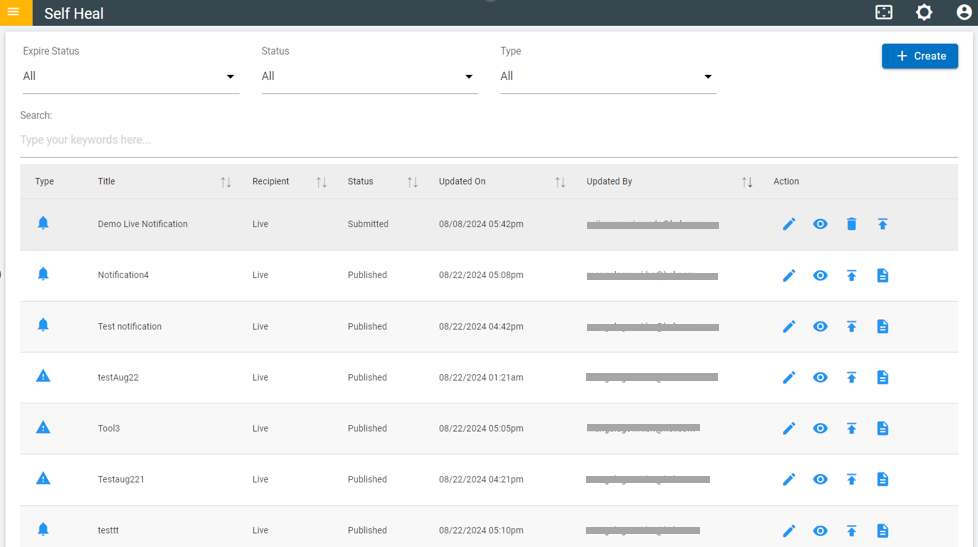
- Click OK to publish or click Cancel to cancel the publish action. On
clicking on the OK, the selected Notification is published from the list. Once
Published notification cannot be revoked.
Figure 6. Confirmation Message 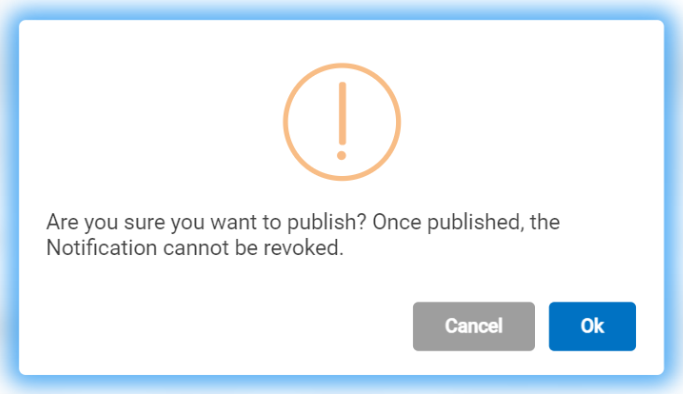
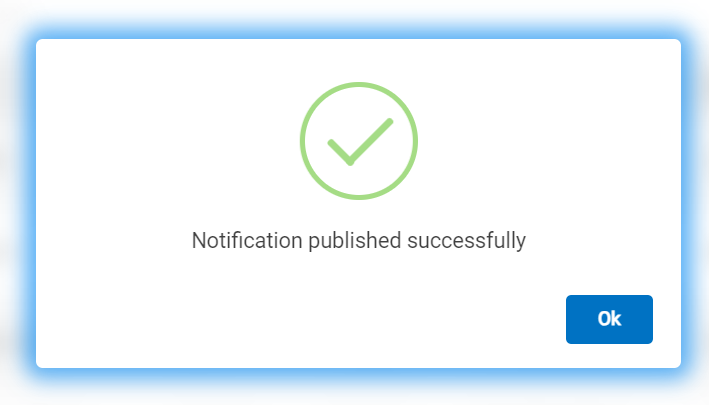
Figure 7. Success Message