Scripts
These are scripts for specific solutions which are executed on a client’s machine. There are two modules available under Scripts:
- Global Scripts: these scripts belong to the solutions which are published in global admin console.
- Client Scripts: The scripts that belong to client and user can view that in the app of that tenant.
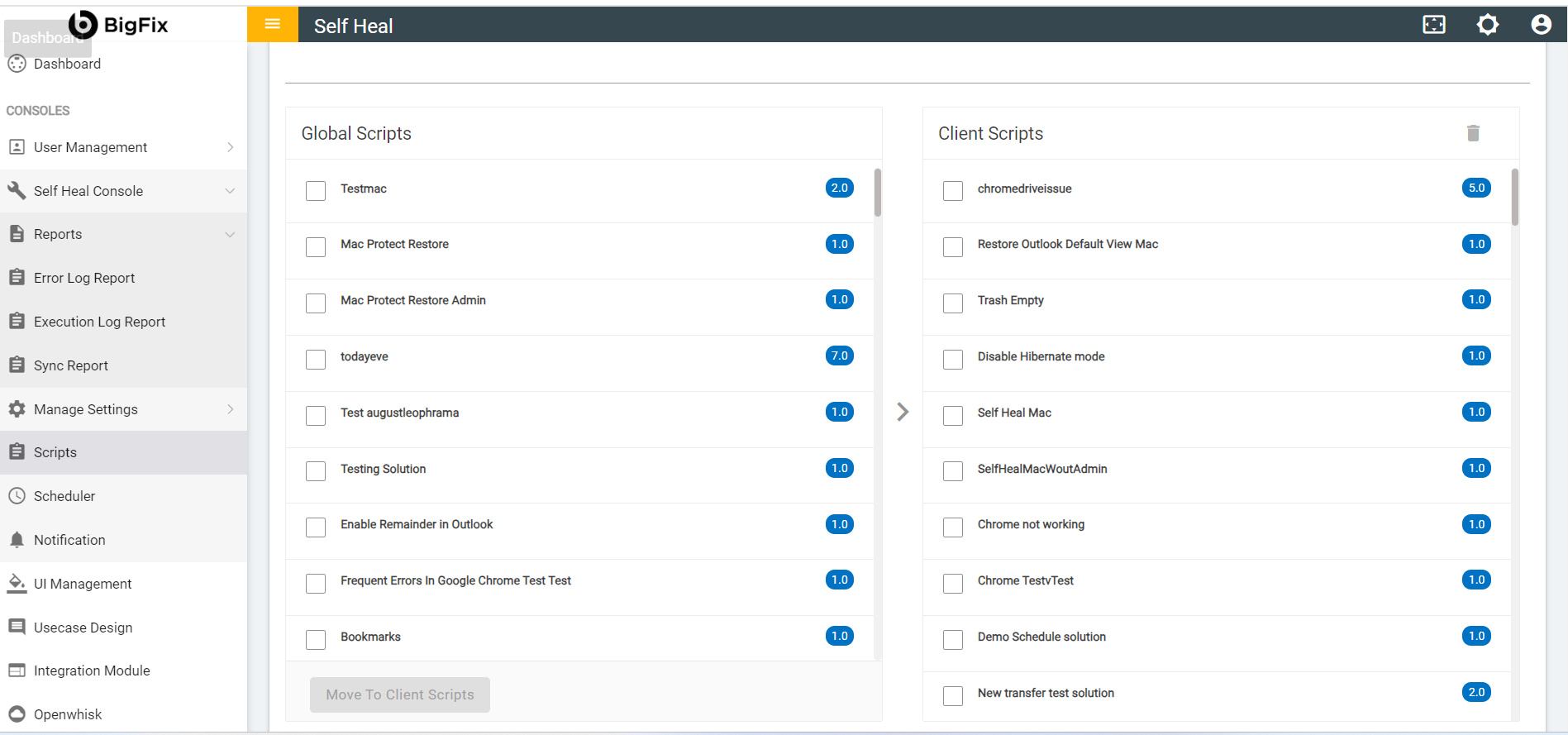
- To move scripts from Global Scripts section to Client Scripts section,
the admin must select the scripts by clicking the corresponding checkbox and then click on
Move to Client Bucket button.
Figure 2. Select Scripts from Global Scripts 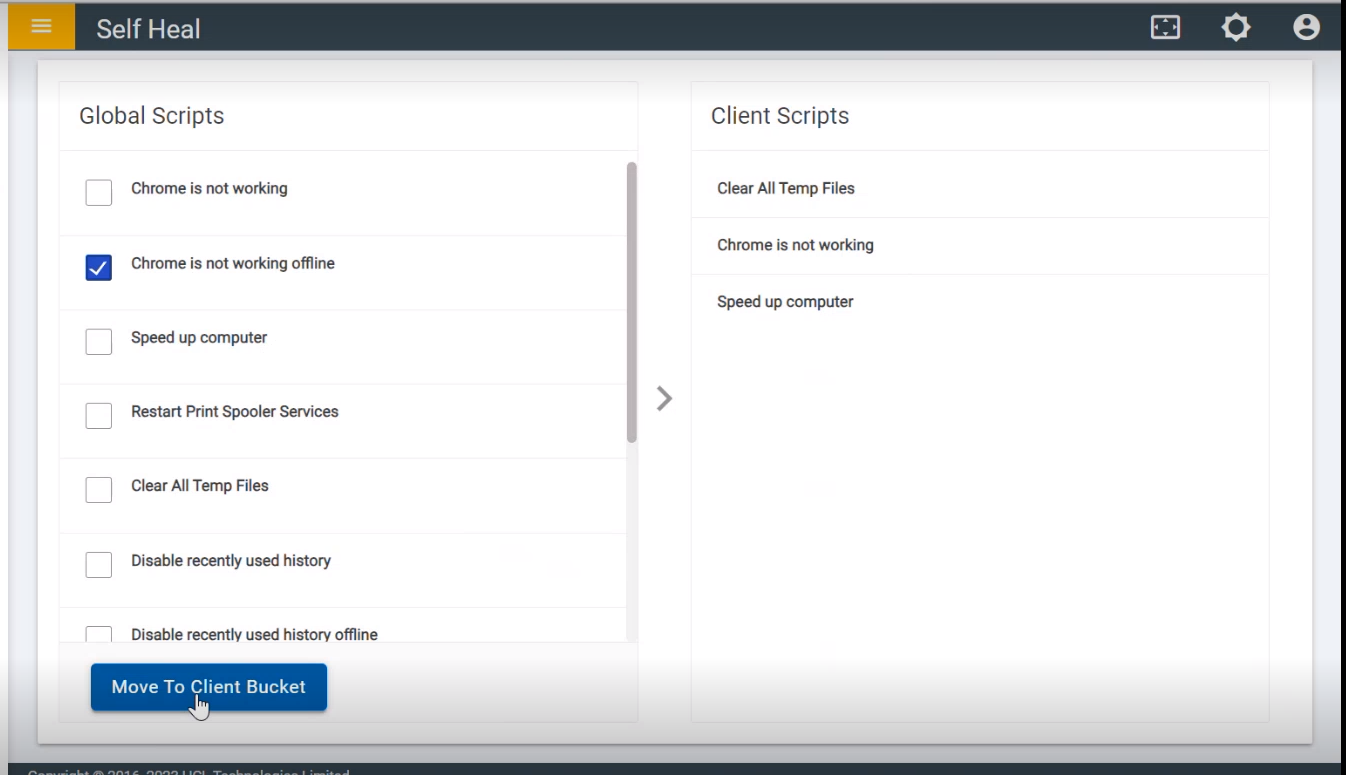
- The following success message appears:
Figure 3. Success Message 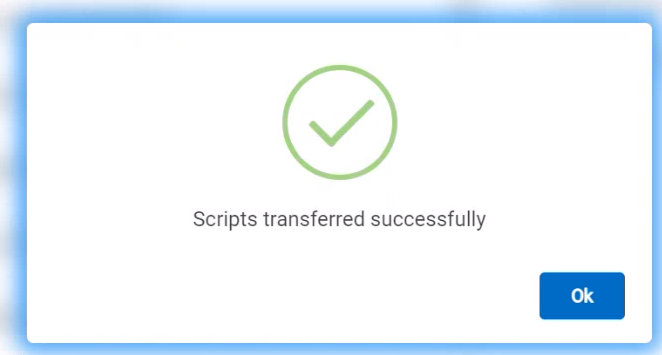
- The selected scripts are successfully transferred from the Global Scripts
section to the Client Scripts section.
Figure 4. Scripts Shifted from Global Scripts to Client Scripts 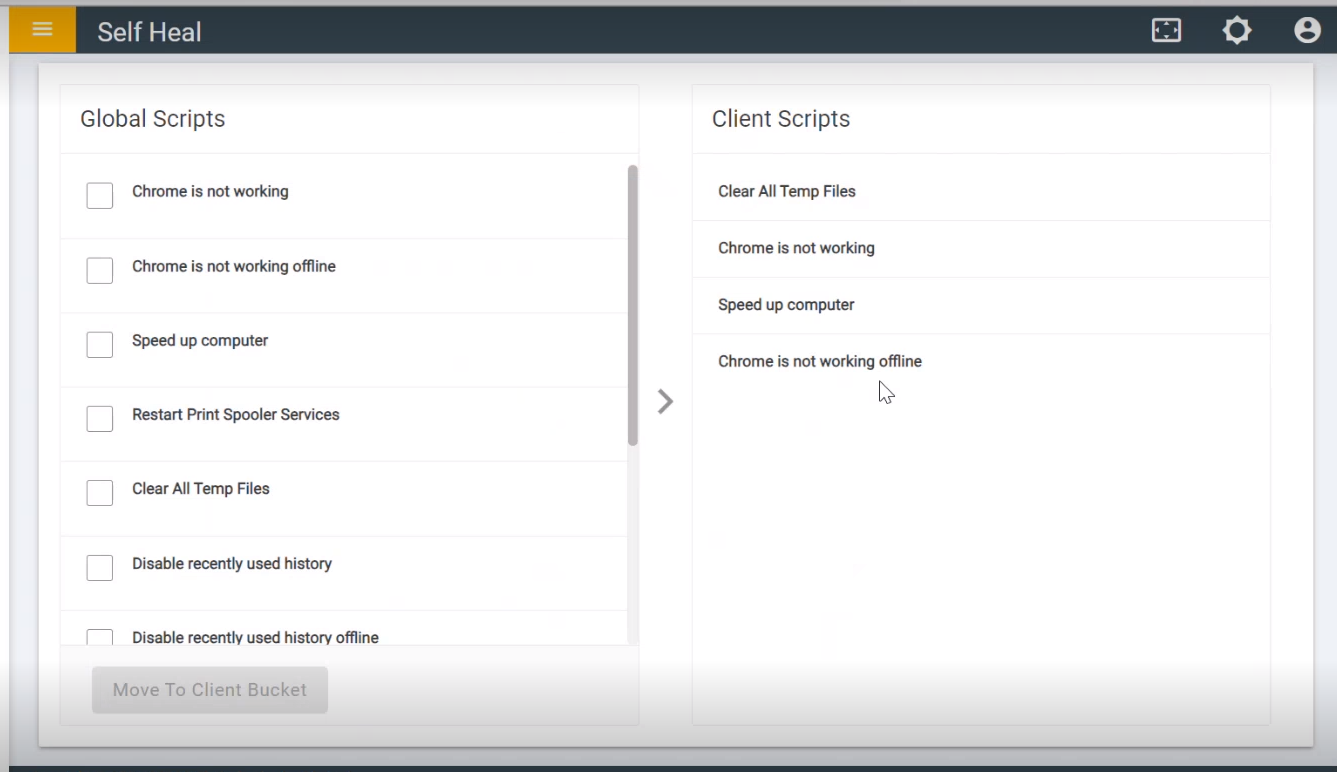
- Click delete icon to delete client script.
Figure 5. Choose Script to Delete 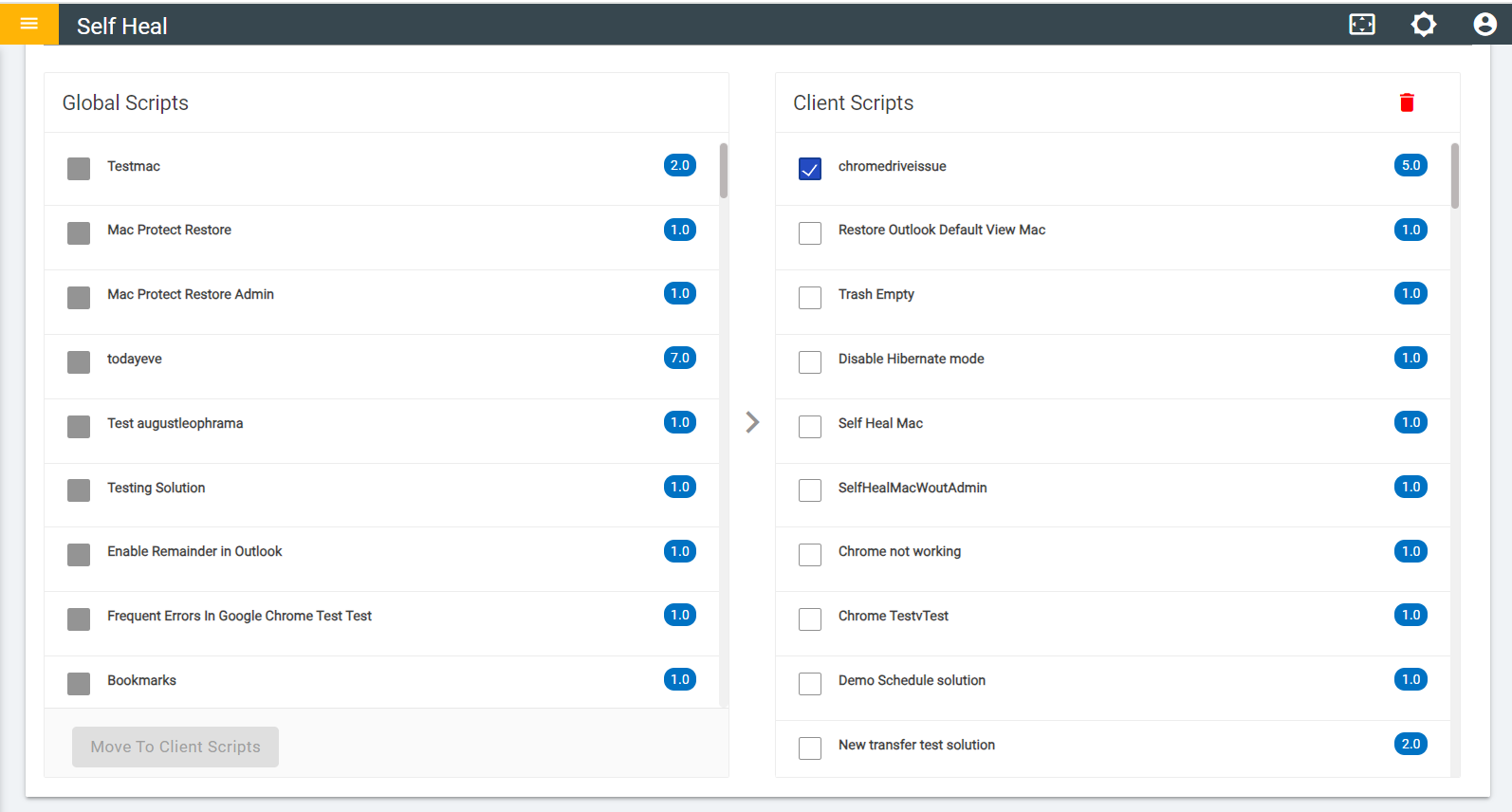
- Click OK to delete or click Cancel to cancel the delete action.
- On clicking on the OK, the selected Client scripts are deleted from the
list.
Figure 6. Confirmation Message 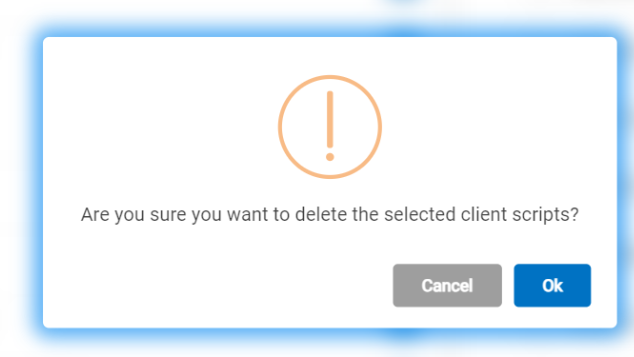
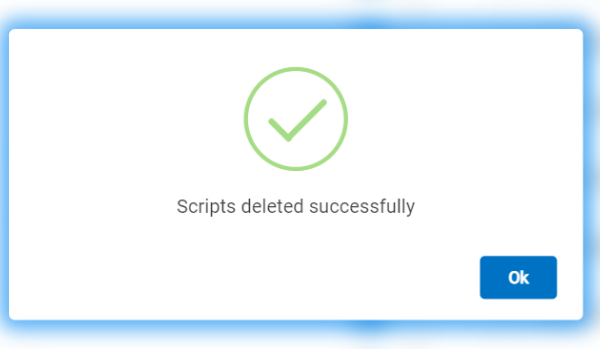
Figure 7. Success Message