Edit Configuration
- To edit configuration, click on the edit icon on the configuration page.
Figure 1. Edit Configuration 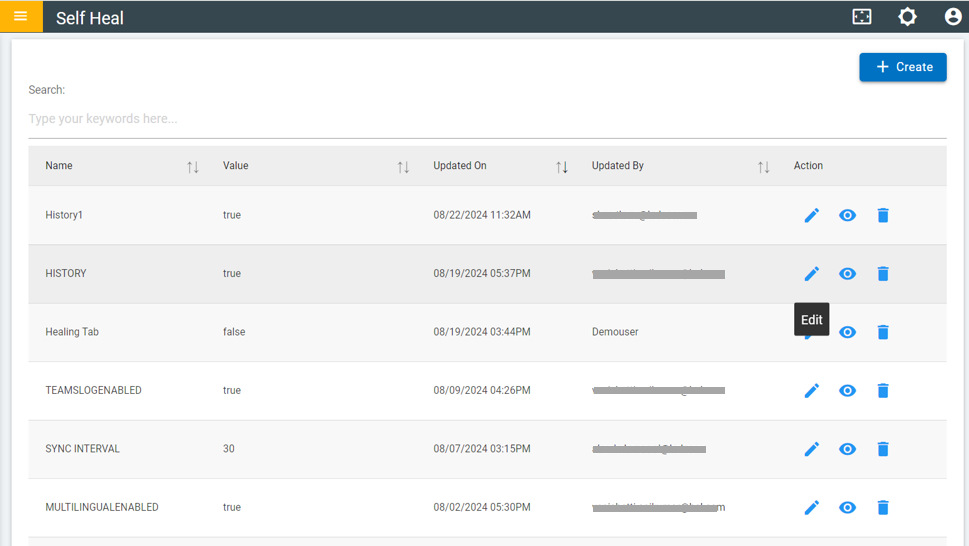
- The name is disabled and cannot be changed once created.
- The user can make necessary changes to the description and value, but the configuration name cannot be altered.
- After making updates, click "Update."
Figure 2. Update configuration 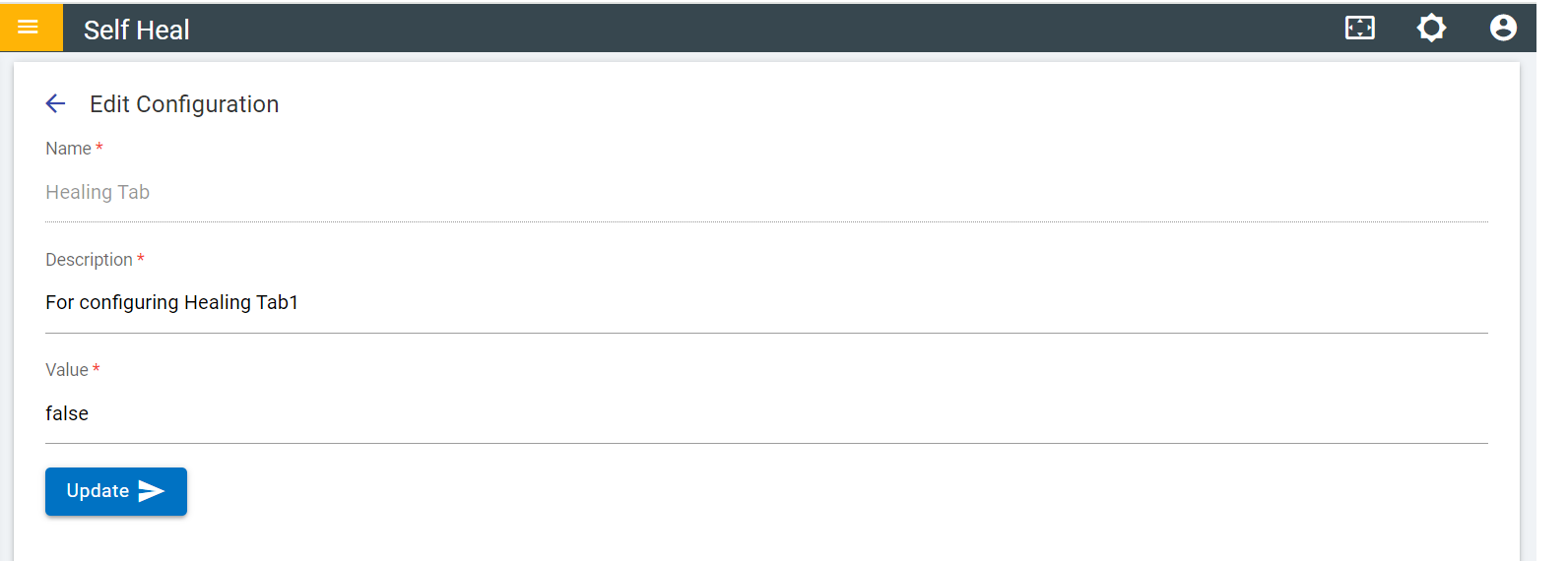
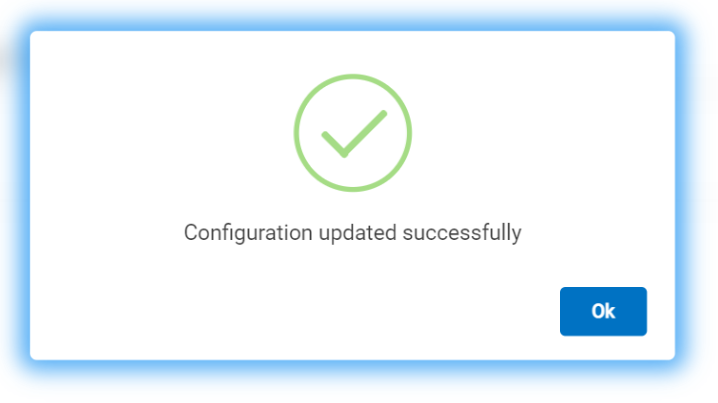
- After clicking on the update configuration updated successfully message will
appear
Figure 3. Success Message