Delete Configuration
- To delete configuration, click on the delete icon on the configuration page.
Figure 1. Delete Configuration 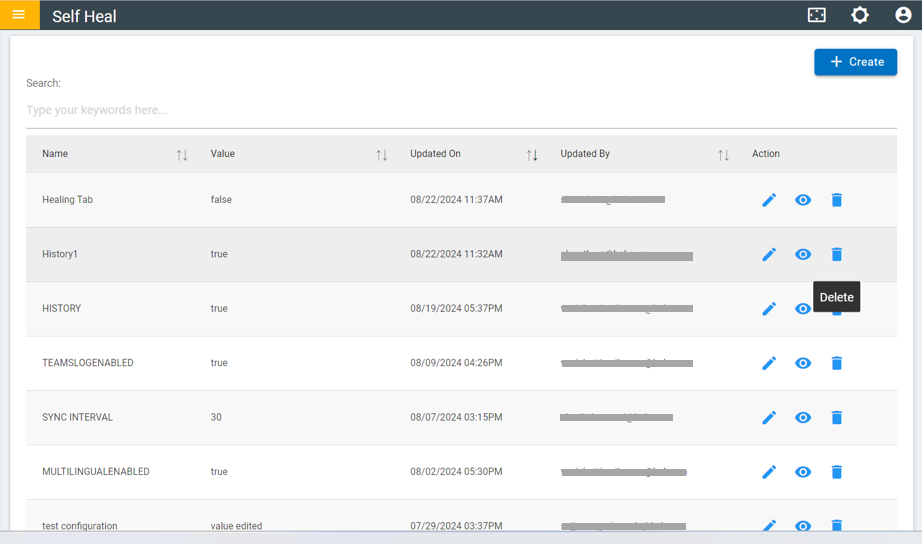
- After clicking on the delete icon the following message will appear
Figure 2. Confirmation Message 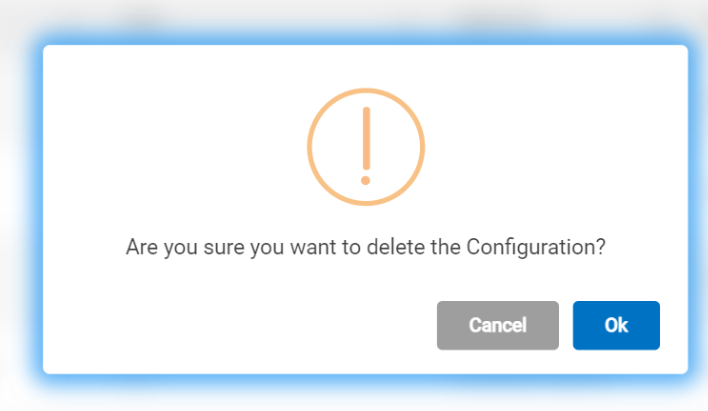
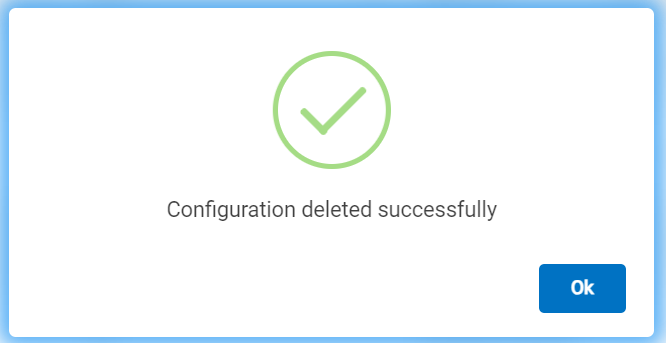
- After clicking ok the following message will appear.
Figure 3. Success message