Delete
- To Delete the contact, click on the deleted icon on the contact us page.
Figure 1. Delete Contact 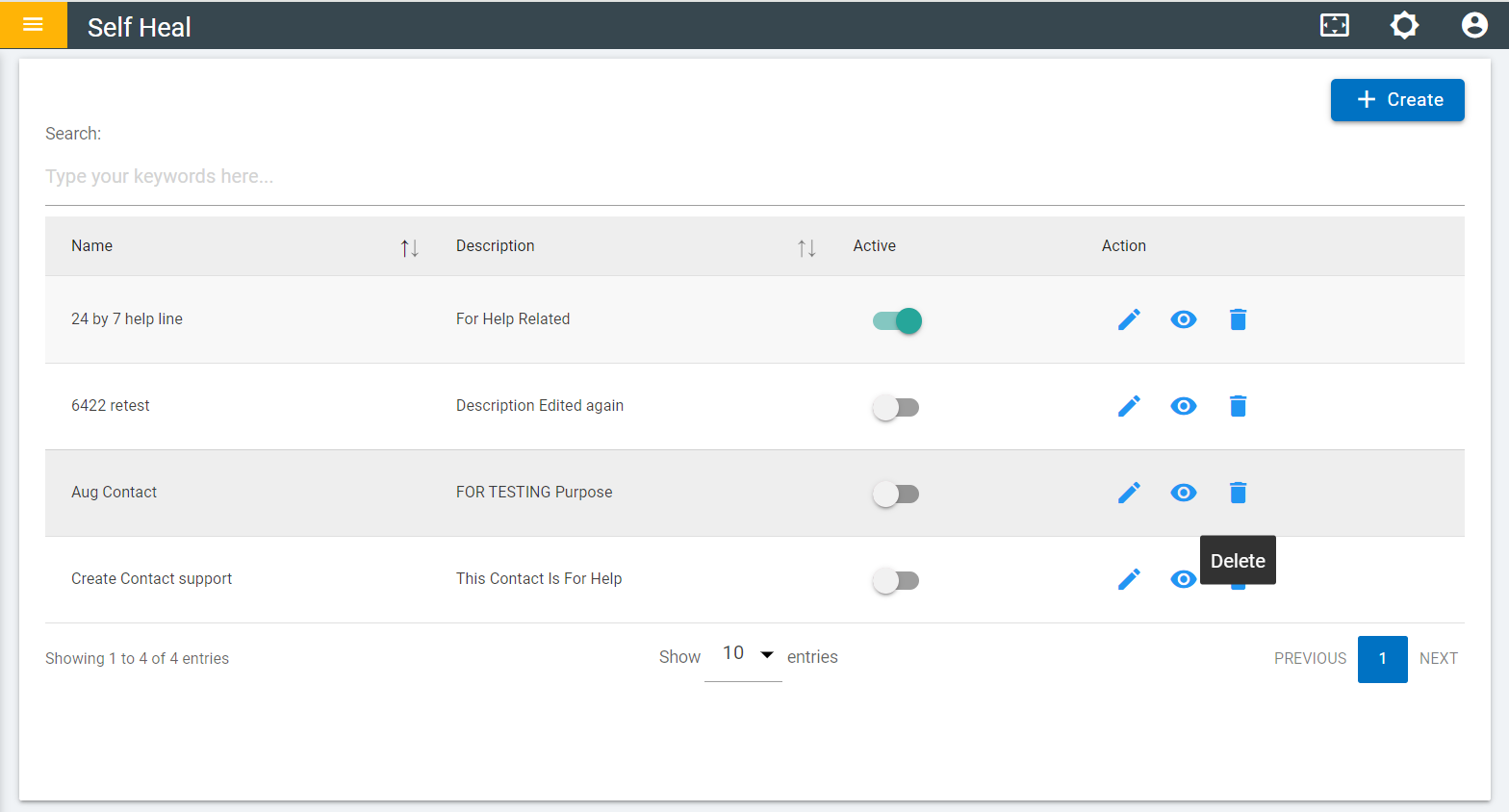
- After clicking on the delete Icon A confirmation message appears to confirm the delete action.
- Click Ok to delete or click Cancel to cancel the delete action.
Figure 2. Confirmation Message 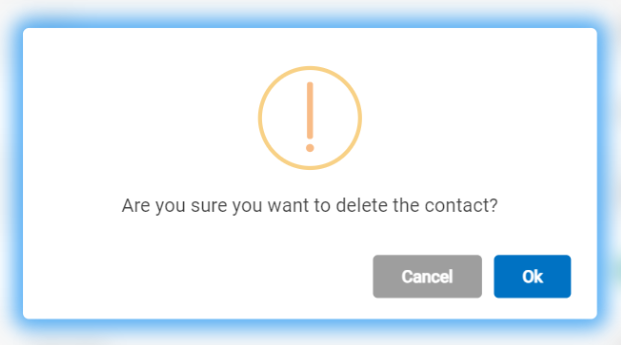
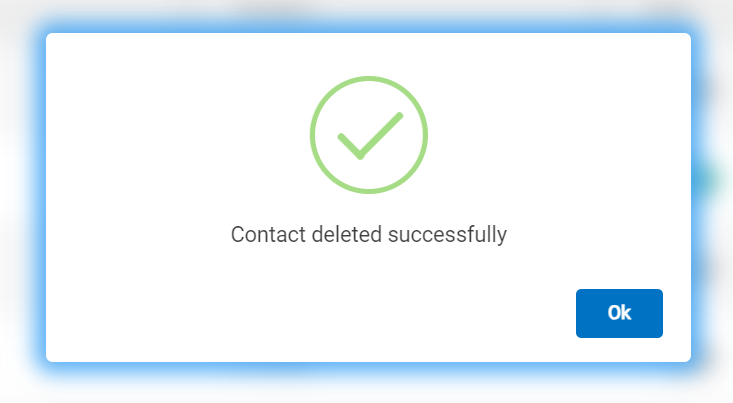
- After clicking on ok the following message appears.
Figure 3. Success Message