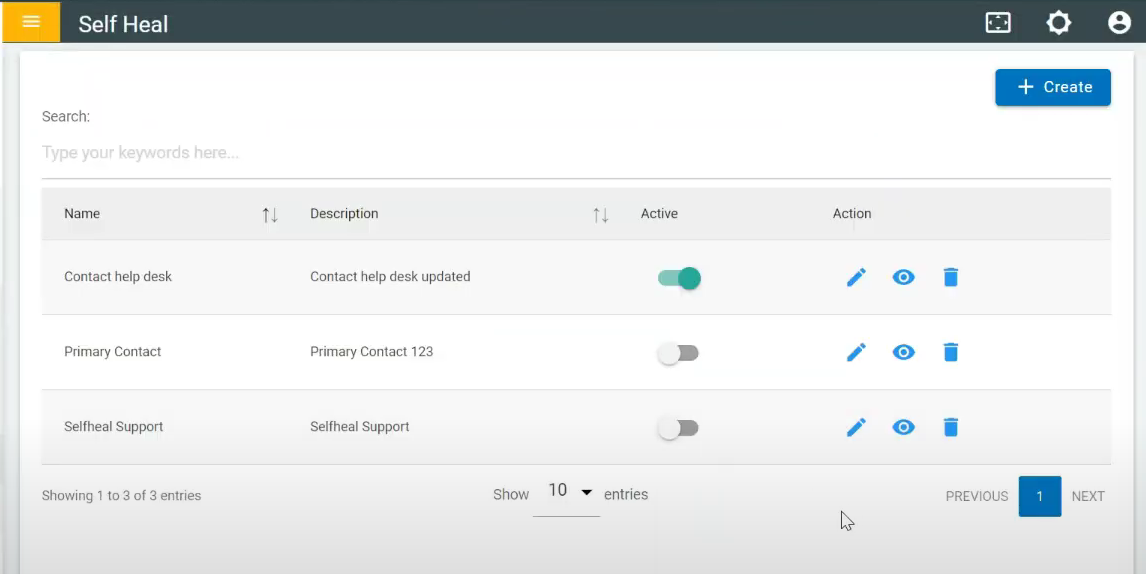
Create
- To Create Contact US, click on the create on the Contact US page.
Figure 1. Create Contact US 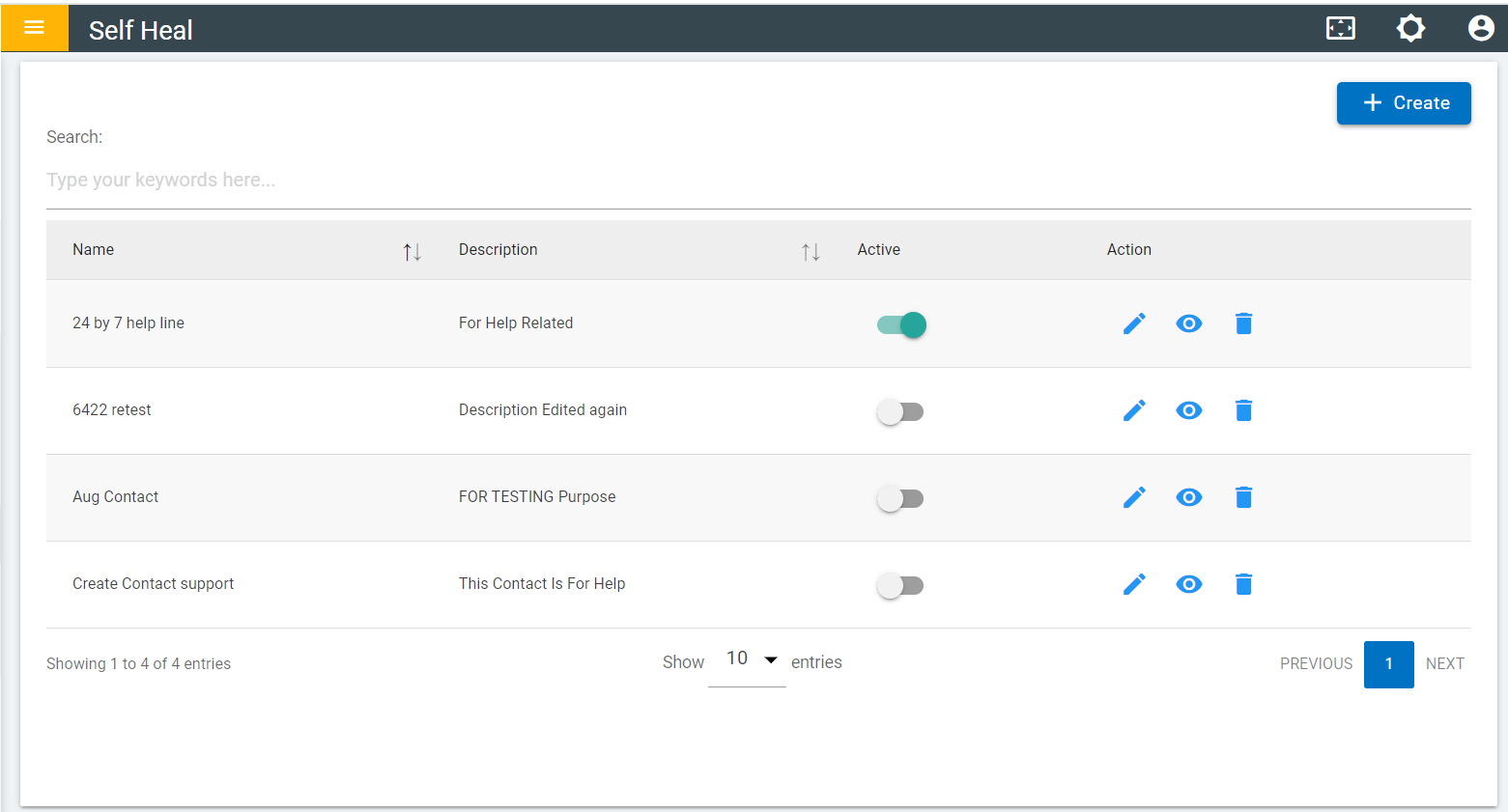
- Fill in the required fields and click save.
Figure 2. Create Contact Details 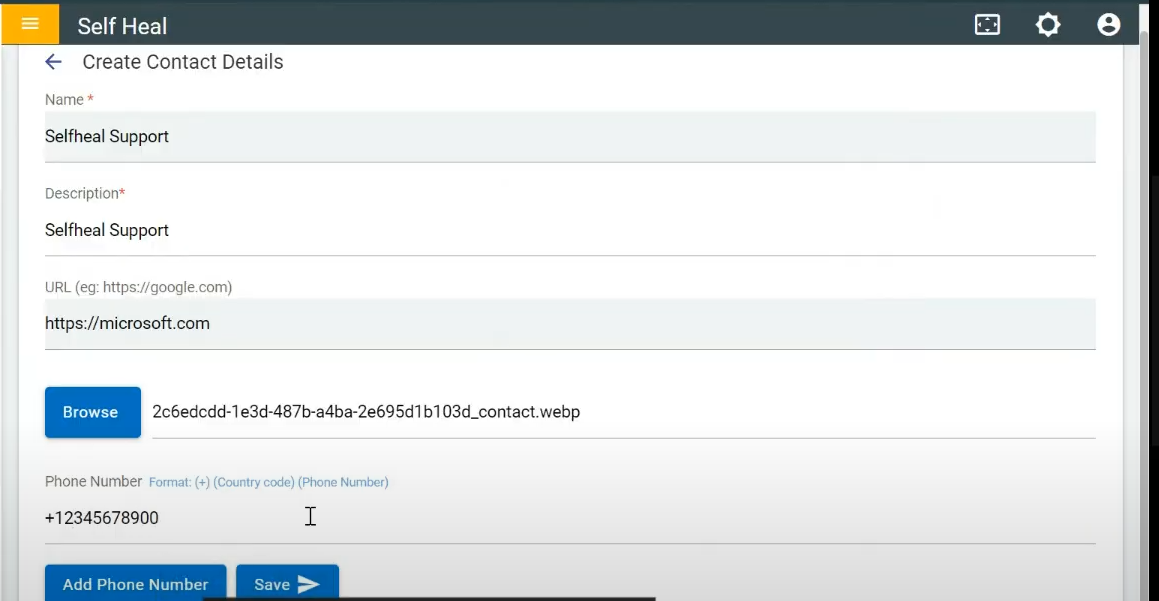
- After clicking on save the following message appears:
Figure 3. Success Message 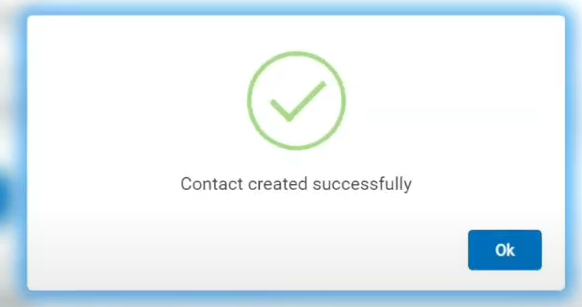
- These contact details will be added to the list of contact details page. If a
user wants to show the contact details in the client app he can toggle on
Figure 4. Contact Details Added