Users
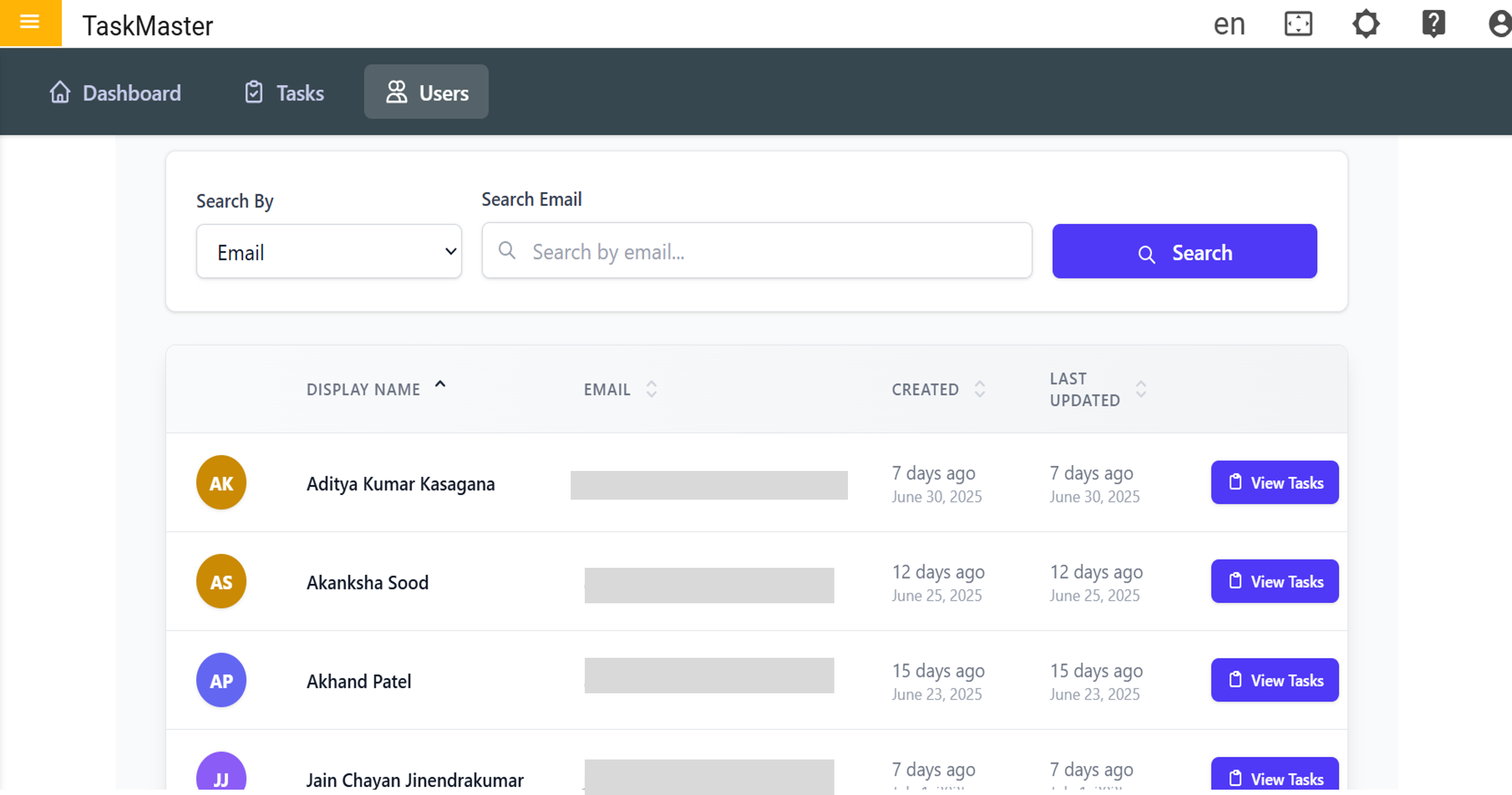
The Users in TaskMaster provides an organized view of all registered users within the system. It includes user identification, contact details, activity timestamps, and access to their associated tasks. Admins and team leads can use this to monitor and manage user activity efficiently.
Search & Filter Options
Users can be searched and filtered based on specific criteria:
-
Search By: Allows selection of the search field (e.g., Email).
-
Search Email: A text field to input the email or part of it for quick lookup.
-
Search Button: Executes the search query based on user input.
User Table Columns
The Users Table displays the following columns:
- Display Name: Full name of the user along with colored initials for quick reference.
- Email: The official email ID of the user.
- Created: Indicates when the user was added to the system.
- Last Updated: Shows the last update timestamp related to the user.
- View Tasks: A button to access and review tasks assigned to the respective user.
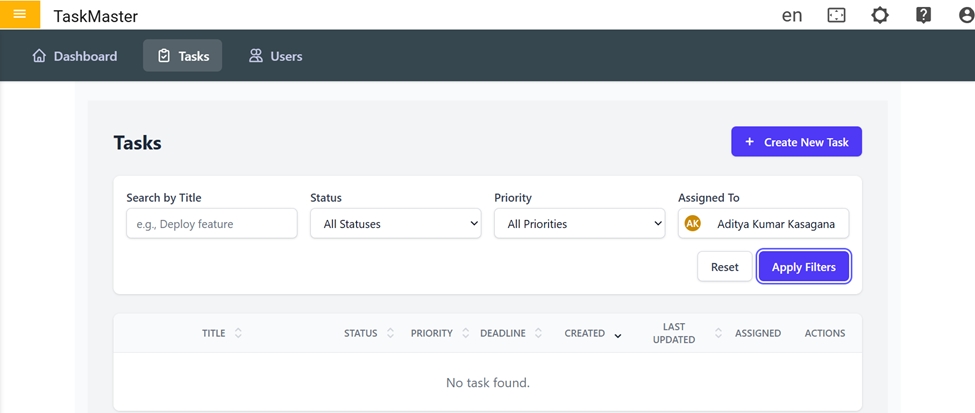
Go to 'View Task', it will be redirected to the task dashboard, displaying data relevant to the respective user.