
Prerequisites & Functionality
- The user needs to have access to a particular console to import/export/download a backup from it. To learn more about routes and access, UMS documentation can be referred.
- The buttons to Import/Export/Download appears on the homepage of console (if the console has any) or on the main route of the console as shown in figure below:
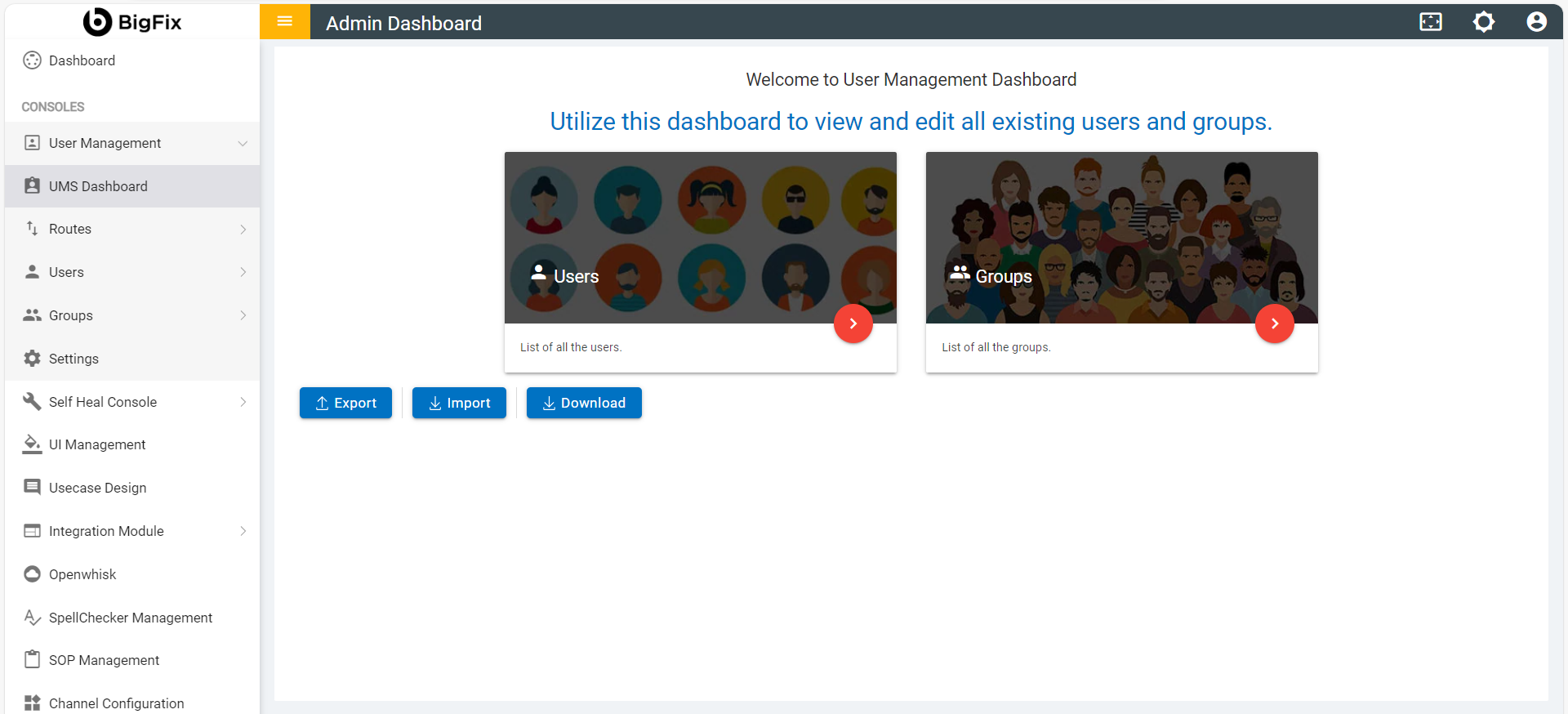
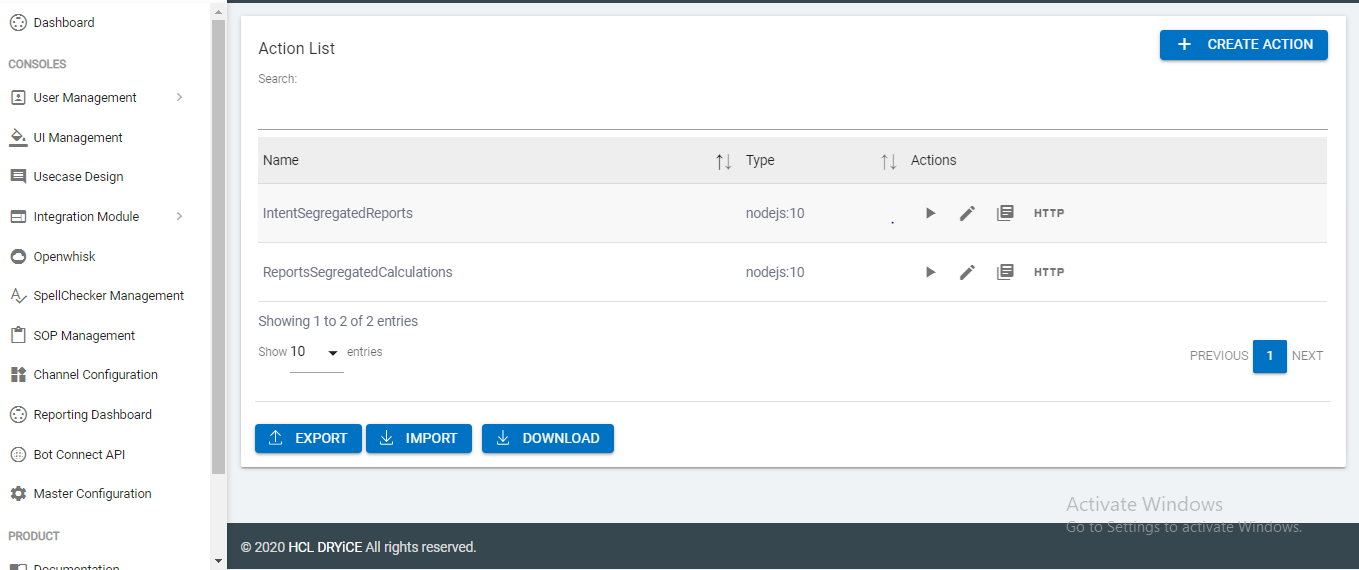
- Below is a list of routes to the consoles from where respective backups can be imported/ restored/ downloaded.
Note:
The <Tenant-URL> value needs to be replaced by the actual tenant URL.
- Openwhisk Actions: <Tenant-URL>/admin/openwhisk
- UMS: <Tenant-URL>/admin/admin_dashboard
- Rule Engine: <Tenant-URL>/admin/ruleengine
- Manage: <Tenant-URL>/manage
- SOP: <Tenant-URL>/admin/sop_management_console
- Datapoint: <Tenant-URL>/admin/datapoint
- Master Configuration: <Tenant-URL>/admin/configure
- Bot Connect: <Tenant-URL>/admin/external