Export
- To create a backup, the user needs to click on the EXPORT button.
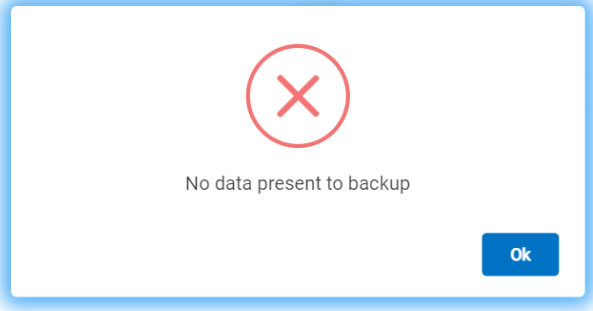
- To export data from a console, the console needs to have data present in it, failing of which gives the error message as shown below:
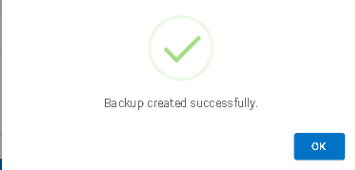
- If the data is present on the console, a backup file is created and stored on cloud and upon successful completion of the process, the user can see a message as shown in the figure below.
Note:
Creating a backup may take some time depending upon the size of data present on the console.