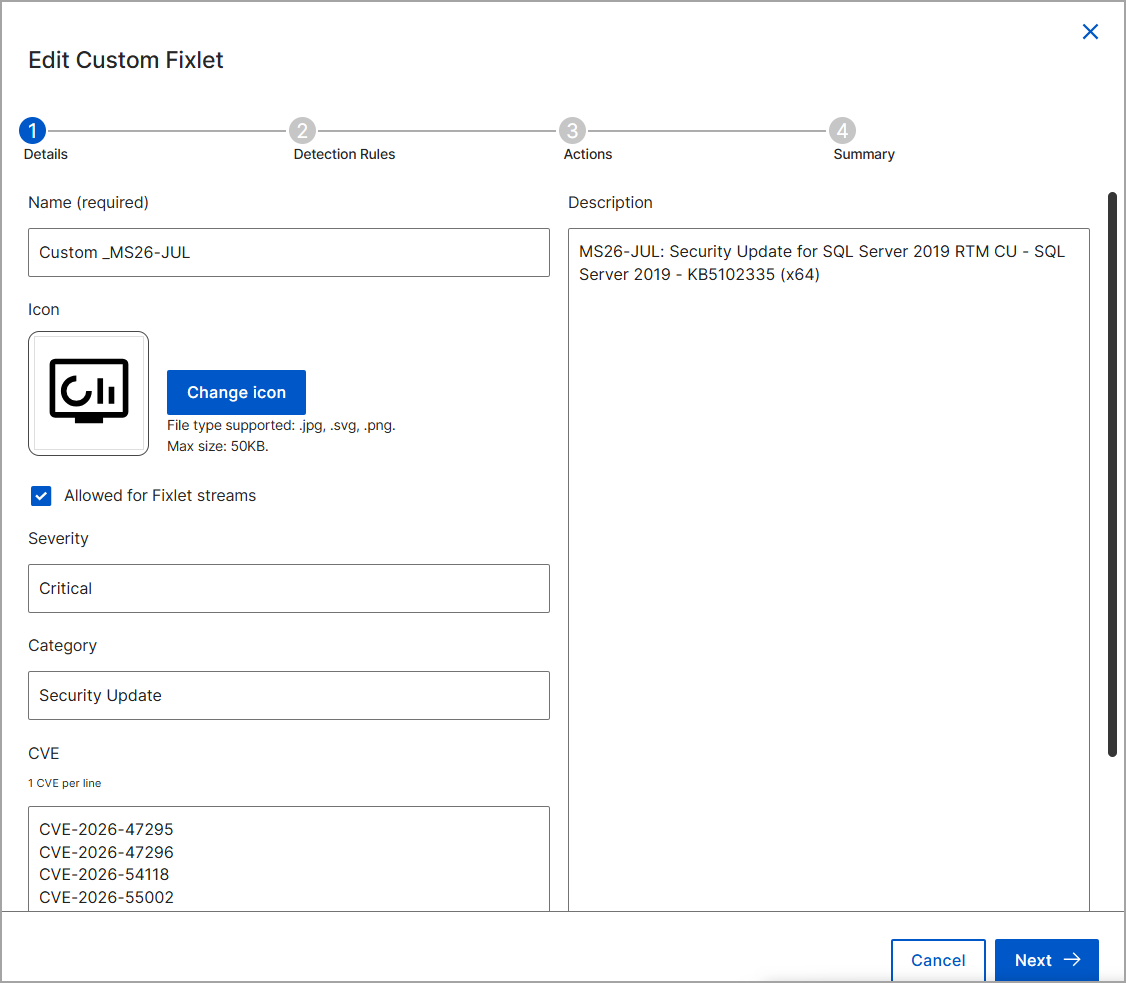
Editing a Custom Fixlet
You can modify an existing Custom Fixlet to update its metadata, detection rules, or action scripts. Updating a custom Fixlet ensures accurate detection and compliance with current security policies.
Before you begin
- You must be assigned an operator role with permissions to edit the Custom Fixlet.
- The target Fixlet must be a custom Fixlet, as external Fixlets cannot be edited.
About this task
Procedure
-
In the Fixlet Explorer List view, click the Fixlet Name
to navigate to the Overview page.
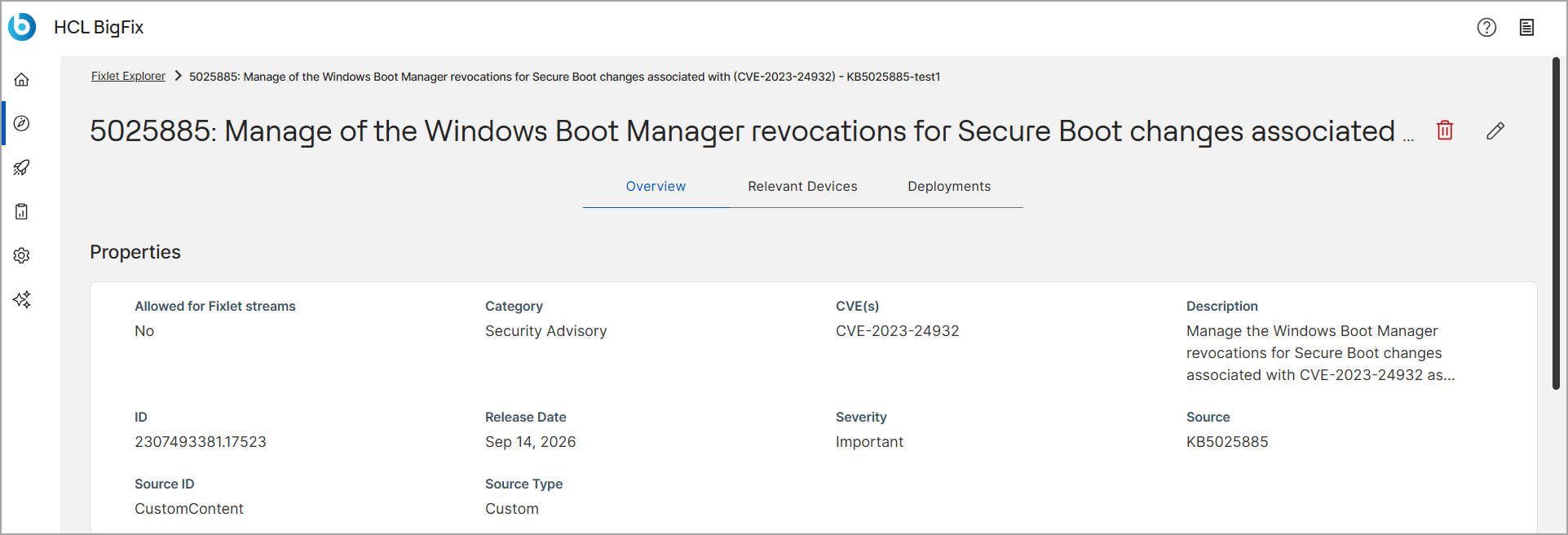
-
Update the necessary fields in the Details,
Detection Rules, Actions and
Summary tabs.