Save Metric
The steps below provide information on how to save metrics data:
- In the top navigation bar, click on Data View and then click on Metrics.
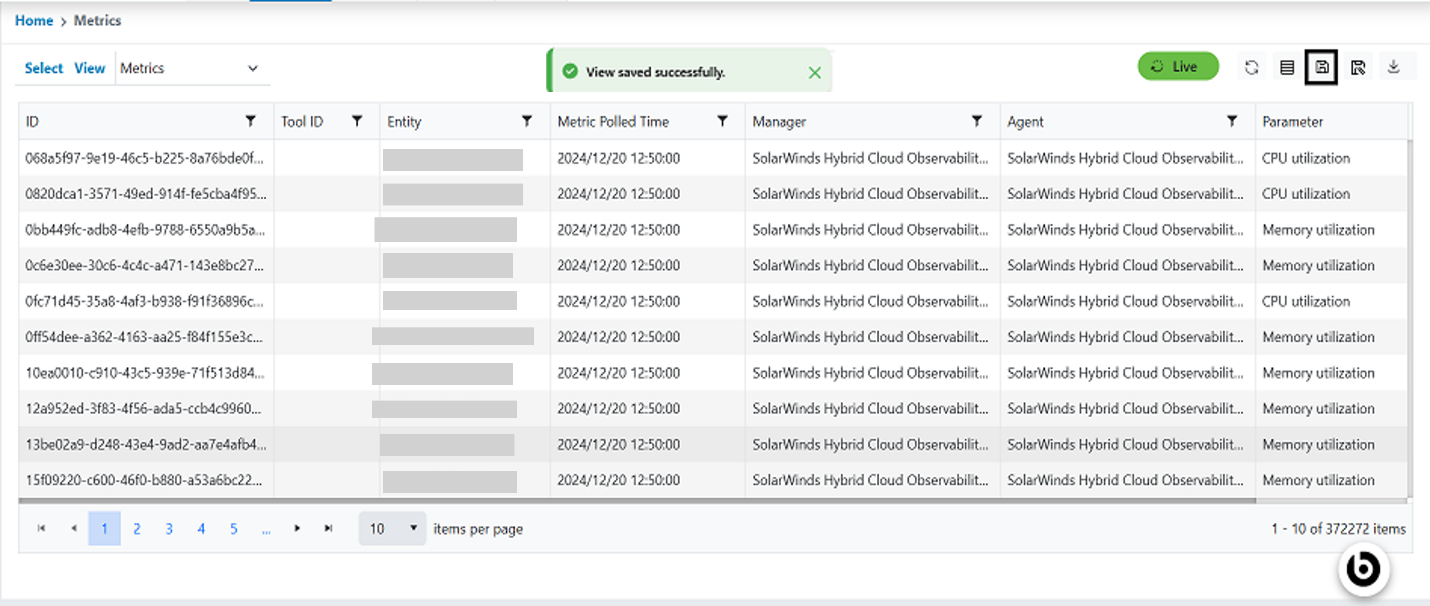
- Users can click the Save button.
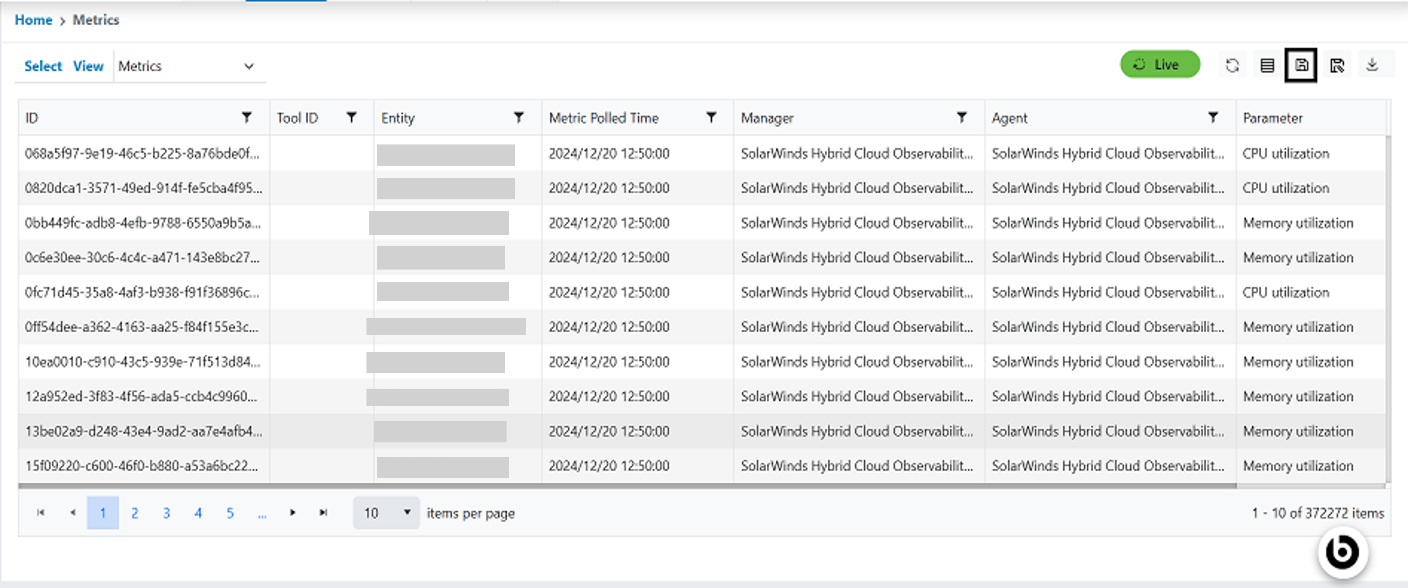
- After saving, the event data appears in the grid and a successful popup appears.
.png)
- On clicking the Confirm button, success will appear.
7