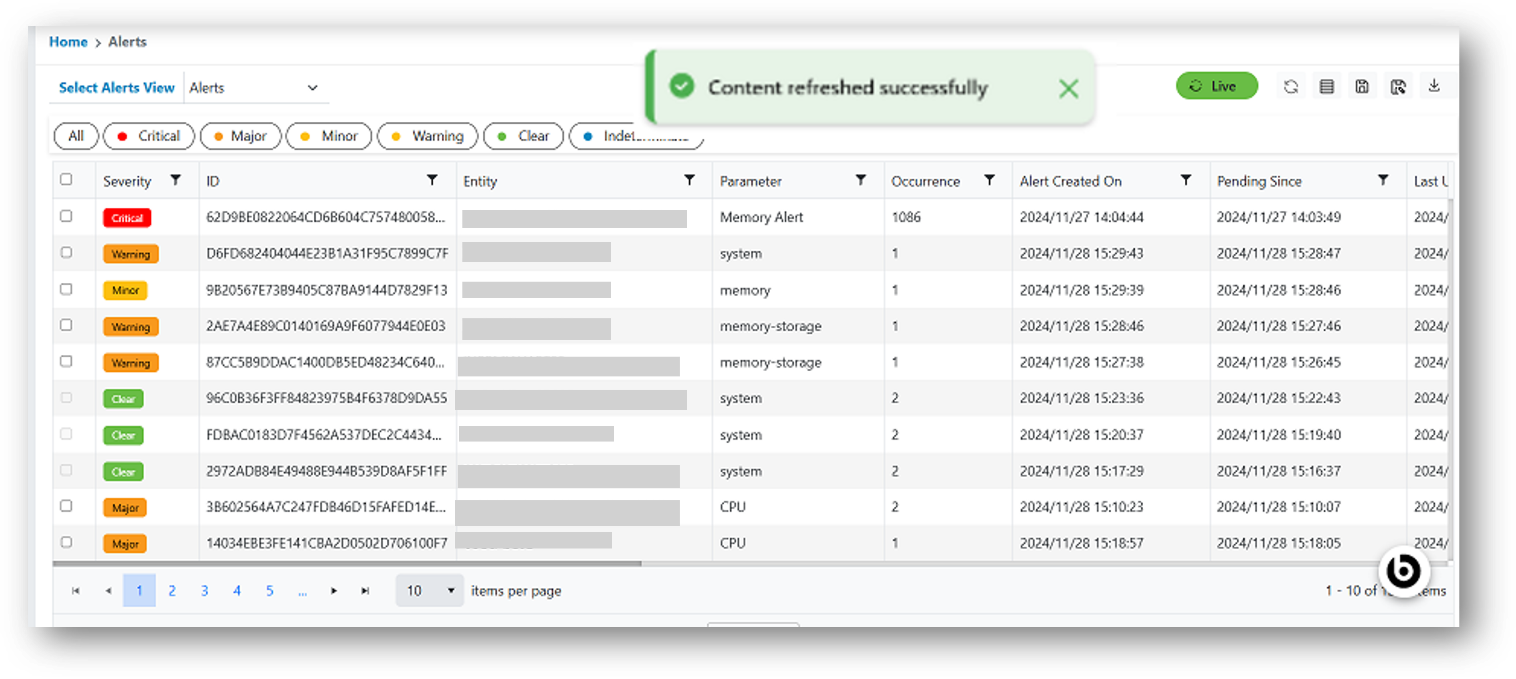
Refresh Alerts
The steps to apply Refresh Time View to alert data:
- In the top navigation bar, click on Data View and click on Alert.
- User can click on Refresh button only if the Live Alert Data is disabled.
Figure 1. Refresh Data View Alerts 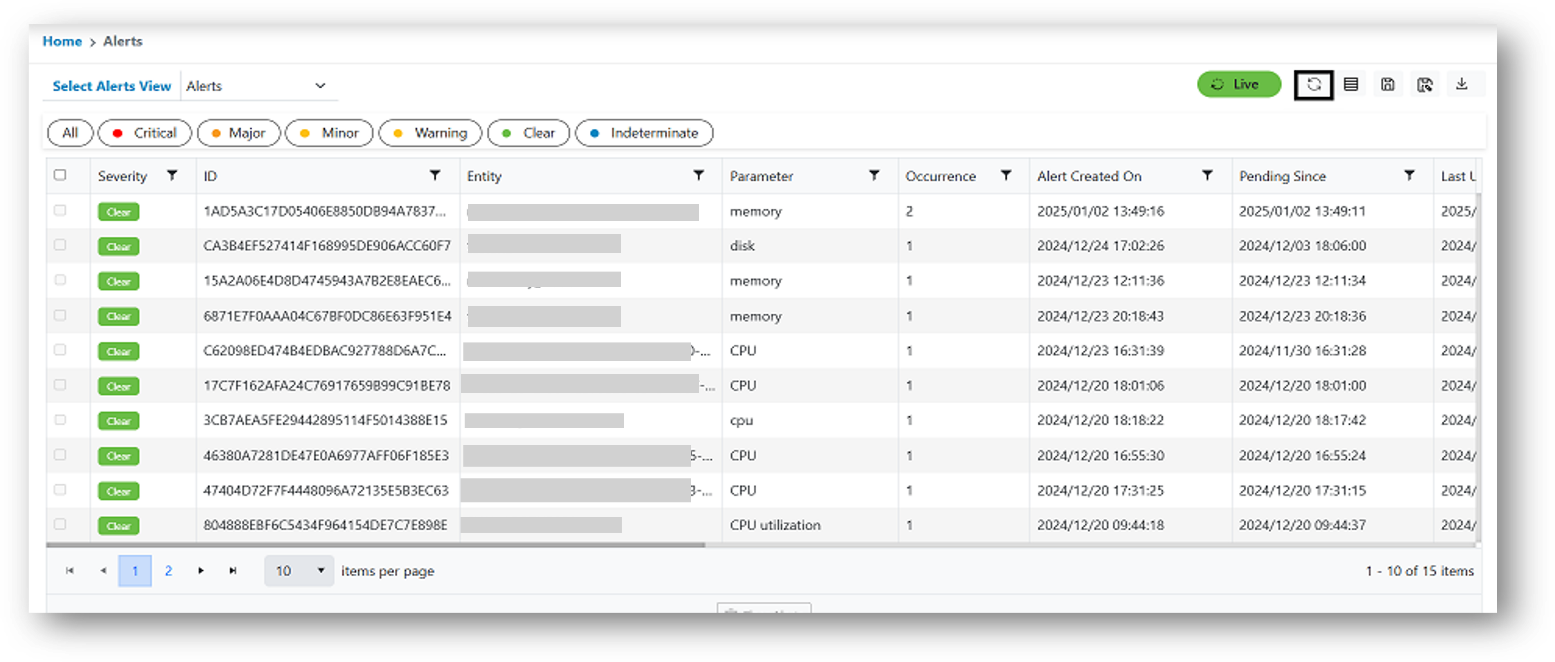
- A confirmation pop-up message will appear.
Figure 2. Refresh Data View Alerts