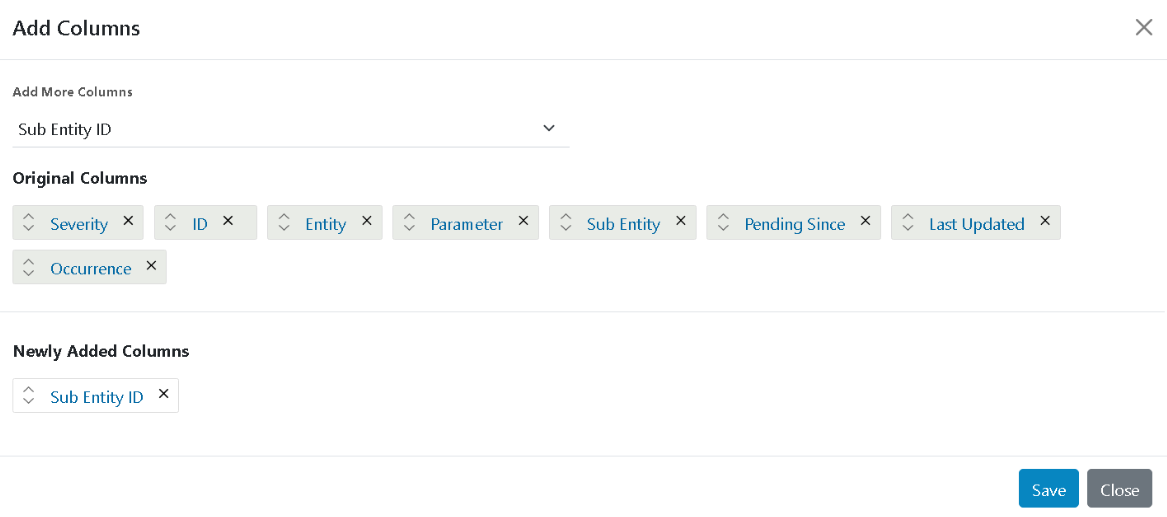
Add Column
The section explains how to Add Column to alerts data:
- In the top navigation bar, click on Data View and click on Alerts.
- Click on the Add Column action button presents at the header of the console.
Figure 1. Add Column 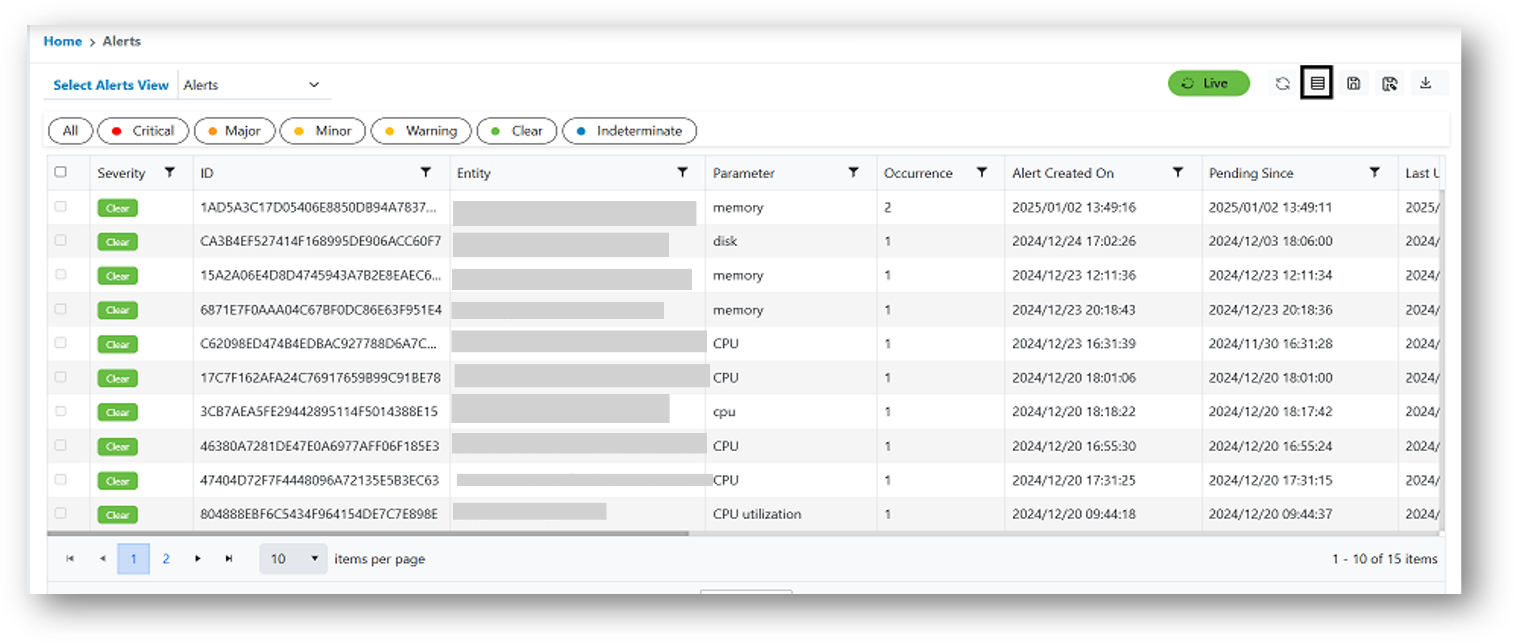
- The following form will appear. The user can select values from the drop-down lists.
- Once done, click Save.
Figure 2. Add Column