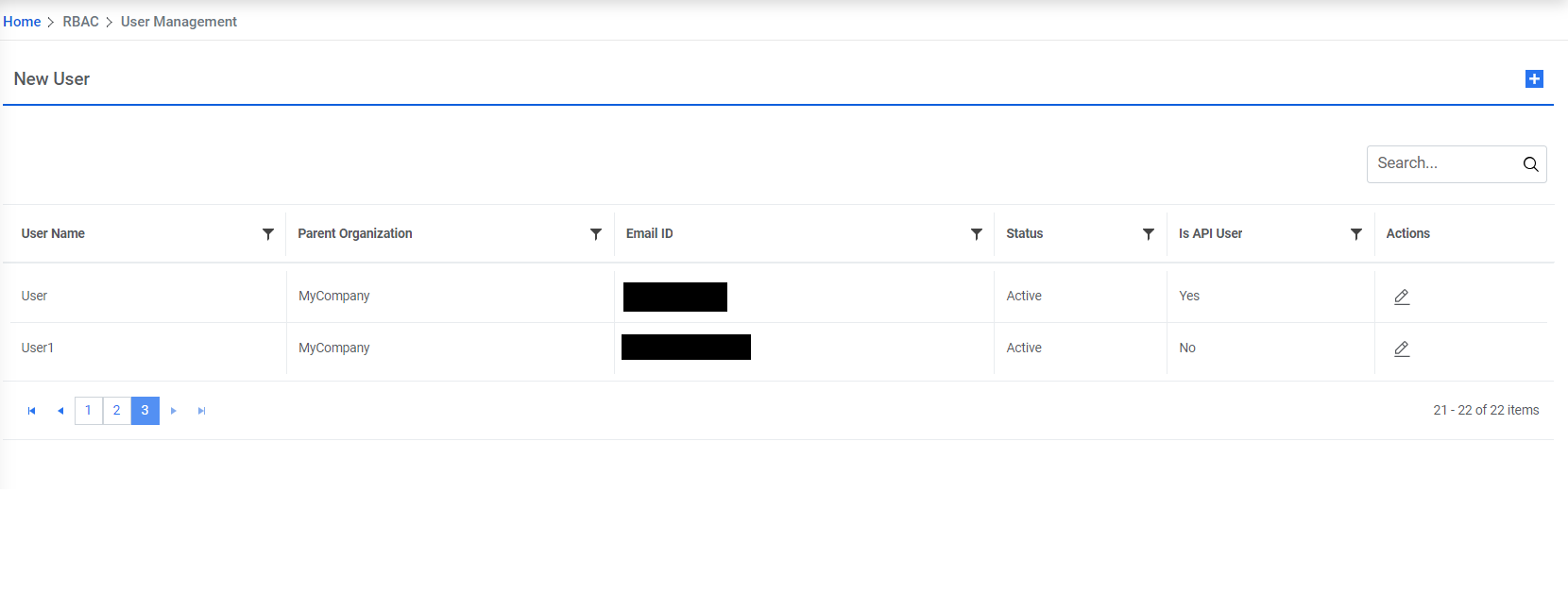
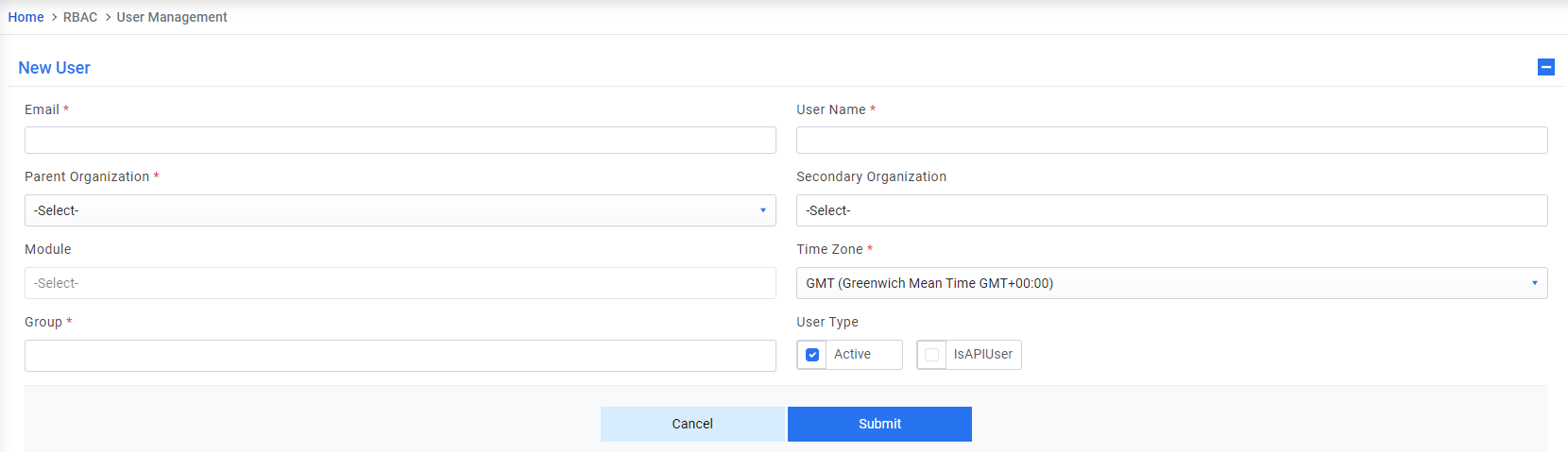
User Not Found while login
| Issue Description | User Not Found while logging into the application |
| Modules Impacted | Web Application |
| Probable Root Cause | User does not have access to iAutomate application |
|
Resolution Steps:
|
|

| Issue Description | User Not Found while logging into the application |
| Modules Impacted | Web Application |
| Probable Root Cause | User does not have access to iAutomate application |
|
Resolution Steps:
|
|