| Issue Description |
Error message “SOAP Certificate Negotiation
Failure” appears in Component Log Screen of
BaseUI |
| Modules Impacted |
Web Application |
| Probable Root Cause |
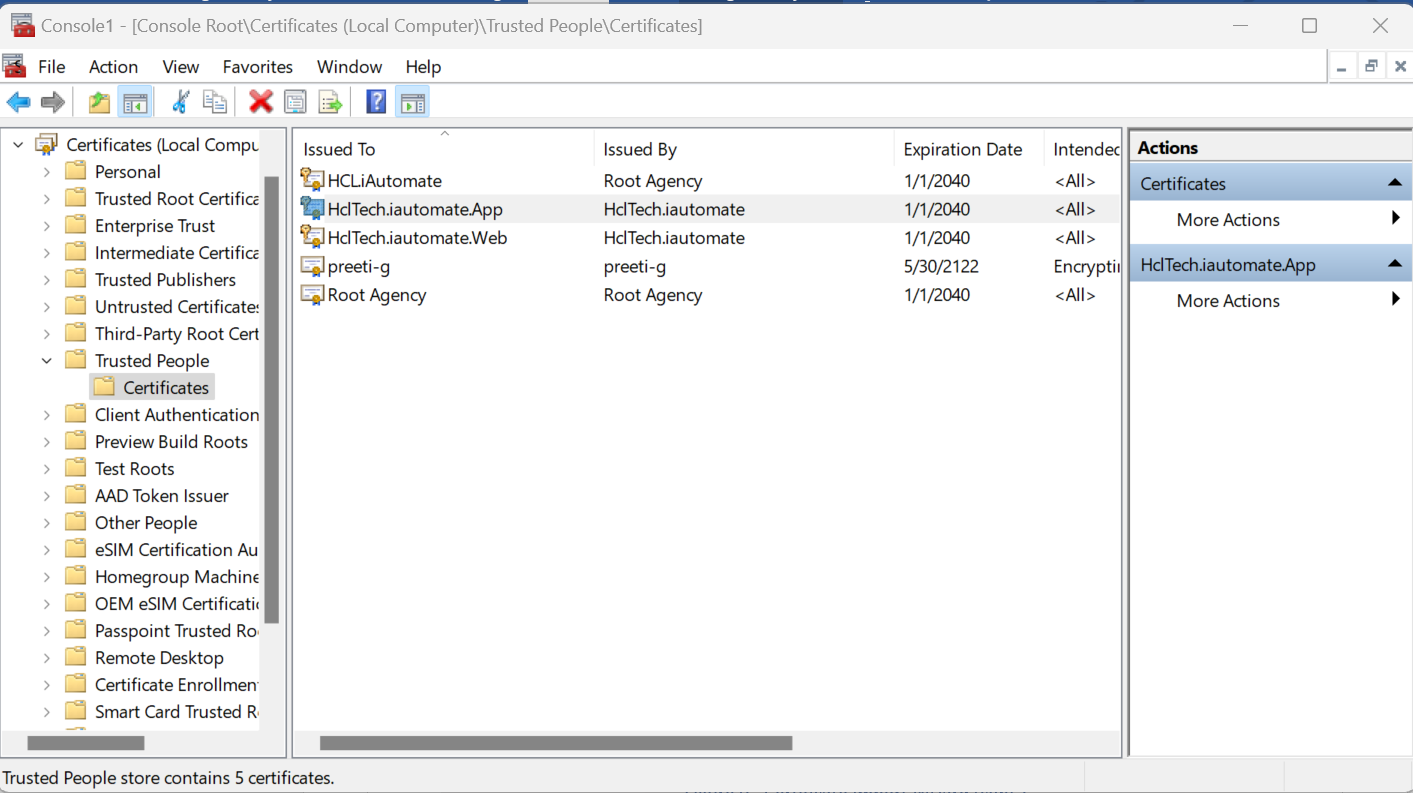
HclTech.iautomate.Web certificate is not present in
MMC Local Machine
Trusted People. |
|
Resolution Steps:
- Although the certificate is installed by the installer when its
exe runs but verify if the same is present in the system.
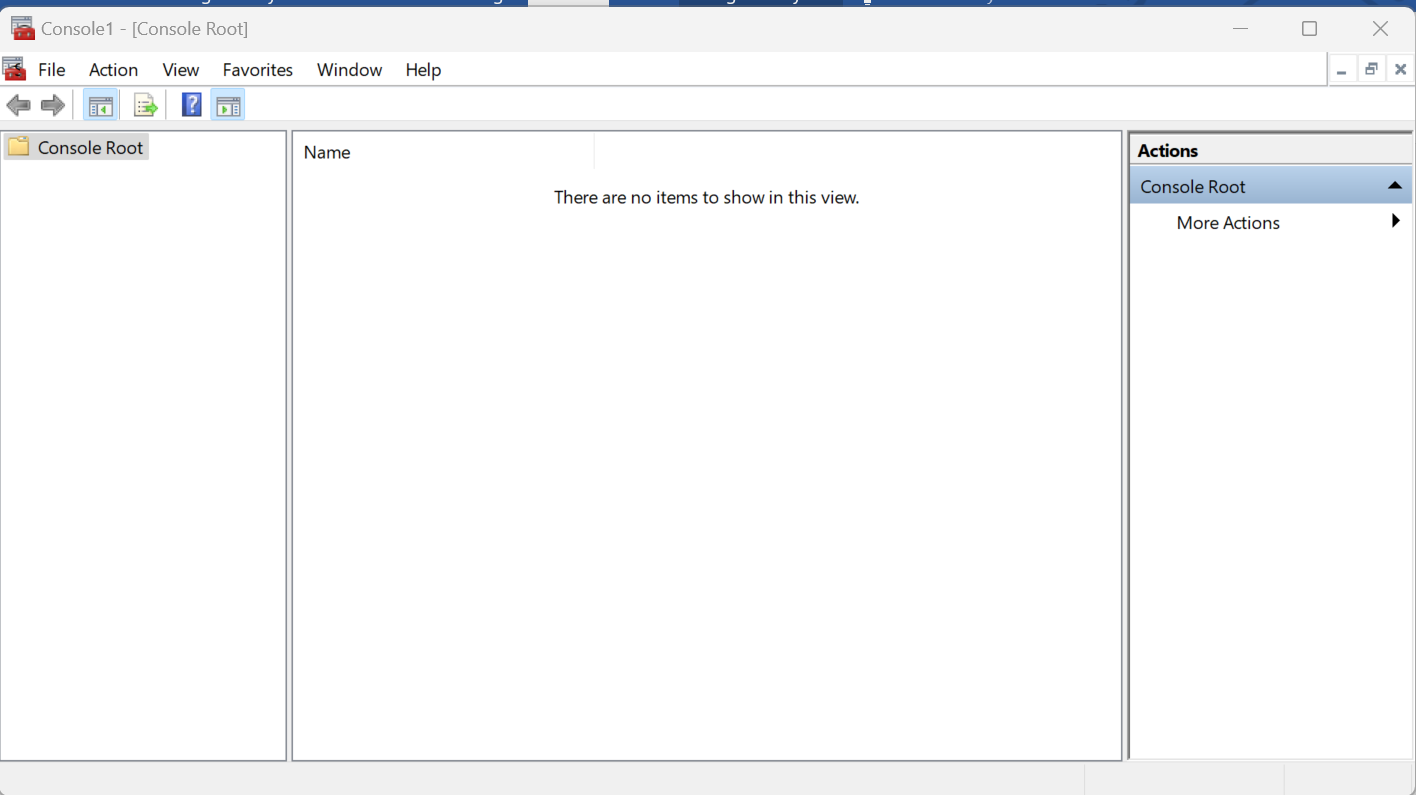
- Press win+R and type mmc. Click Ok.Figure 1. Certificate
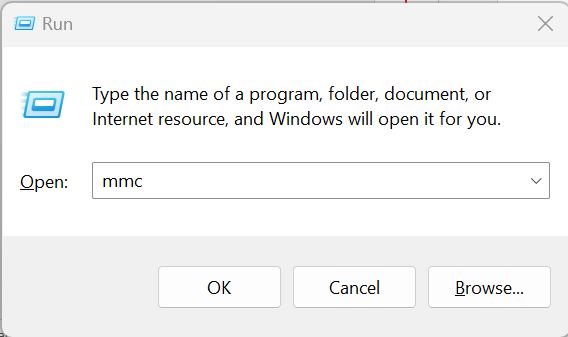 Figure 2. Certificate Wizard (cont.)
- Click File -> Add/Remove snap-in.Figure 3. Certificate Wizard (cont.)
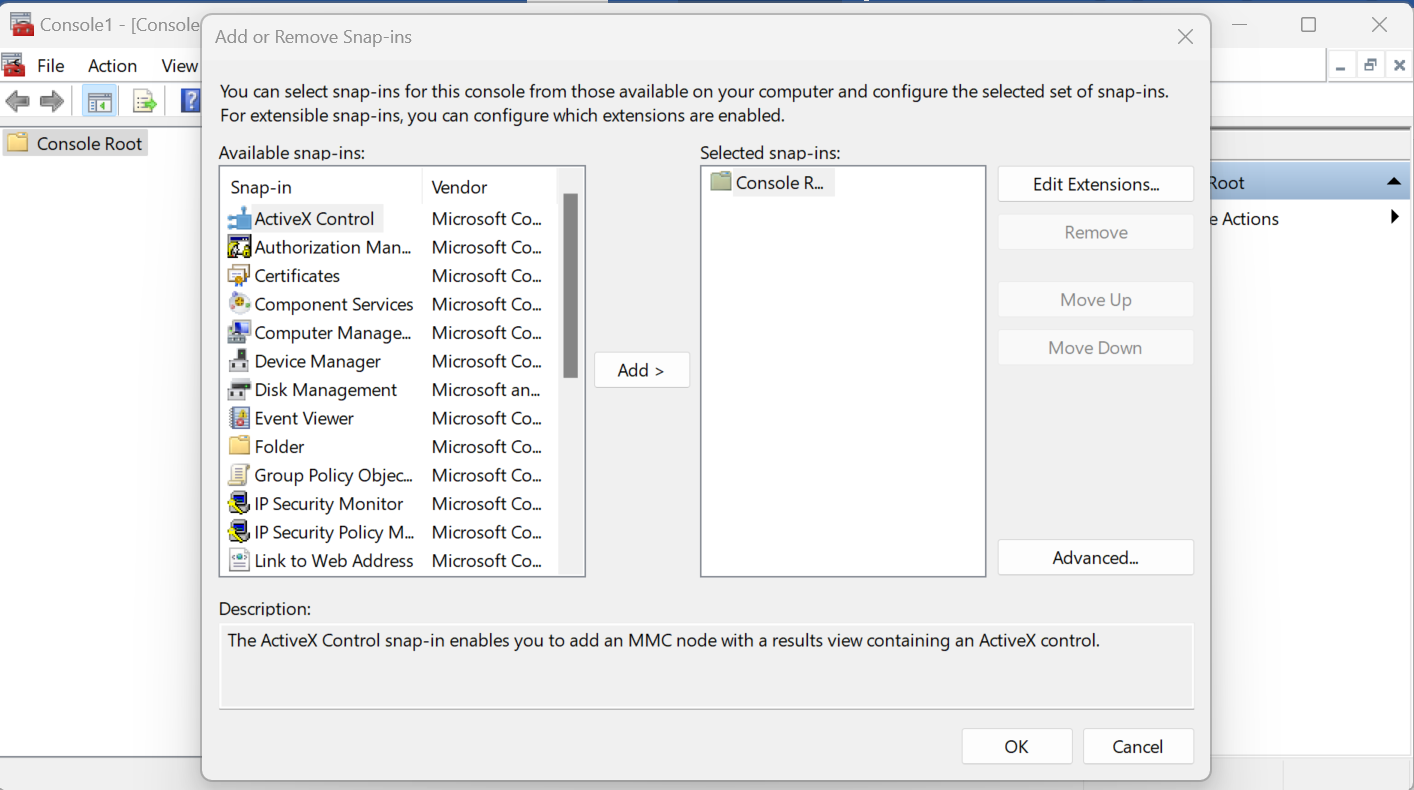
- Double Click on Certificates.Figure 4. Certificate Wizard (cont.)
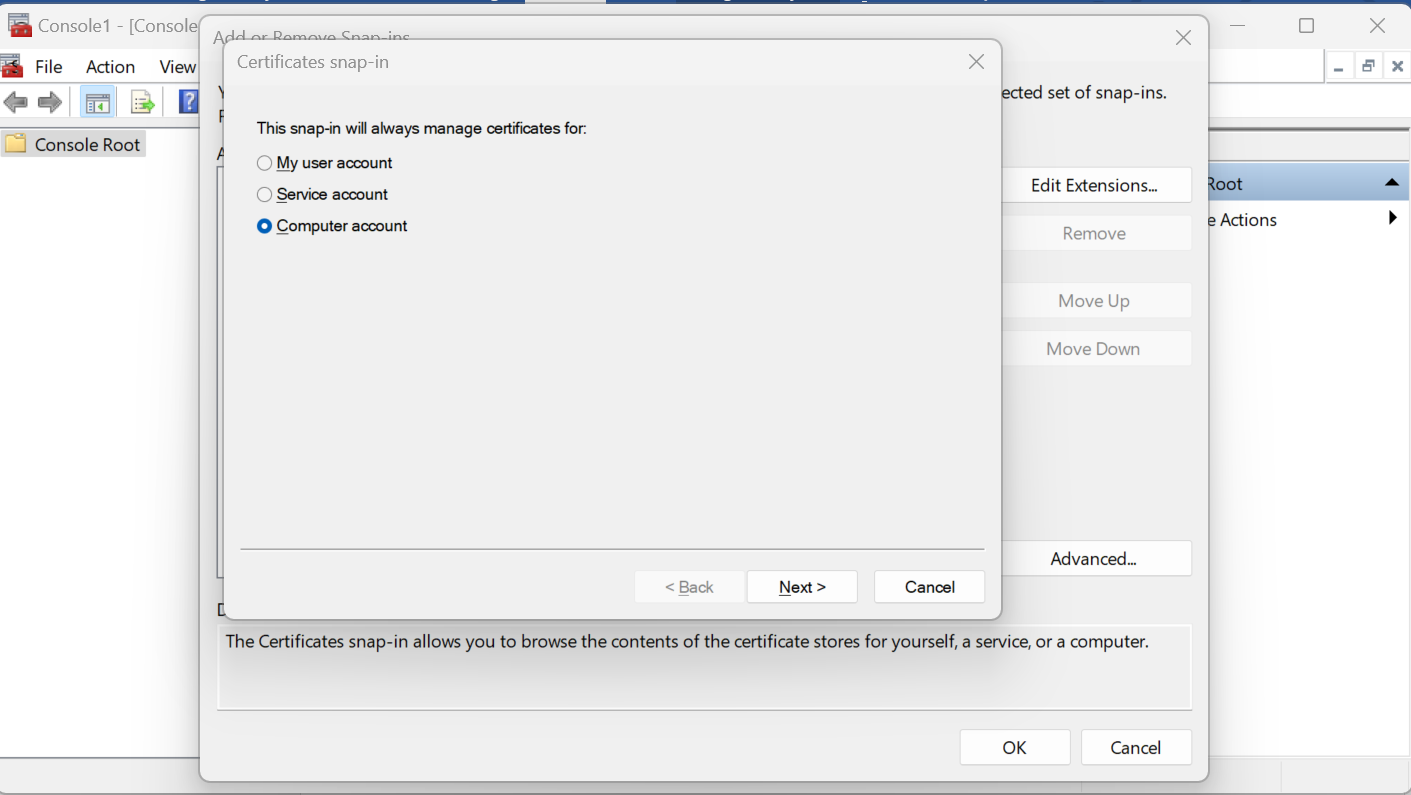
- First Click Computer Account, click Next and Click Finish. At last, Click
Ok.
- Expand Certificates then expand Trusted People and Certificate.
- Confirm that HclTech.iautomate.Web is available on the screen.Figure 5. Certificate Wizard (cont.)
|
