|
Issue description
|
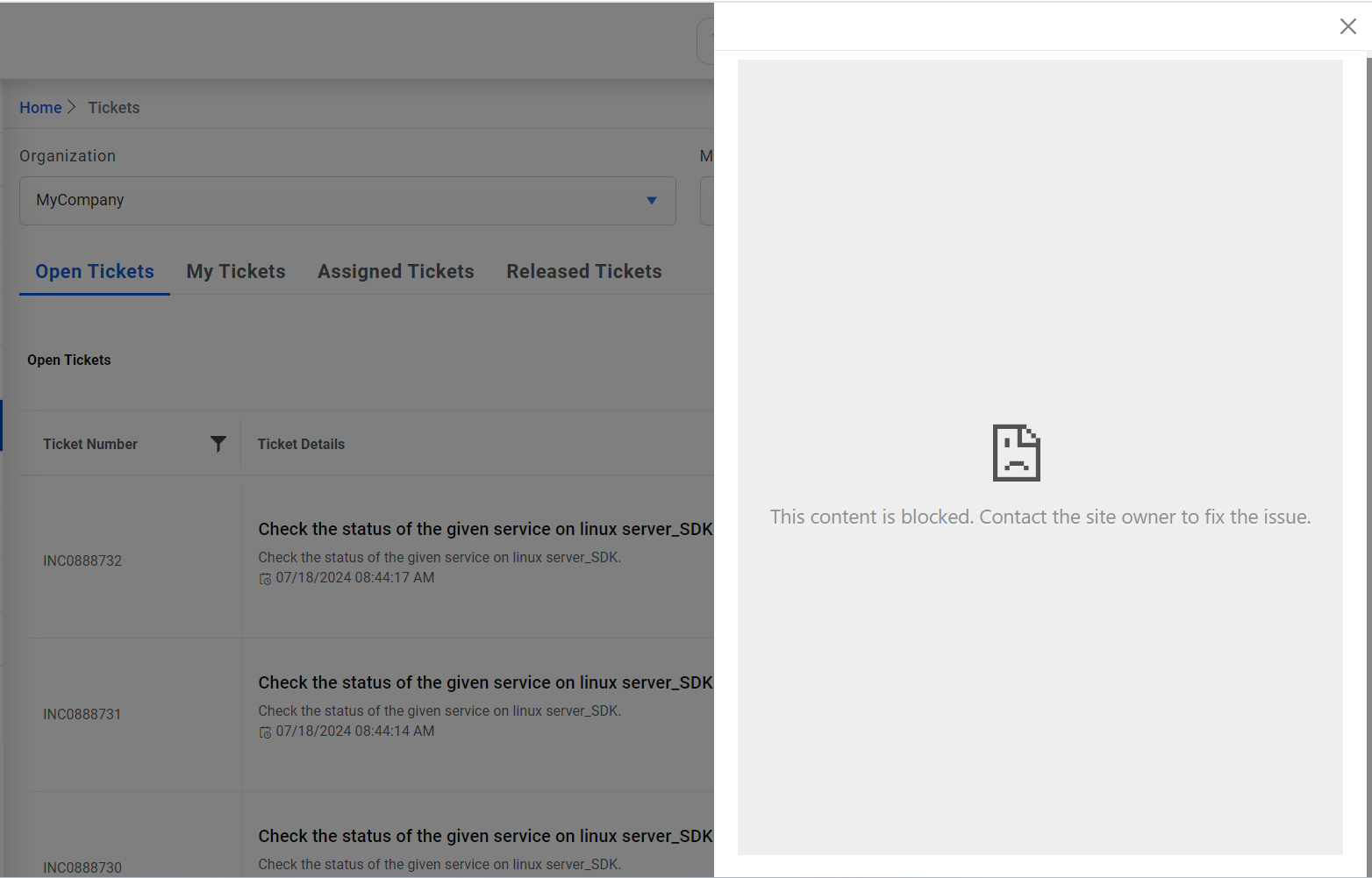
Unable to open chat popup on Tickets screen due to content
blocked. |
|
Modules impacted
|
Web application |
|
Probable root cause
|
AEX URL needs to be added in config.
Figure 1. Chat popup blocked
|
|
Resolution steps:
- Go to page Advance Configuration-> Google Custom Search
API/AEX API Details and click on AEX API tab. Copy the value of AEX
URL.
- Go to Web.config of BaseUI.
- Search for key ‘Content-Security-Policy’
- Now paste the value frame-src <AEX URL>, at the end of the value of this
key.
- Eg: <add name="Content-Security-Policy" value="default-src 'self'; font-src
'self' data: fonts.gstatic.com; script-src 'self' data: https: data: http:;
connect-src * 'self'; img-src * 'self' data: https: data: http:;object-src
'none';frame-src https://aexurl.;" />
|
