UI Management
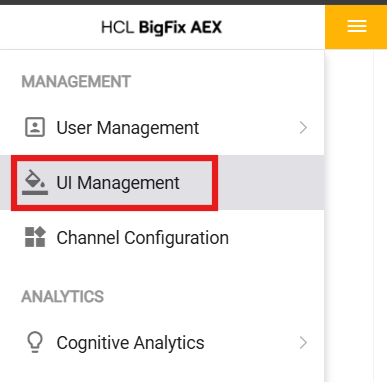
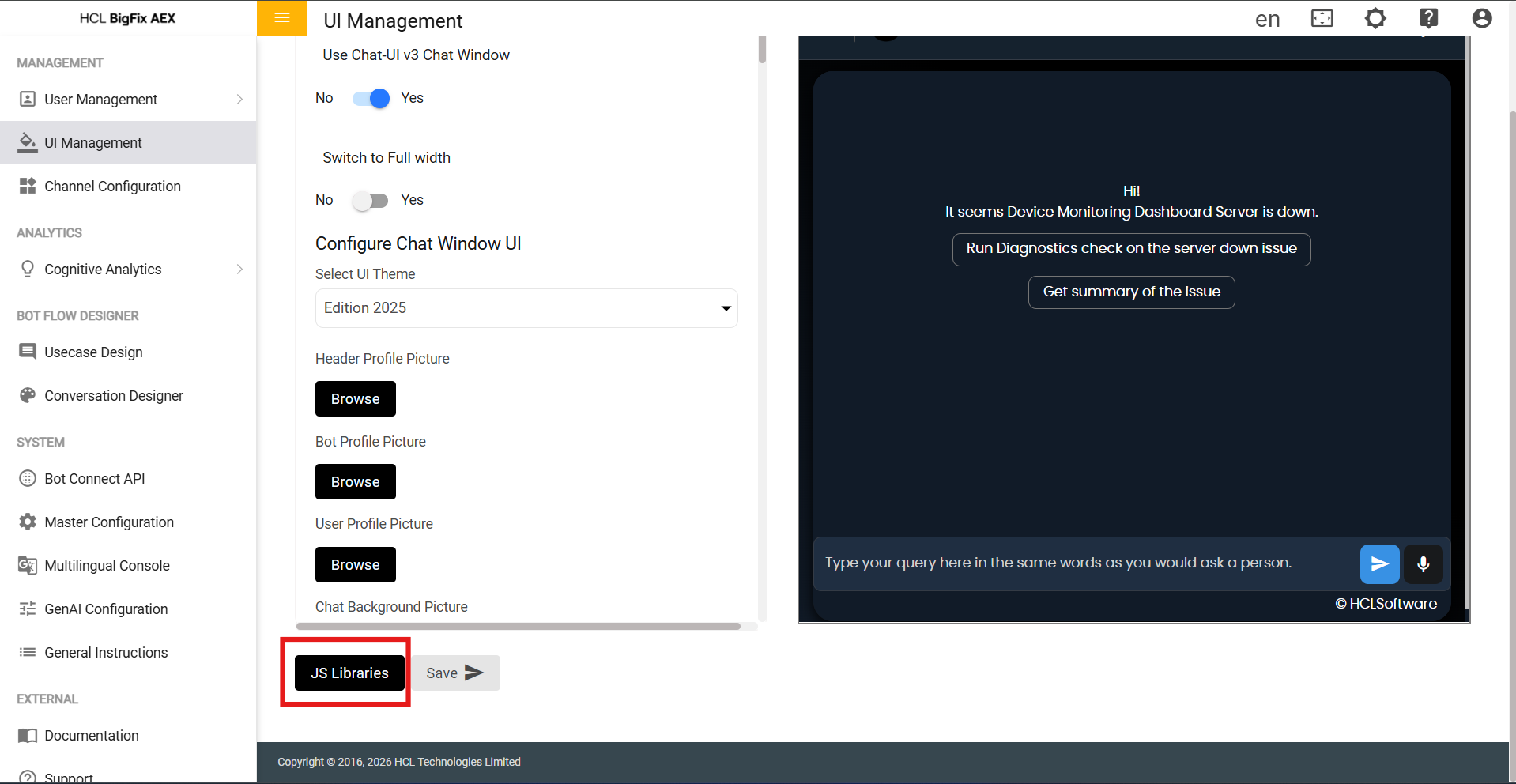
- Navigate to UI Management From the left hamburger menu.
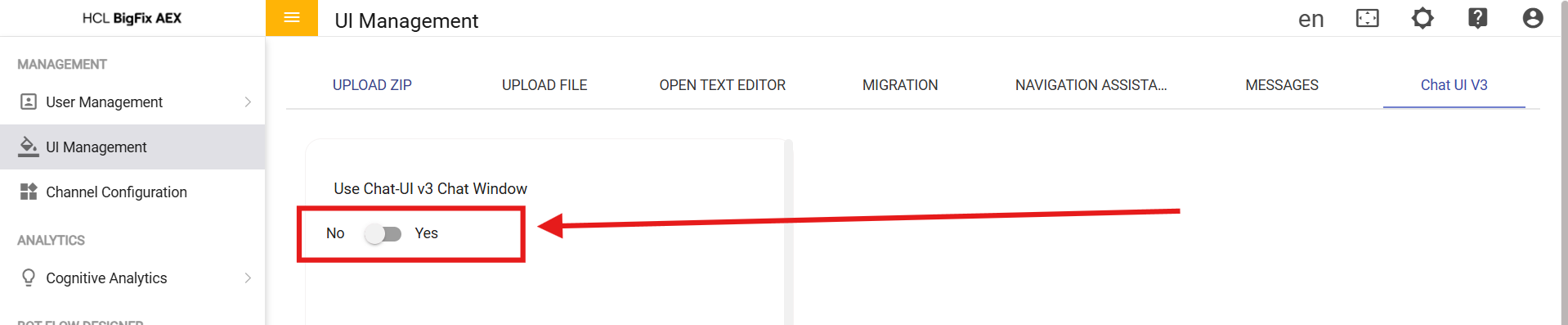
- Click “Chat UI V3” and toggle the shown button to
Yes.
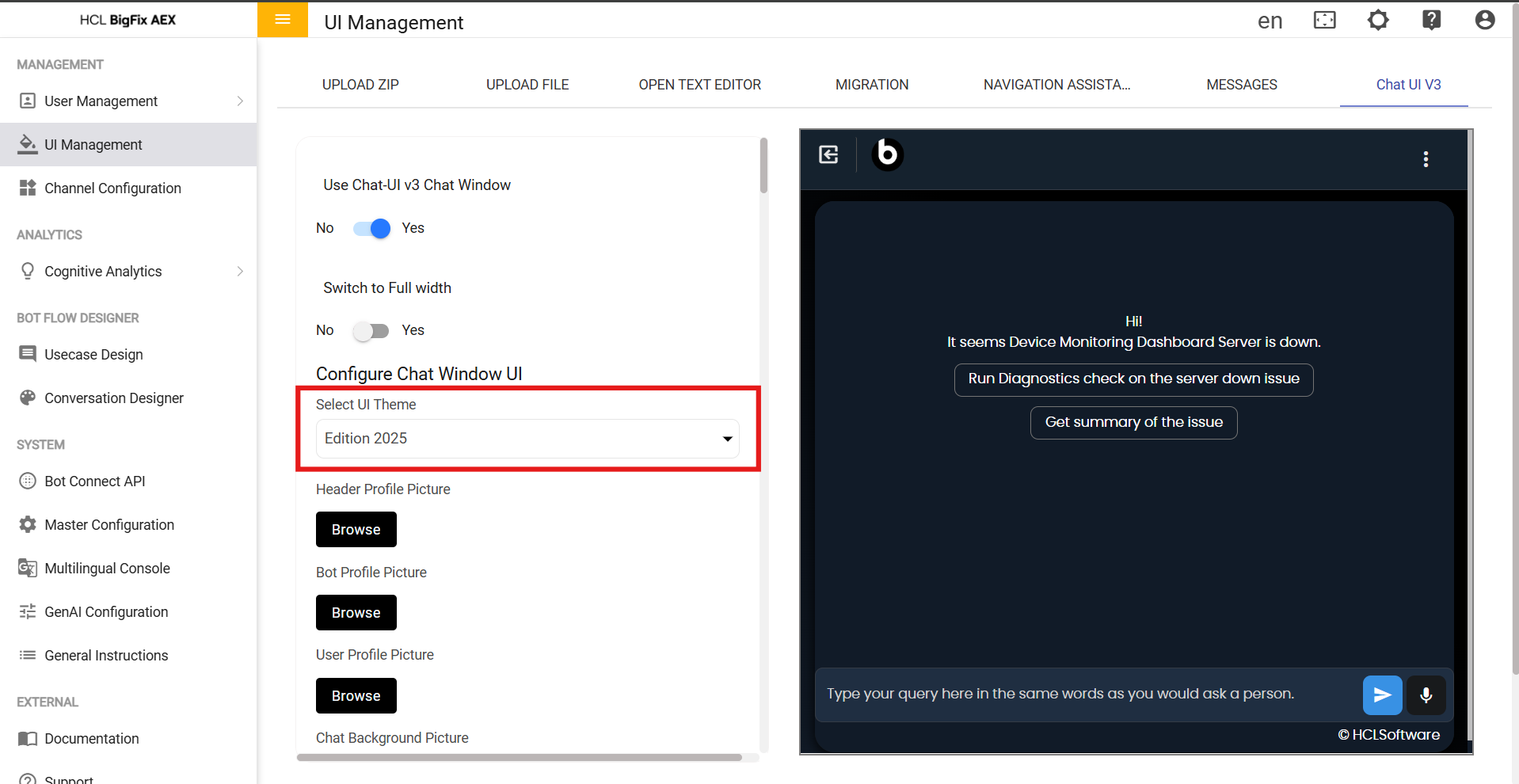
- Select the desired “UI theme”.
- Scroll down to the end and click the “JS Libraries”
button.
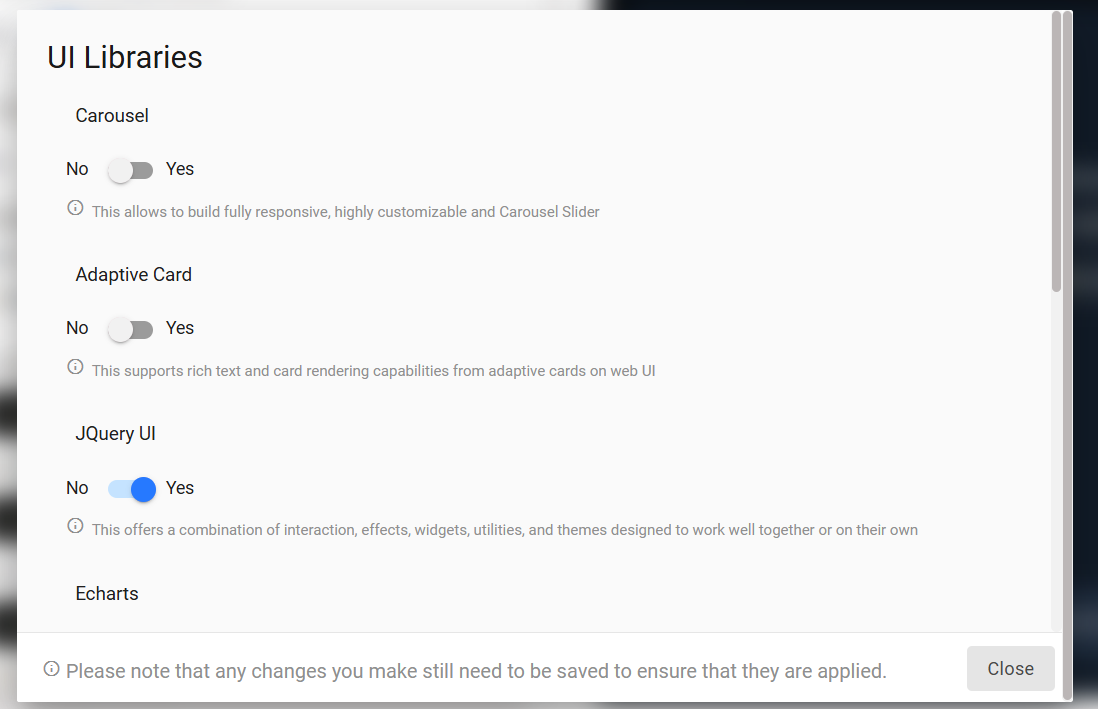
- Toggle the following to yes (As given one
example int the below image):
- JQuery UI
- JQuery Data Tables
- Markdown
- Click Save.