
General Instructions
- Select General Instructions from the hamburger menu, choose the options as
shown in the image below, and click Save.
Figure 1. Enter General Instructions details 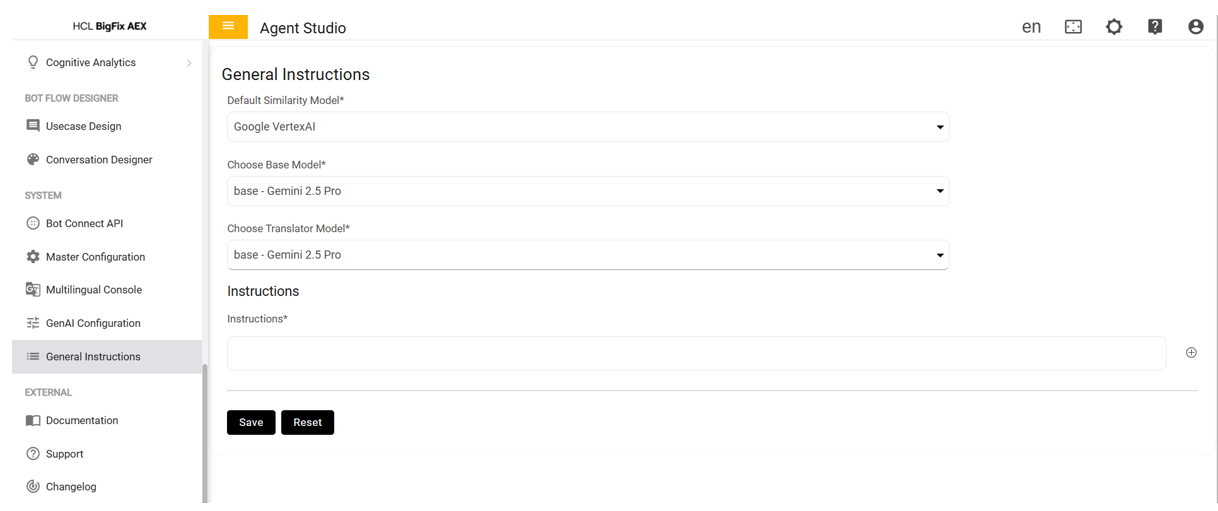 Note:Instructions is not a mandatory field