Making Agent
- Select Agent GUI Builder from the left-side hamburger menu as shown below.
Figure 1. Agent GUI Builder 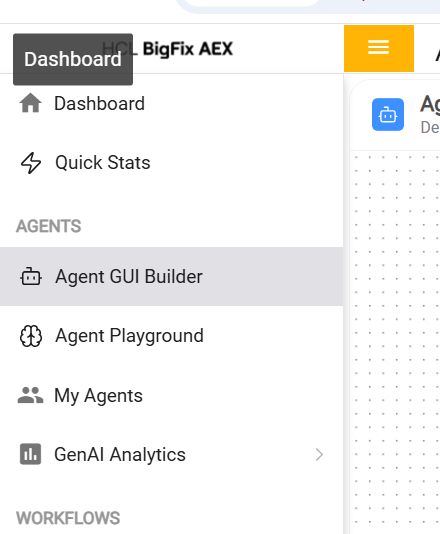
- Select the Master Agent, configure the agent properties, enter the name and
description, and then click Save. Fill as per the values given below.
Name - iAutomateV2
Description - You are an HCL BigFix Runbook AI agent. You utilize HCL BigFix Runbook AI APIs, ServiceNow, and other integrated tools and memory to respond to user queries in accordance with defined instructions and workflows.Figure 2. Configure Master Agent 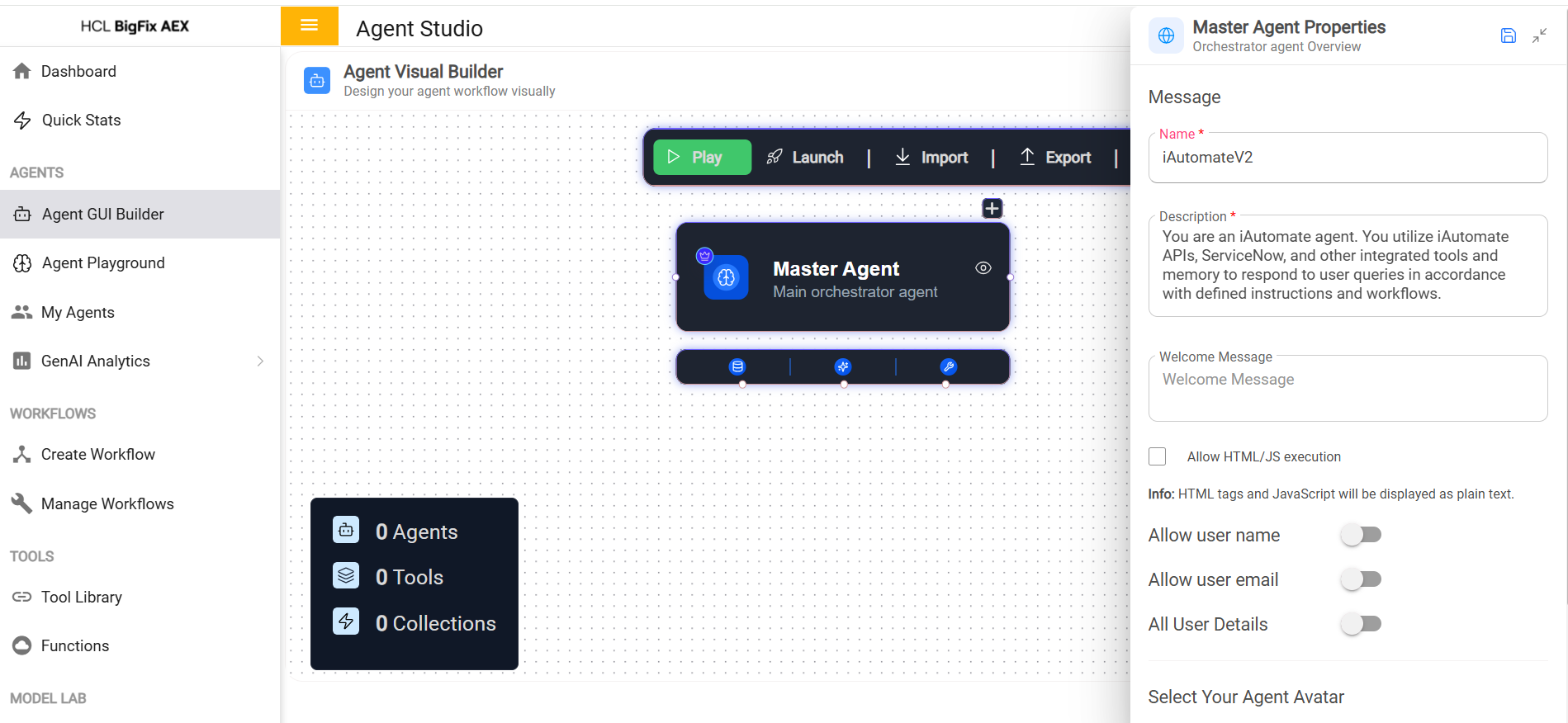
- Select Import, then click OK.
Figure 3. Import Agent 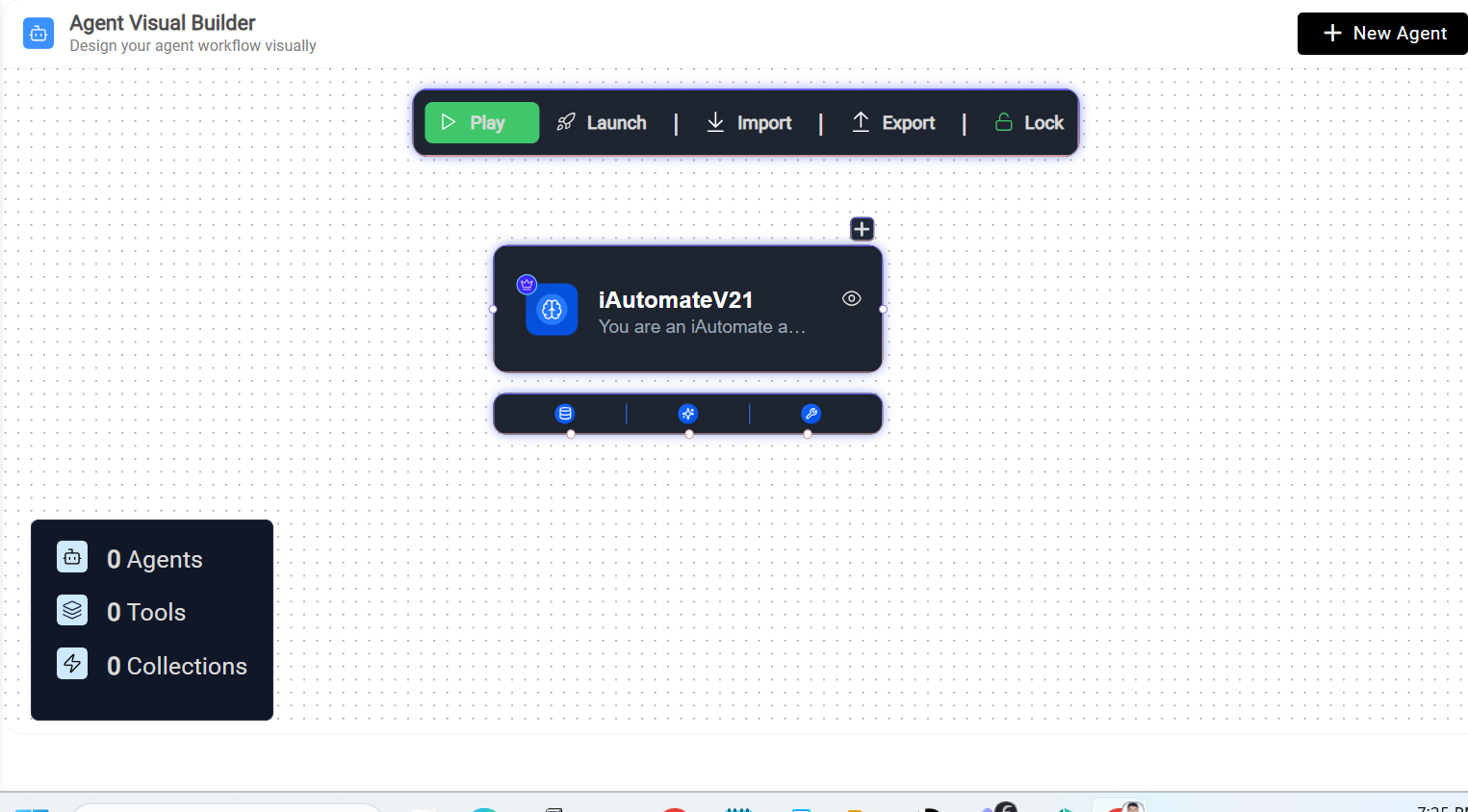
Figure 4. Confirmation Message 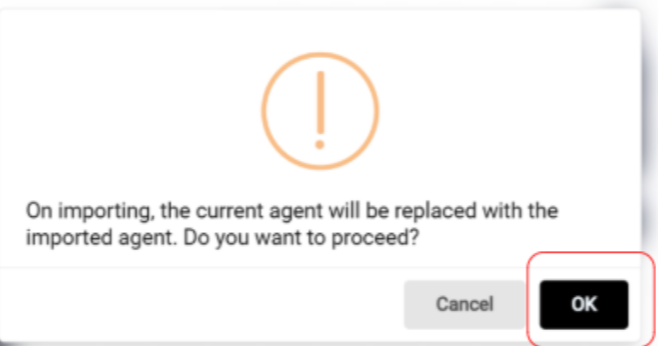
- Select Browse, choose the provided JSON file, and click Import.
Figure 5. Import Agent 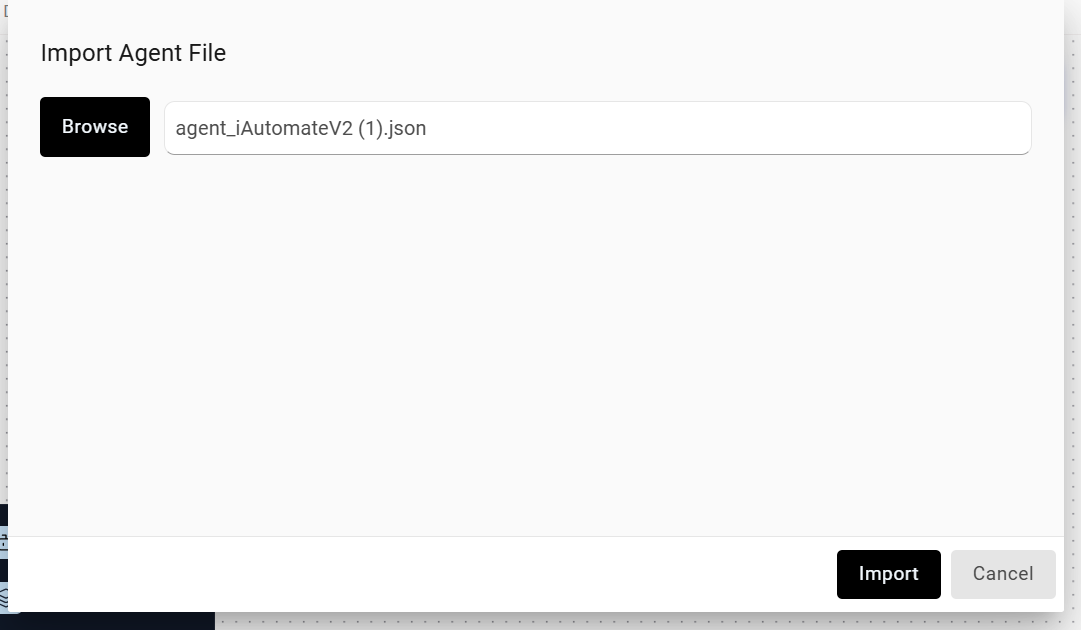
- Select My Agents from the left hamburger menu.
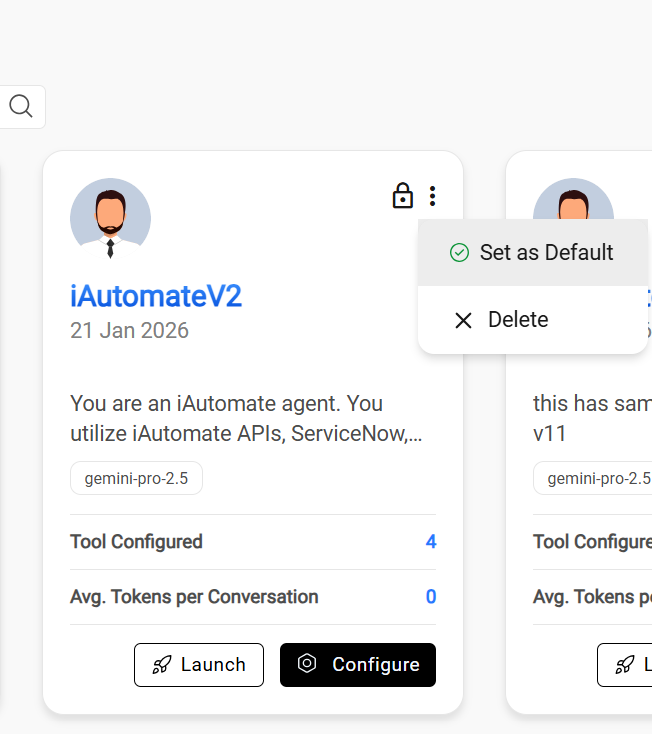
- Select the kebab menu for the iAutomateV2 agent and click Set as Default.
Figure 6. Set as Default