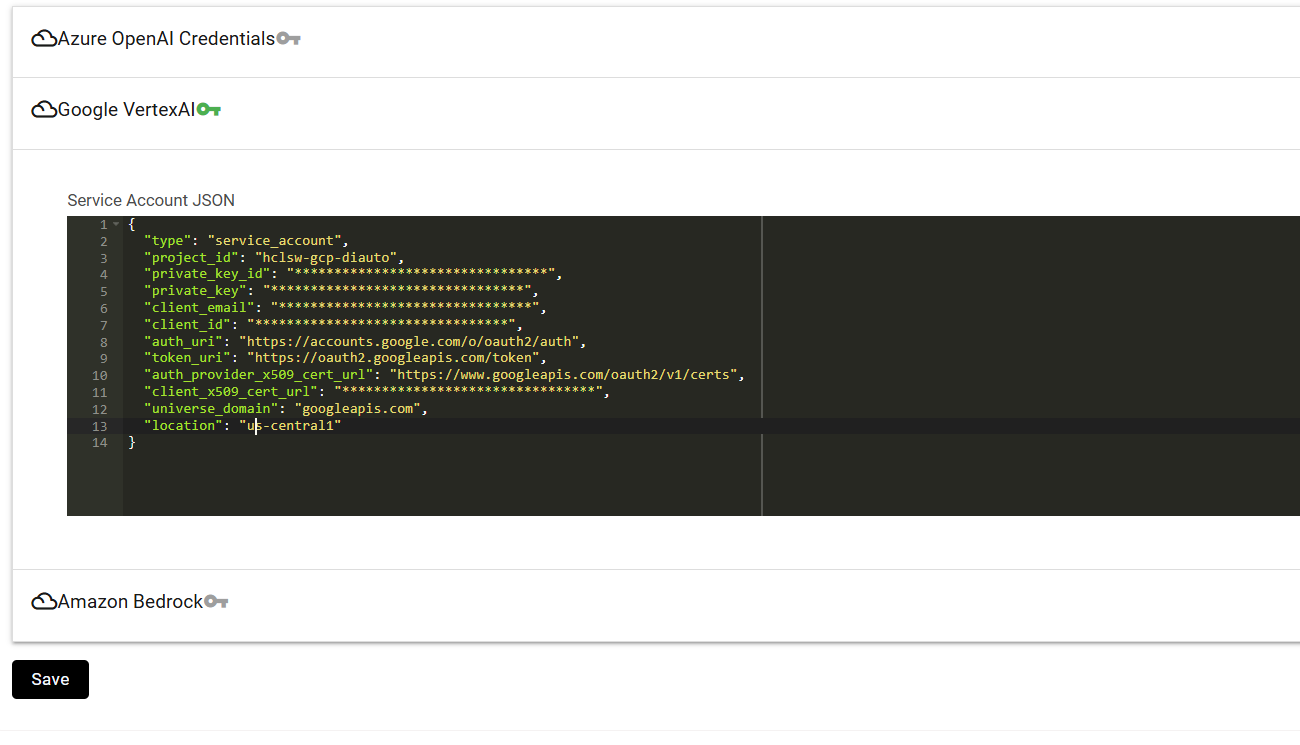
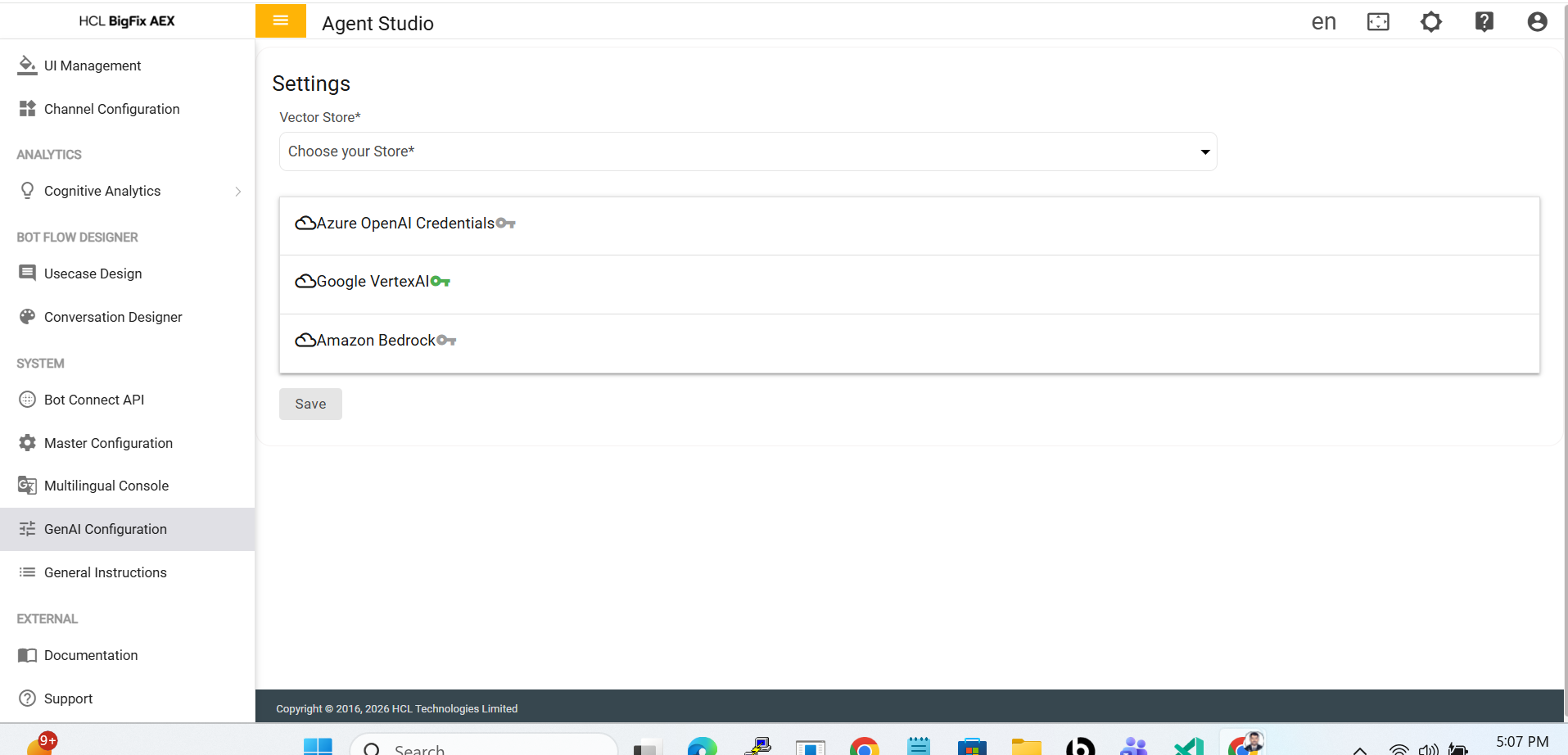
Paste the provided configuration JSON into the text editor as shown below, and then click
Save. Json:
{
"type": “ ”,
"project_id": “ ”,
"private_key_id": “ ” ,
"private_key": " ",
"client_email": " " ,
"client_id": “ ” ,
"auth_uri": "https://accounts.google.com/o/oauth2/auth",
"token_uri": "https://oauth2.googleapis.com/token",
"auth_provider_x509_cert_url": "https://www.googleapis.com/oauth2/v1/certs",
"client_x509_cert_url": “ ”,
"universe_domain": "googleapis.com",
"location": “ ”
}
Figure 2. Enter Google VertexAI details