Access App
- To access HCL BigFix Runbook AI, open the following URL:<Onprem URL> consists of
IP address followed by :port Link : <Onprem URL>:port
Figure 1. GenAILogin Screen 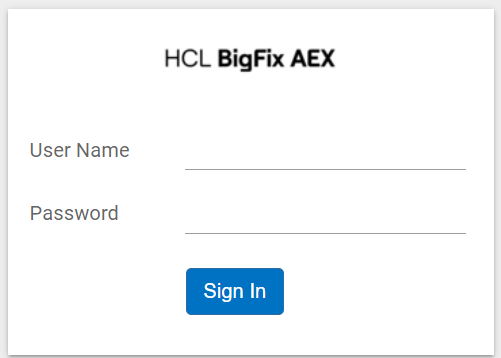
- Enter your credentials and click the Sign-In button/
- In case of a login failure, only 5 unsuccessful logins are allowed. Post which, login
is disabled, and you need to re-try after 5 minutes.
Figure 2. Enter credentials 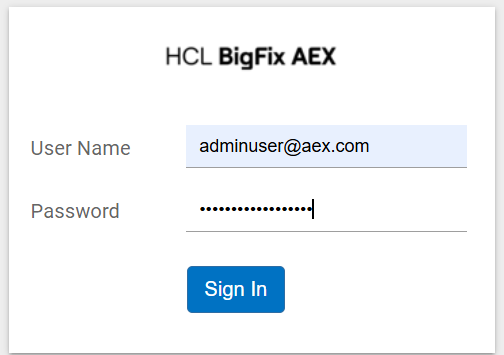
- Navigating to the /admin in the endpoint of URL. ( <Onprem URL>:port/admin )
- On successful authentication, user is automatically redirected to the Cognitive Console Dashboard.
- Select the Agent Studio card from the Cognitive Console dashboard.
Figure 3. Cognitive Console 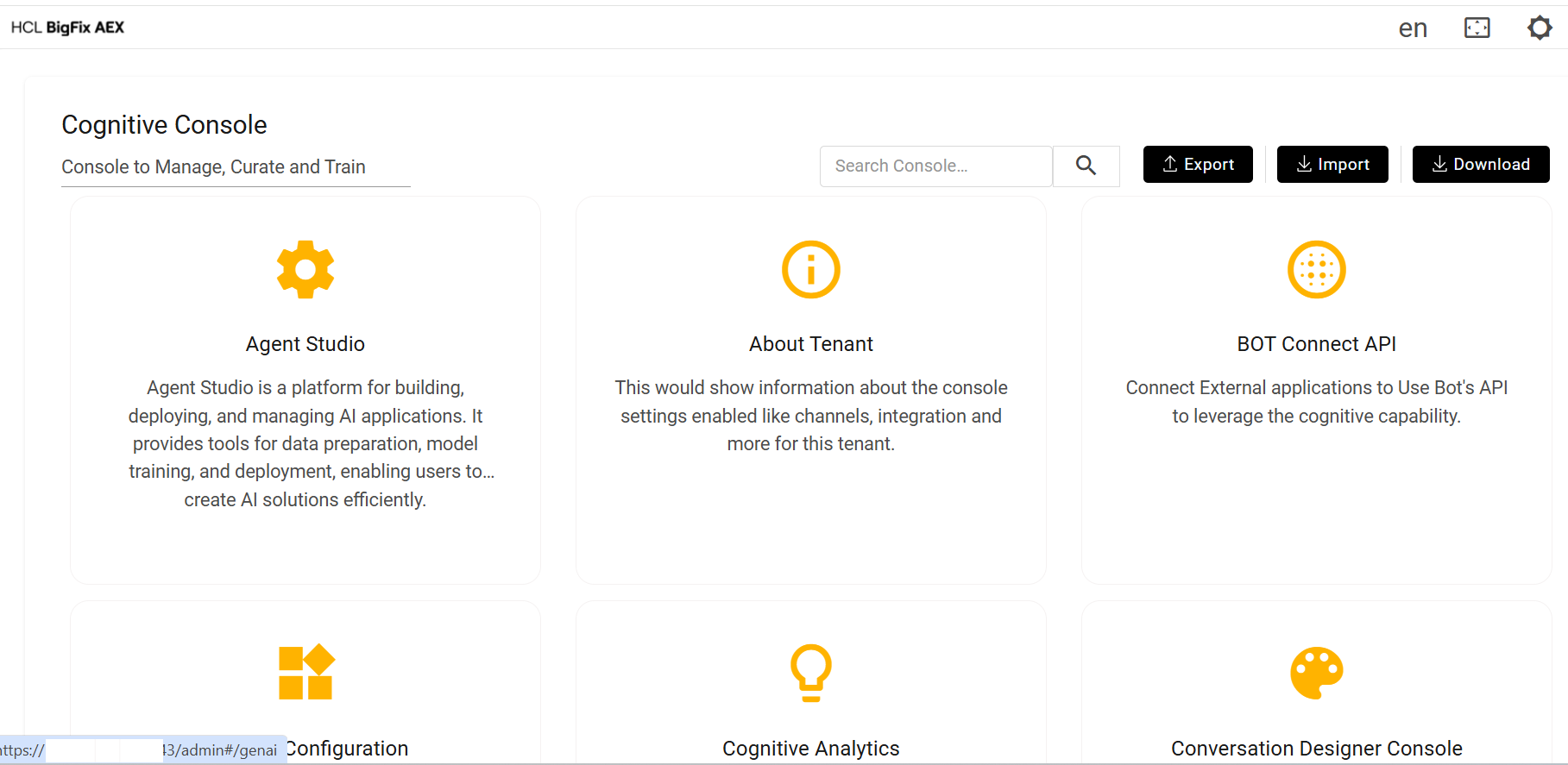
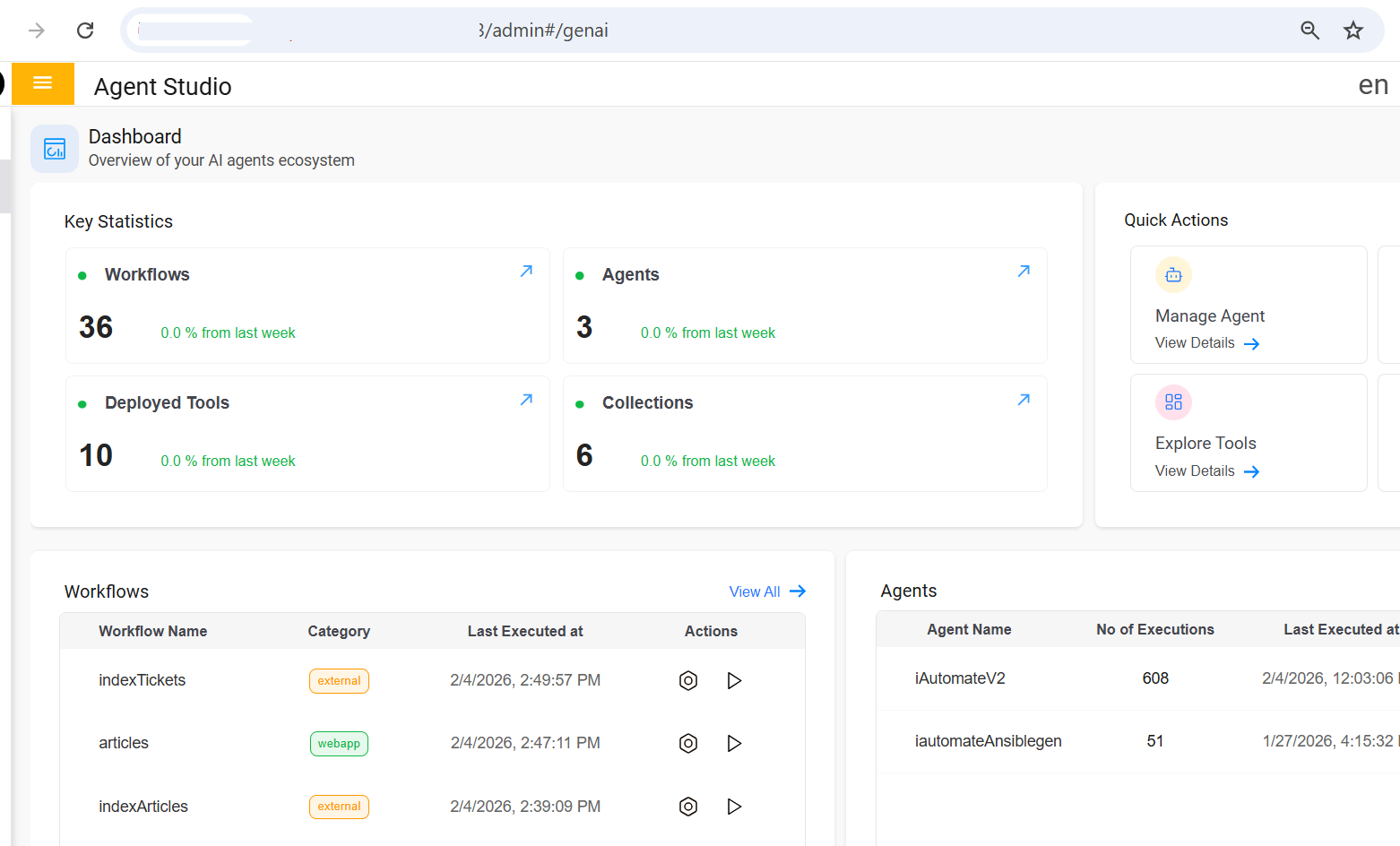
- After selecting the Agent Studio card, the Agent Studio dashboard will be
displayed.
Figure 4. Agent Studio Dashboard