Manage Models
- Click on the Manage Models option from the left-side hamburger menu.
-
Click on Deploy Default Models, and when prompted, click OK.
Figure 1. Deploy default Models 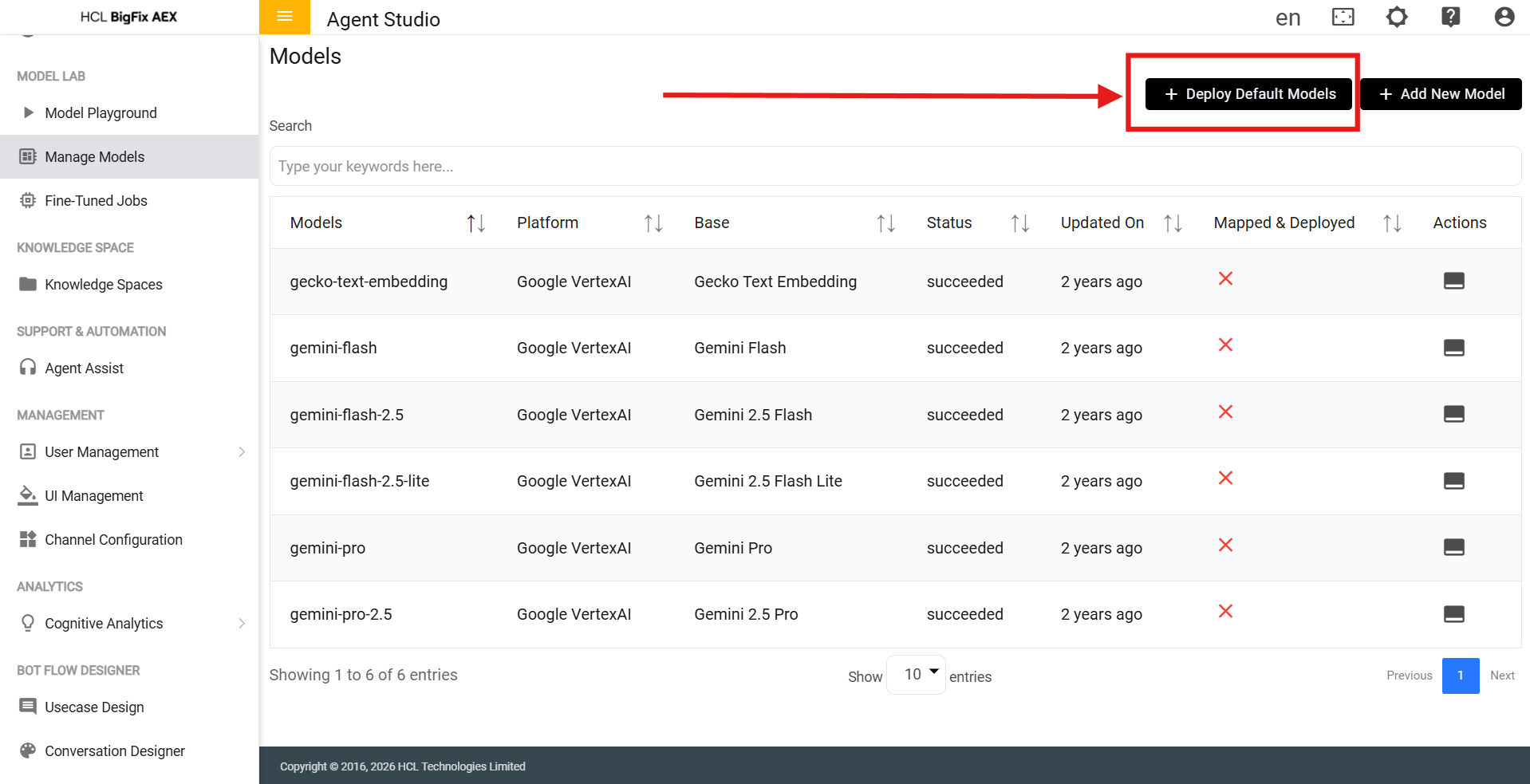
- Refresh the page.
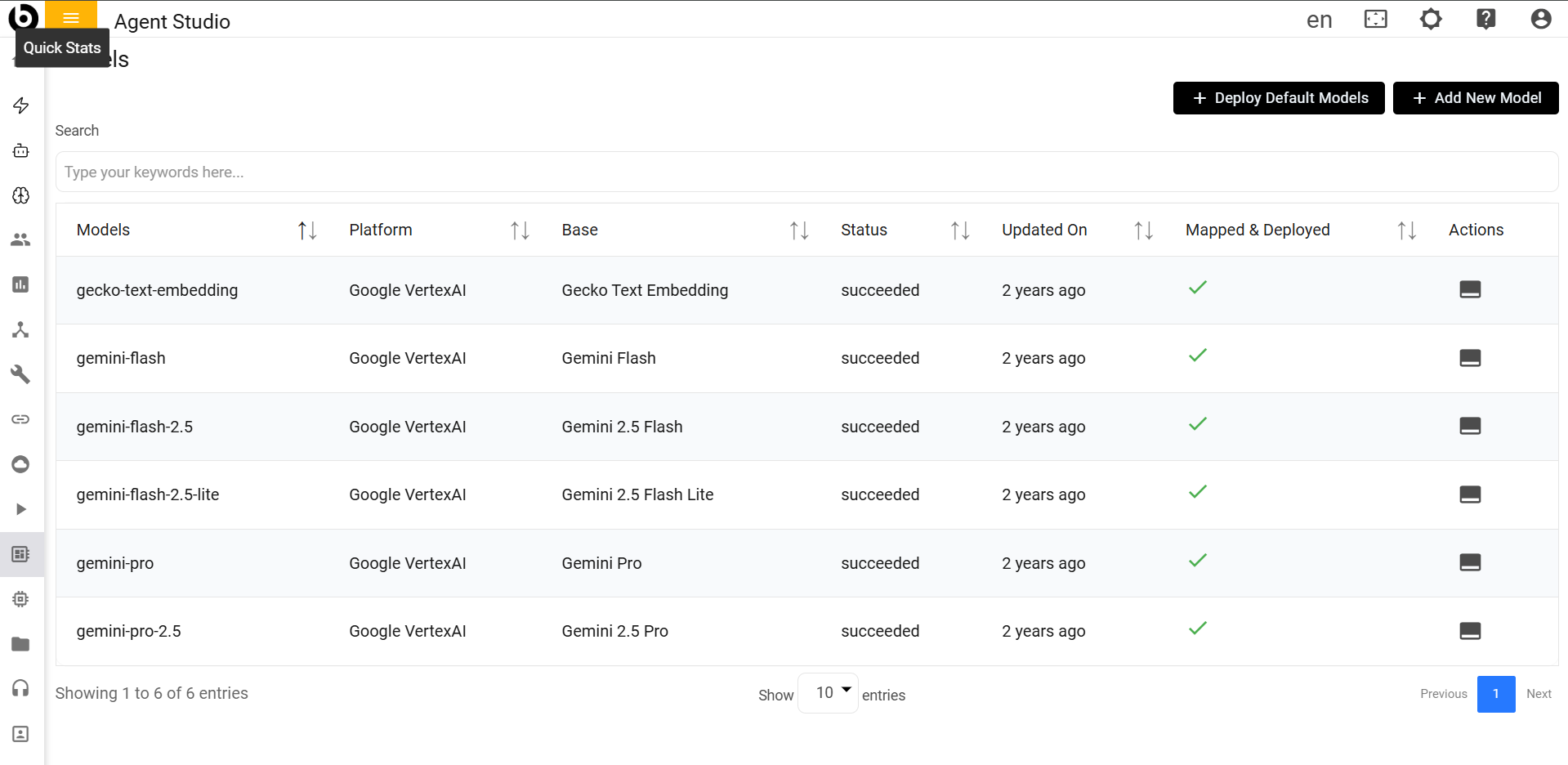
- The red crosses in the Mapped & Deployed column should turn to green
ticks.
Figure 2. Deploy default Models