Providing Feedback
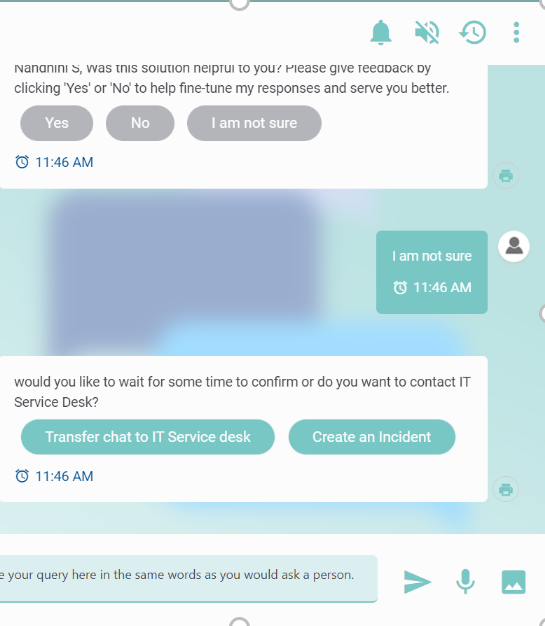
BigFix AEX is constantly learning from its interactions with users to enrich its repository of knowledge. As a result, after every conversation, BigFix AEX prompts the user for feedback as shown in Using BigFix AEX: User Feedback View.
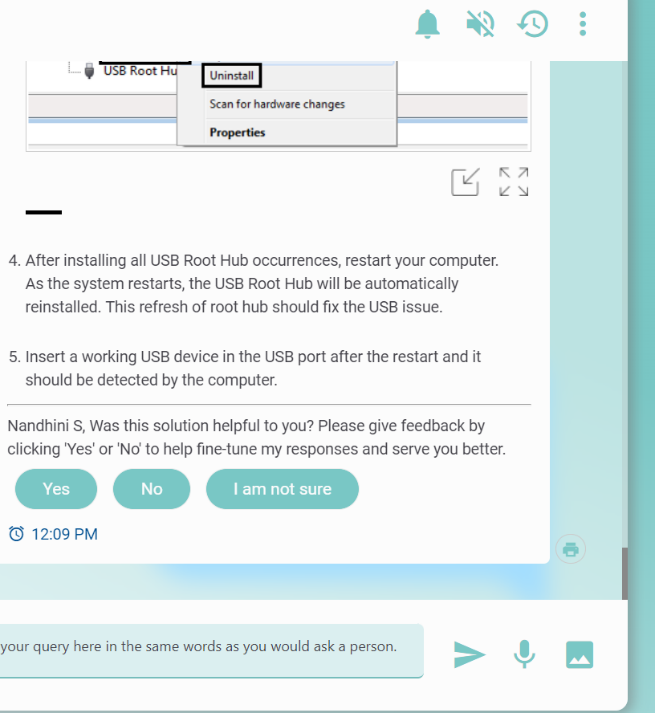
Users can provide feedback by:
- Selecting Yes if BigFix AEX provided the correct response/resolution.
- Users can help BigFix AEX enhance its knowledge by giving suggestions.
- Users can also rate the conversation ranging from Excellent to Poor
Figure 2. Using BigFix AEX: User Feedback Rating View 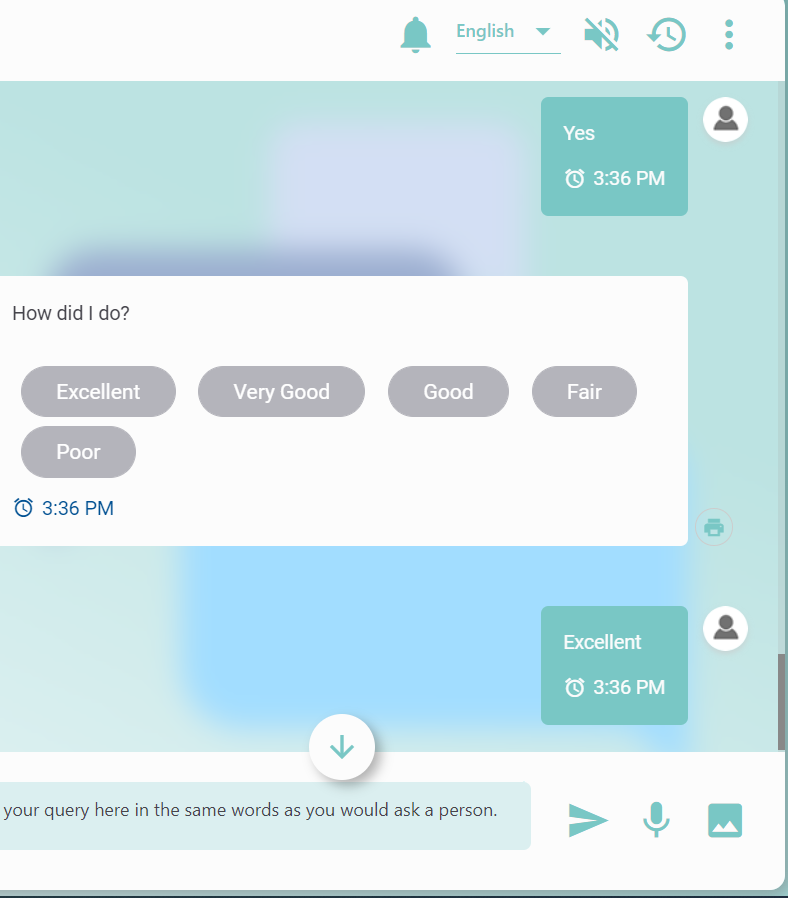
- Select No if BigFix AEX failed to provide a satisfactory
response/resolution. BigFix AEX then takes the following actions:
- Records user’s feedback as a NO (negative resolution) for BigFix AEX
- Opens a ticket on users’ behalf if BigFix AEX is integrated with a ticketing system or
- Transfers the query to a live agent if BigFix AEX is integrated with a helpdesk chat system
- Exits the conversation if the user selects None of the above.
Figure 3. Using BigFix AEX: Negative Feedback View 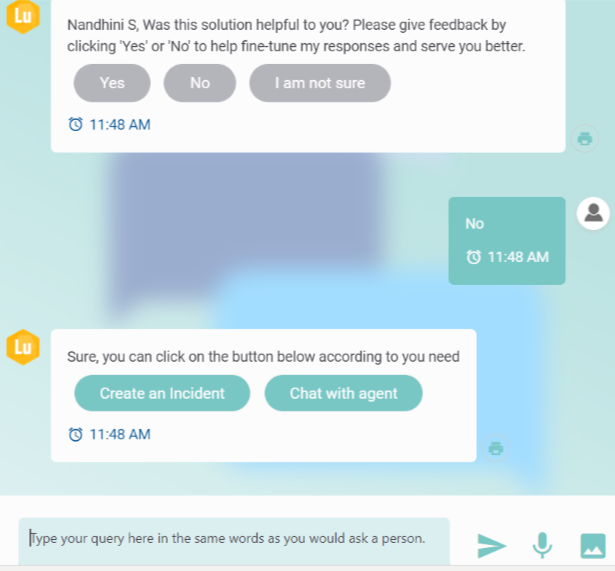
- Selecting I am not sure if BigFix AEX provided a partial resolution. BigFix AEX then takes the following actions:
- Does not record user’s feedback (as YES or NO)
- Open a ticket on users’ behalf if BigFix AEX is integrated with a ticketing system or
- Transfer the query to a live agent if integrated with a helpdesk chat system.
Using BigFix AEX: Negative Feedback View