Edit Solution
- An admin can edit the details of a solution by using the edit icon in the Solution page.
- The admin must click the edit icon which corresponds to the solution that he
wishes to modify.
Figure 1. Solution Page 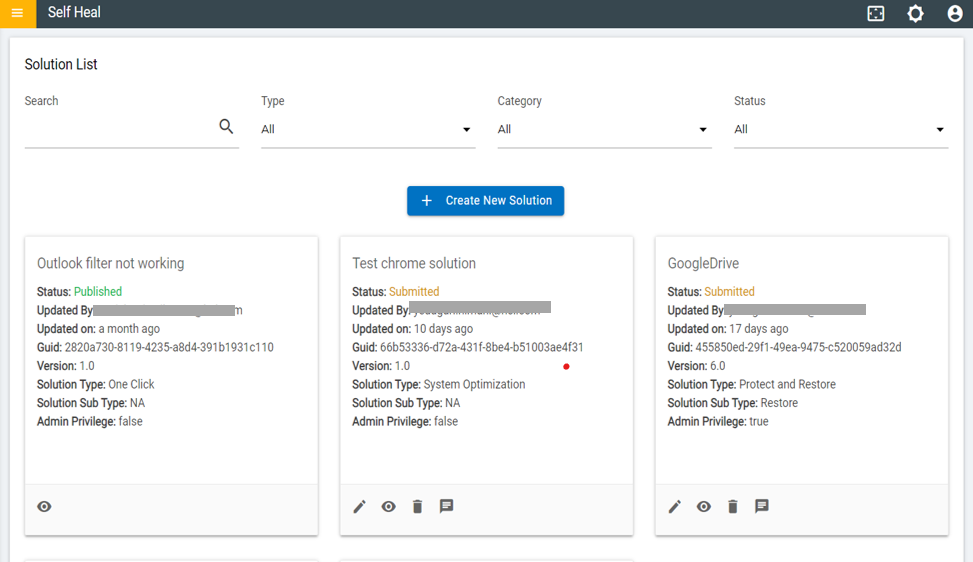
- The Edit Solution page appears:
Figure 2. Edit Solution 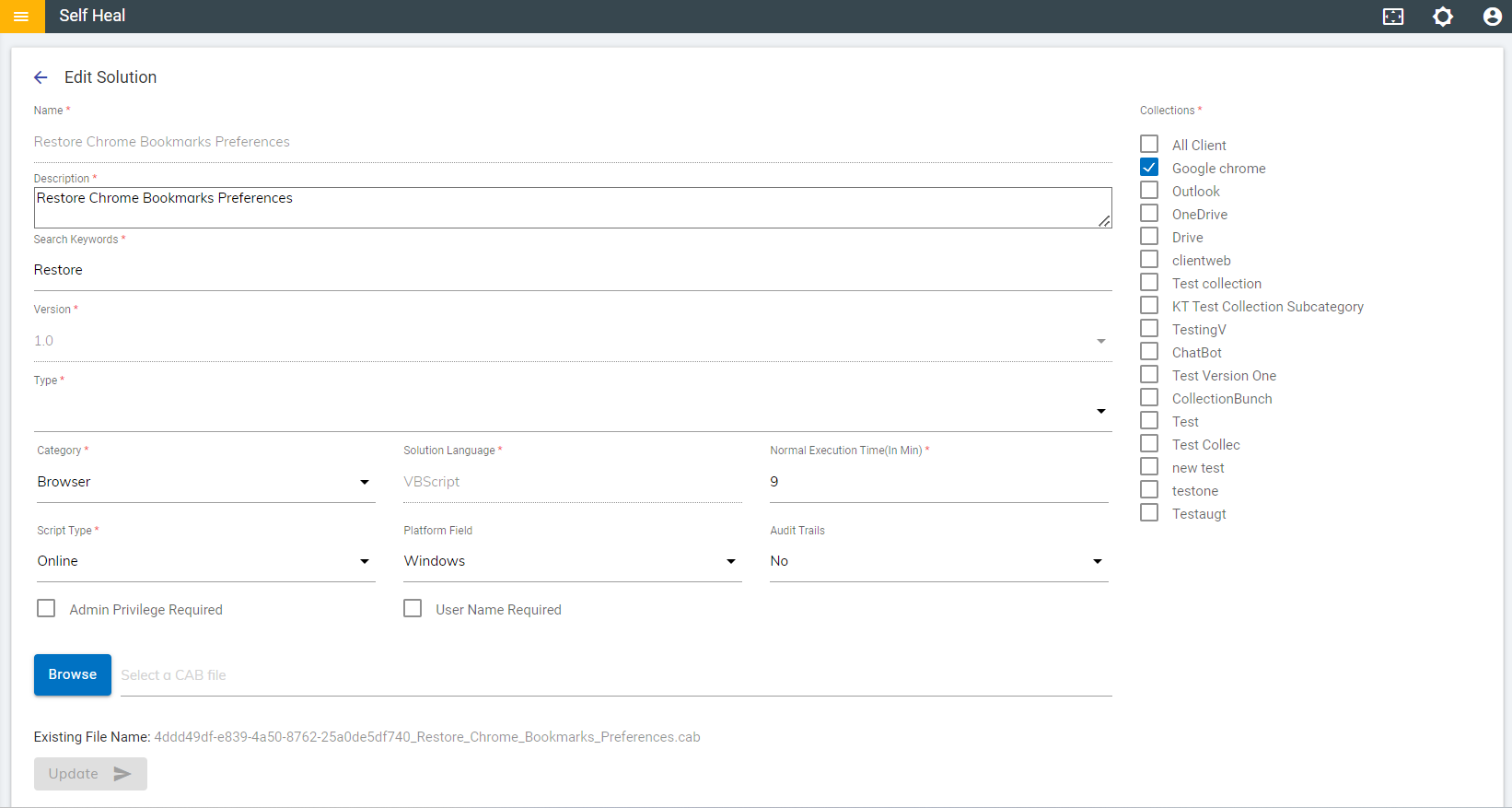
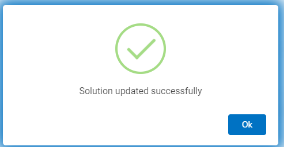
- Modify the details as required and click on Update. The details are
updated, and the following success message appears:
Figure 3. Success Message