Delete Solution
- An admin can delete a solution by using the delete icon in the Solution page.
- The admin must click the delete icon which corresponds to the solution that he
wishes to delete.
Figure 1. Solution Page %20self%20heal.png)
- A confirmation message appears to confirm the deleted action.
Figure 2. Confirmation Message 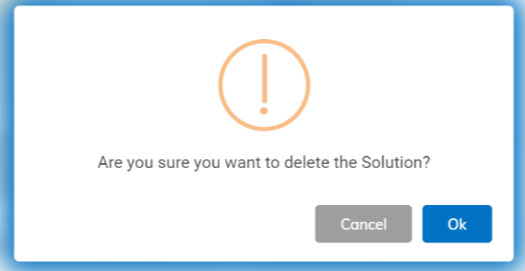
- Click Ok to delete or click Cancel to cancel the delete action. A
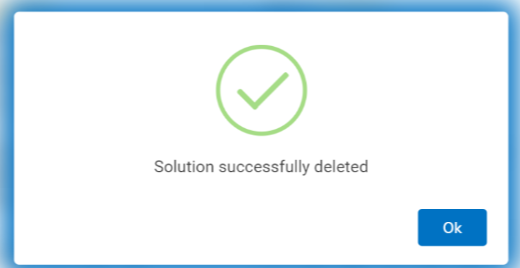
successful message appears:
Figure 3. Success Message